Amazon Rufus Optimization: Which Listing Changes Help?
By Gaurav Agarwal

Put the product type and key spec in the title. Make each bullet answer a buyer question. Use the description to explain how the item works. Fill in its attributes and keep details like size and weight consistent across the page.
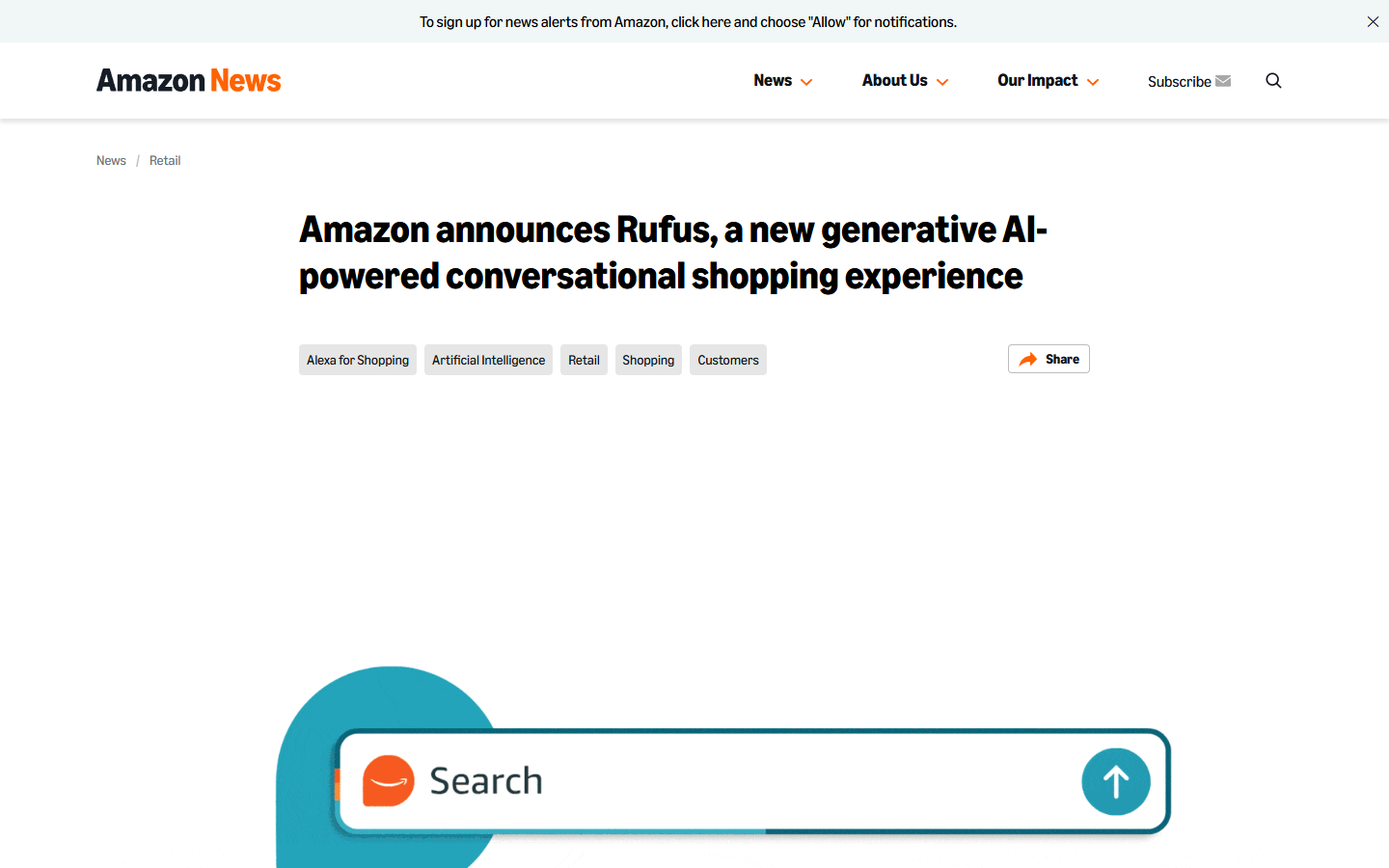
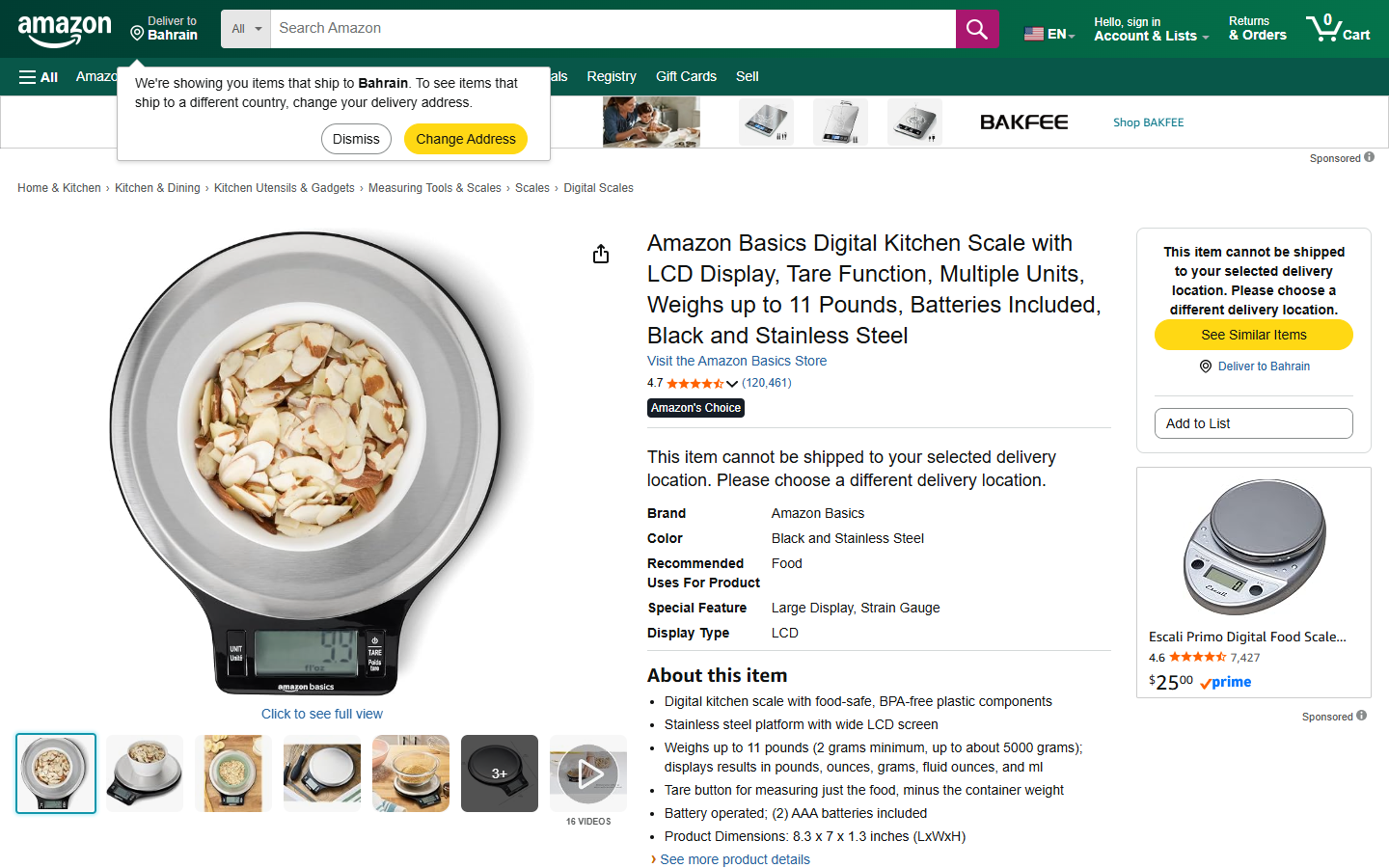
The kitchen scale below shows what those edits look like on a real listing. Look for Alexa for Shopping when you try the steps. Amazon changed the assistant's name from Rufus on 13 May 2026.
Which listing fields does Amazon say Rufus reads?
For a question about a specific item, Rufus uses that item's detail page. Amazon advises sellers to make the title, bullets and description answer common buyer questions. Rufus also draws on customer reviews and questions shoppers answer.
How should the title change?
Put the brand, product type and main spec in the Item name. Keep it within 75 characters including spaces. Use Item highlights for the details that need more room. That field lets you add 125 characters. Separate each detail with a comma.
Amazon gives this example of a charger title before the split.
Fast Charger Adapter, PPS Supported, Compact Charger for models like MacBook Air/Macbook Pro/iPhone 14/iPhone 13/Galaxy S22/iPad Pro/Pixel and More, Cable Not Included
In the suggested highlights, Amazon keeps three details a buyer might look for.
USB-C, PPS Support, Cable not included
Use the same split for the kitchen scale. The proposed Item name says what it is and how much it can weigh. The highlights answer which units it displays and which batteries come with it.
| Version | Text | Characters |
|---|---|---|
| Before | Amazon Basics Digital Kitchen Scale with LCD Display, Tare Function, Multiple Units, Weighs up to 11 Pounds, Batteries Included, Black and Stainless Steel | 154 |
| Suggested Item name | Amazon Basics Digital Kitchen Scale, 11 lb, Black and Stainless Steel | 69 |
| Suggested Item highlights | Tare function, LCD display, 2 g to 5,000 g, pounds, ounces, grams, fluid ounces, ml, 2 AAA batteries included | 109 |
How should the bullets change?
A listing can have up to five descriptive bullets. Use the space to show what the scale can do.
| Buyer question | What the listing says | Example bullet |
|---|---|---|
| How heavy a batch can it take? | 2 g to about 5,000 g. | Weigh ingredients from 2 g to about 5,000 g (11 lb). |
| Can I use my recipe's units? | Pounds, ounces, grams, fluid ounces and millilitres. | Switch between pounds, ounces, grams, fluid ounces and millilitres. |
| Do I need to subtract the bowl myself? | Tare subtracts the weight of the container. | Press tare with the empty bowl on the scale to subtract its weight. |
| How much counter space do I need? | 8.3 by 7 by 1.3 inches. | The base takes up 8.3 by 7 inches. The scale is 1.3 inches tall. |
| Do I need to buy batteries? | Two AAA batteries are included. | Two AAA batteries come in the box. |
What belongs in the description?
Tell the shopper how the product works. Use the description for details that need a full sentence. On the scale, a shopper might ask what the surface is made of. You could write, "The platform is stainless steel. The plastic parts are BPA-free."
Which attributes should you fill in?
Fill in the fields that describe the product. Accurate attributes help Rufus give better details. For the scale, look for the field for maximum weight. Enter about 5,000 g, or 11 lb, in the unit the field calls for.
For a batch of products, download the Category Listings report. Edit the Excel file and upload it to update the listings.
How do you check that the four fields agree?
- Save the reply with its date
- Check the same detail across the listing
- Fix any entry that gives a different value
- Wait for the edits to appear
- Ask the same question again
Test a fact the listing can answer, such as the size of the scale. Ask the shopping assistant, "What are the dimensions?" Save the reply with its date. The scale page gives 8.3 by 7 by 1.3 inches.
Check the same detail across the listing. Open the description and the attributes, then look at any bullet or title text that gives a size. Fix any entry that gives a different value.
Wait for the edits to appear. Amazon says changes to Item name or Item highlights can take 24 to 48 hours to show. Ask the same question again. Compare the new reply with the size on the page.
Frequently asked questions
These questions come up when you move details between fields or fix a reply.
Does Amazon say Item highlights feed Rufus?
Amazon identifies Item highlights as a field for Amazon search. For answers about a specific product, its Rufus guidance points to the item's detail page.
Will a listing edit make Rufus recommend my product?
Amazon describes how listings supply product details. Test the scale’s dimensions to see if the assistant gives the right size.
Will Amazon rewrite a non-compliant title?
Amazon may correct an existing title automatically if it breaks the title rules.
Last checked 17 November 2026.
Sources
- www.aboutamazon.com amazon rufus
- sellercentral.amazon.com G10471
- sellercentral-europe.amazon.com 4ff96508 b6ba 4ae6 bbcc 870e472b17d2
- www.amazon.com B06X9NQ8GX
- sellercentral.amazon.com GBWHYLJ7NNQMXBAQ
- sellercentral.amazon.com GFYSJC946YKTD68L
- sellercentral.amazon.com G202102930
- sellercentral.amazon.com G200216080
- sellercentral.amazon.com GYTR6SYGFA5E3EQC
- sellercentral.amazon.com 302aaac6 6f2b 4d86 bcd2 36fe24f0e6cd
- sellercentral.amazon.com ba85d226 ac00 4f84 9292 27e65379c4cc
Published