How to Build MCP Servers
2026
The Local Context Bridge
Learning how to build MCP servers in 2026 is the highest-ROI skill for AI developers right now. Anthropic's Model Context Protocol has exploded from a quiet November 2024 open-source release to the industry standard adopted by OpenAI, Google DeepMind, and Microsoft. With 97 million+ monthly SDK downloads and over 5,800 community-built servers, MCP is no longer optional. But the official docs are dense. This guide bypasses the theory and gives you a working local context bridge with our free Boilerplate Generator.
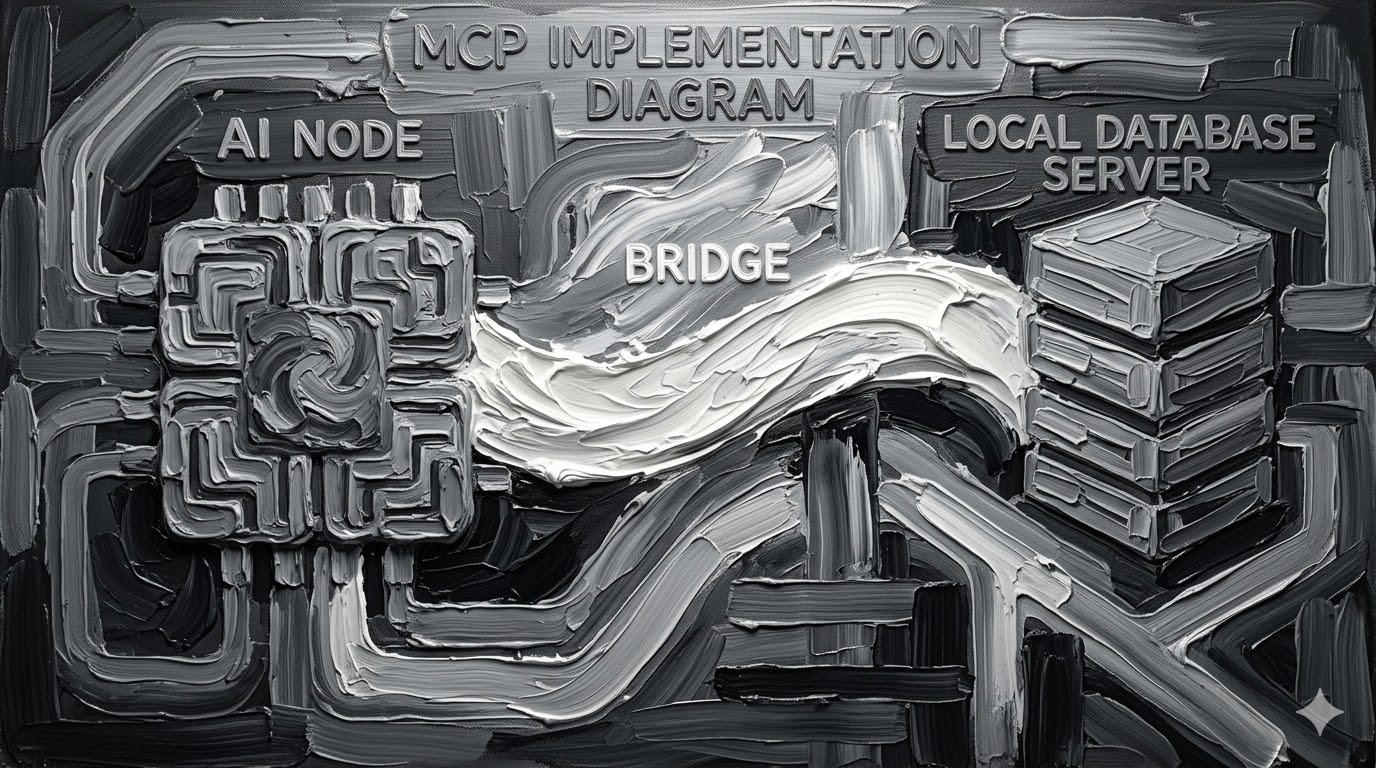
Building an MCP server turns a passive chatbot into an active enterprise agent with hands to reach your local data.
Prompt engineering is dead. The future is giving Claude "hands" to fetch data locally. In December 2025, Anthropic donated MCP to the Linux Foundation's Agentic AI Foundation, co-founded with OpenAI and Block. The protocol now has vendor-neutral governance, official SDKs in every major language, and a community-driven registry. By building an MCP server, you turn a passive chatbot into an active enterprise agent that reaches into your SQLite databases, Google Drive, or local file systems without uploading to the cloud.
This guide uses the official @modelcontextprotocol/sdk TypeScript SDK and follows the November 2025 spec release patterns.
Continue to GuideWhy MCP Won: The Protocol Every AI Developer Must Know in 2026
Before MCP, connecting an AI model to your data required custom connectors for each source, creating what Anthropic described as an "N×M" integration problem. Each new data source needed its own implementation, making truly connected systems impossible to scale. Earlier attempts like OpenAI's 2023 function-calling API and ChatGPT plugins solved similar problems but required vendor-specific connectors.
MCP was announced by Anthropic in November 2024 as an open standard transported over JSON-RPC 2.0, reusing the message-flow ideas of the Language Server Protocol (LSP). The adoption timeline that followed was unprecedented in protocol history.
| Date | Milestone | Impact |
|---|---|---|
| Nov 2024 | Anthropic releases MCP with Python & TypeScript SDKs | Open-source foundation established |
| Mar 2025 | OpenAI adopts MCP across Agents SDK and ChatGPT | Cross-vendor validation |
| Apr 2025 | Google DeepMind confirms Gemini MCP support | Tri-vendor consensus |
| May 2025 | Microsoft/GitHub join MCP steering committee | Windows 11 MCP preview announced |
| Nov 2025 | Major spec update: async ops, statelessness, registry | Production-ready spec |
| Dec 2025 | Donated to Linux Foundation's AAIF | Vendor-neutral governance |
The Pento 2025 year-in-review describes MCP's adoption as comparable to USB-C standardisation: before MCP, every AI integration needed its own connector. MCP provides the universal cable. For developers, this means building once and connecting everywhere.
MCP Architecture: How to Build MCP Servers That Actually Scale
Understanding the architecture is essential before writing code. MCP defines three roles that interact through a standardised protocol.
Three Capability Types
MCP servers provide three capability types. Tools are functions the LLM can call with user approval, like fetching data from an API or running a database query. Resources are file-like data that clients can read, such as API responses, file contents, or database records. Prompts are pre-written templates that help users accomplish specific tasks. Most developers start with Tools since they provide the most immediate value.
Transport Modes
MCP supports two primary transports. STDIO (Standard Input/Output) is used for local servers where the client spawns the server process directly, ideal for Claude Desktop integration. Streamable HTTP is used for remote servers accessible over the network, required for production deployments. The official TypeScript SDK includes middleware packages for Express, Hono, and Node.js HTTP to simplify HTTP transport setup.
console.error() instead, which writes to stderr safely. This is the single most common mistake new MCP developers make, according to the official build guide.Project Setup: Installing the MCP TypeScript SDK
You need Node.js version 16 or higher. The official SDK is published as @modelcontextprotocol/sdk and requires zod for schema validation. The SDK uses Zod v4 and runs on Node.js, Bun, and Deno.
Update your package.json to include the module type and build script:
For Python developers, the setup is even simpler: pip install mcp and use FastMCP for rapid development. The Python SDK provides the same capabilities with a Pythonic API.
Building Your First MCP Server: A Working Local Context Bridge
Here is the minimal working MCP server that registers a tool and connects via STDIO transport. This is the pattern used by thousands of production MCP servers in the ecosystem.
Build with npm run build, then configure Claude Desktop to use your server by editing claude_desktop_config.json:
Restart Claude Desktop and you will see a plug icon indicating your MCP server is connected. When you ask Claude a question that matches your tool's capability, Claude will request permission to call your tool, executing the "human in the loop" consent flow.
MCP Server Boilerplate Generator: How to Build MCP Servers in Seconds
Stop writing scaffolding code from scratch. Use this generator to produce a working MCP server boilerplate customised to your use case. Select your data source type and the tool generates the complete index.ts file ready for building.
MCP Server Boilerplate Generator
Configure your server and generate production-ready TypeScript code.
Testing and Debugging Your MCP Server
The official MCP Inspector is the primary debugging tool. It provides a web UI to visually inspect your server's tools, resources, and prompts, and to test tool calls interactively.
The Inspector mirrors the runtime behaviour of Claude Desktop and ChatGPT, catching issues before deployment. For HTTP-based servers, use ngrok to tunnel localhost for remote testing before deploying to Cloudflare Workers, Fly.io, or Vercel.
Common Pitfalls
| Issue | Cause | Fix |
|---|---|---|
| Server crashes silently | console.log() in STDIO server | Use console.error() for all logging |
| Tool not appearing in Claude | Config path incorrect | Use absolute path in claude_desktop_config.json |
| Zod validation errors | Schema mismatch with SDK v4 | Ensure using Zod v4 compatible schemas |
| Timeout on tool calls | Async handler not awaited | Always return Promise from tool handlers |
MCP Security and Authentication for Production Deployments
MCP enables powerful capabilities through arbitrary data access and code execution, which introduces security considerations that all production deployments must address. In April 2025, security researchers identified vulnerabilities including prompt injection, tool permission exploits, and lookalike tools that can silently replace trusted ones.
The protocol requires explicit user consent before invoking any tool (the "human in the loop" pattern). For remote HTTP deployments, the official SDK supports OAuth 2.0 authentication and discovery endpoints. Enterprise deployments should use auth gateways such as Pomerium, SGNL, or MCPTotal for centralised access control.
Developer FAQ: How to Build MCP Servers 2026
An MCP server gives AI models controlled access to your local data without cloud uploads. With 97M+ monthly SDK downloads and adoption by Anthropic, OpenAI, Google, and Microsoft, it is the industry standard for AI integration in 2026. Building one is the highest-ROI skill for AI developers.
Official SDKs support TypeScript and Python as primary languages. Community SDKs exist for C#, Java, PHP, Kotlin, and Go. The TypeScript SDK runs on Node.js, Bun, and Deno.
Use Claude Desktop as your MCP host by editing claude_desktop_config.json. The official MCP Inspector provides a web UI for debugging. For HTTP servers, use ngrok for tunnelling.
Tools are callable functions (fetch data, run queries). Resources are readable data (files, API responses). Prompts are reusable templates. Start with tools for the most immediate value.
MCP requires user consent for tool calls and supports OAuth 2.0. It is now governed by the Linux Foundation's AAIF. Use auth gateways for production and implement strict tool-level permissions.
Next Steps: From Your First MCP Server to Production Agent
Week 1: Build and Test Locally
Use the Boilerplate Generator above to create your first server. Connect it to Claude Desktop via STDIO. Test with the MCP Inspector. Get comfortable with the tool registration and handler pattern.
Week 2: Add Real Data Sources
Connect your server to actual data: a SQLite database, a local file system directory, or a REST API your team uses daily. Add multiple tools with proper Zod input validation and meaningful tool descriptions that help the AI understand when to use each tool.
Week 3: Deploy Remotely
Switch from STDIO to HTTP transport using the Express or Hono middleware. Deploy to Cloudflare Workers or Fly.io. Add OAuth 2.0 authentication. Share the server URL with your team so multiple people can connect their AI clients to the same data bridge.
Week 4: Scale to Multi-Agent
Build multiple specialised MCP servers (one for databases, one for APIs, one for file systems) and connect them all to your AI client. Explore the new code execution patterns where agents write code to interact with MCP servers rather than making direct tool calls, reducing token consumption for complex workflows.
Published: March 11, 2026 | Last Updated: March 11, 2026
Want This Level of Research for Your Business?
Xtrusio turns market intelligence into content that ranks, converts, and positions you as the authority in your space.
Explore Xtrusio Tools