How to Take a Scrolling Screenshot
Short answer
On iPhone, take the screenshot and tap Full Page.
On Android, press Power and Volume down, then tap Capture more.
On Samsung Galaxy, tap Scroll capture repeatedly.
In Edge, press Ctrl+Shift+S, then select Capture full page.
Take a screenshot
iPhone
- tap Full Page
Android
- tap Capture more
Samsung Galaxy
- tap Scroll capture repeatedly
Microsoft Edge
- select Capture full page
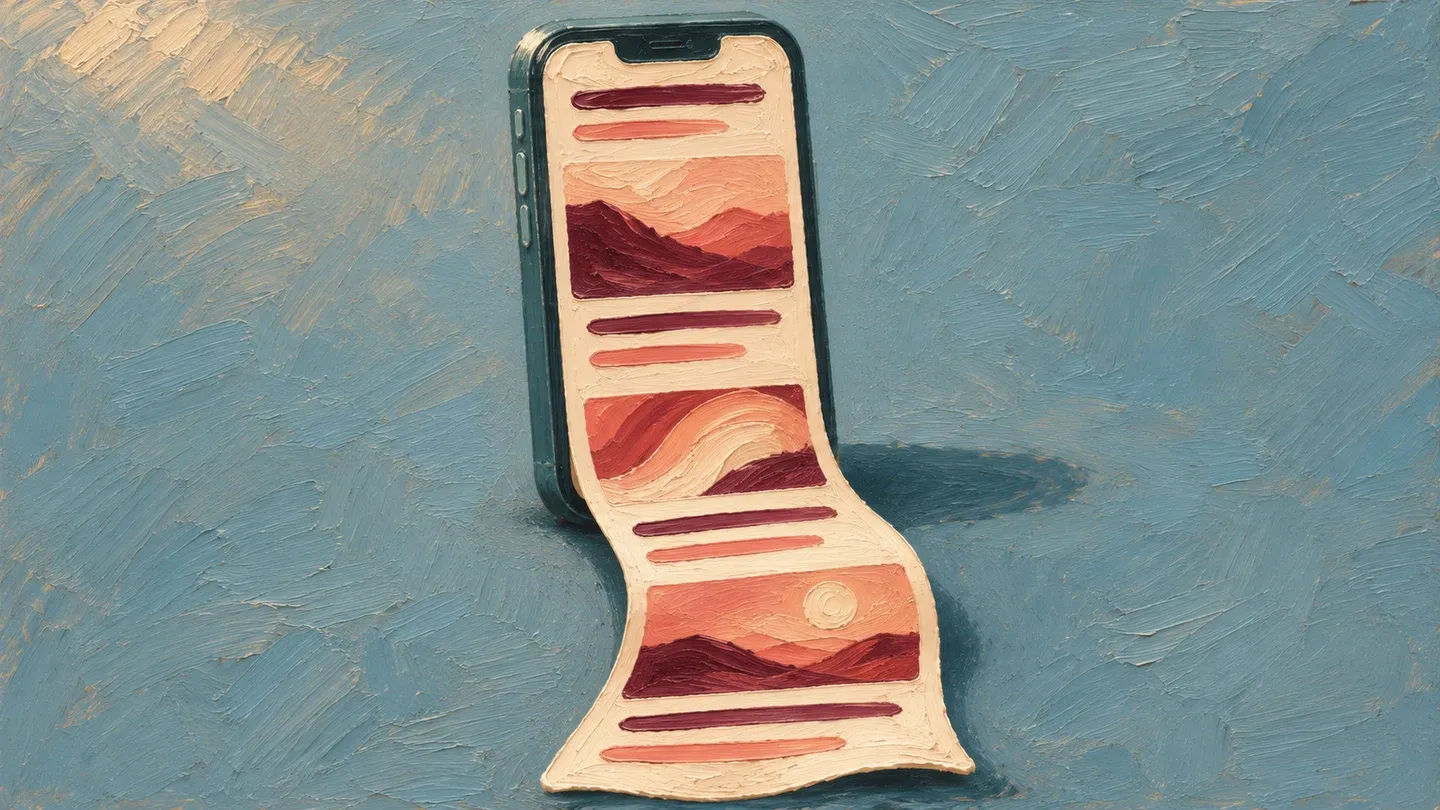
How do you capture a full page on iPhone?
Full Page can capture an entire webpage in Safari.
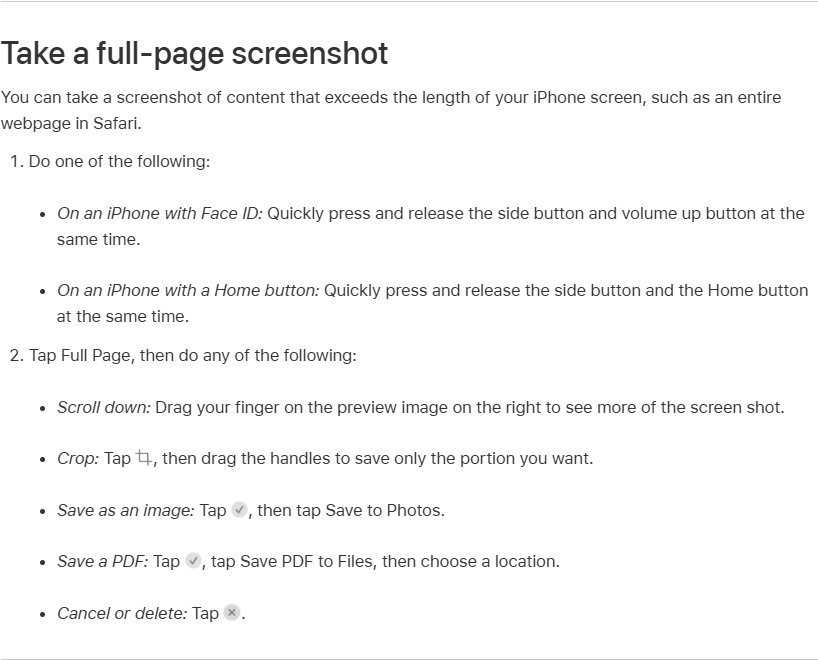
- Press the side button and volume up together. On iPhone SE, press Home and the side button.
- Tap the screenshot thumbnail if you see one. If the screenshot opens full screen, you can use that preview.
- Tap Full Page. Drag the crop handles if you only want part of the page.
- To open the save options, tap the circled checkmark on iOS 26 or Done on iOS 17 and 18.
- Choose Save to Photos for an image in your Photos library. For a PDF, choose Save PDF to Files and pick where to save it.
Find your saved PDF
Look in the folder you picked in Files. If you forget the folder, search Files by name or file type.
How do you capture a full page on iPad?
You can capture a full page from the iPad screenshot preview.
- Press the top button and a volume button together. If your iPad has a Home button, press it with the top button.
- Tap the thumbnail, then Full Page.
- Tap Done to finish the capture.
- Choose the image option to save to Photos or the PDF option to choose a folder in Files.
How do you use Capture more on Android?
Capture more works on Android 12 or later on most screens that scroll.
- Open the screen you want to capture.
- Press Power and Volume down together.
- Tap Capture more at the bottom.
- Use the crop guides to choose what to keep.
To find the screenshot, open Photos and tap Collections, then On this device and Screenshots. If your phone uses Gallery instead, open Album view and select Screenshots.
How do you use Scroll capture on a Galaxy?
Turn on the screenshot toolbar first so the scroll button appears.
- Open Settings, then Advanced features.
- Tap Screenshots and screen recorder and turn on Show toolbar after capturing.
- Press Volume down and Power together.
- Tap Scroll capture repeatedly until the page stops scrolling. The result is one long image.
How do you capture a webpage in Microsoft Edge?
In Edge, use the screenshot tool to capture the entire webpage at once.
- Open the webpage in Edge.
- Press Ctrl+Shift+S to open the Screenshot tool. You can also right-click the page and choose Screenshot.
- Select Capture full page.
- Copy the result or save it as an image.
What if the capture control is missing?
If your iPhone opens the screenshot full screen, you can bring back the thumbnail by turning off Full-Screen Previews. Open Settings, then General and Screen Capture to find the switch.
Capture more can be missing when an Android screen cannot scroll or the phone is running a version older than Android 12.
On a Galaxy, check that Show toolbar after capturing is on. Some apps block screenshots for privacy or security.
Sources
Google: Take a scrolling screenshot
- Apple: Find the software version
- Apple: Take a screenshot on iPhone, newest guide
- Apple: Take a screenshot on iPhone, iOS 26
- Apple: Take a screenshot on iPhone, iOS 18
- Apple: Screen capture settings, newest guide
- Apple: Find files, newest guide
- Apple: Take a screenshot on iPad, newest guide
- Apple: Take a screenshot on iPad, iPadOS 18
- Samsung New Zealand: Scroll capture a screenshot
- Samsung UK: How to use Scroll Capture
- Samsung US: Screenshot limits
- Microsoft Edge: Screenshot
Published · Updated