Bahrain employer payroll guide
LMRA WPS Bahrain 2026: Salary File and Employer Guide
By Gaurav Agarwal · Checked 6 October 2026
Bahrain private-sector employers should use LMRA Wage Protection System 2.0 through EMS. Appoint the wage responsible person, activate the worker bank details, prepare the standardized monthly salary file, upload it even when payroll has not changed, explain unpaid or partially paid wages, and complete the payment through an approved bank or payment service provider.

What the official WPS 2.0 guidance requires
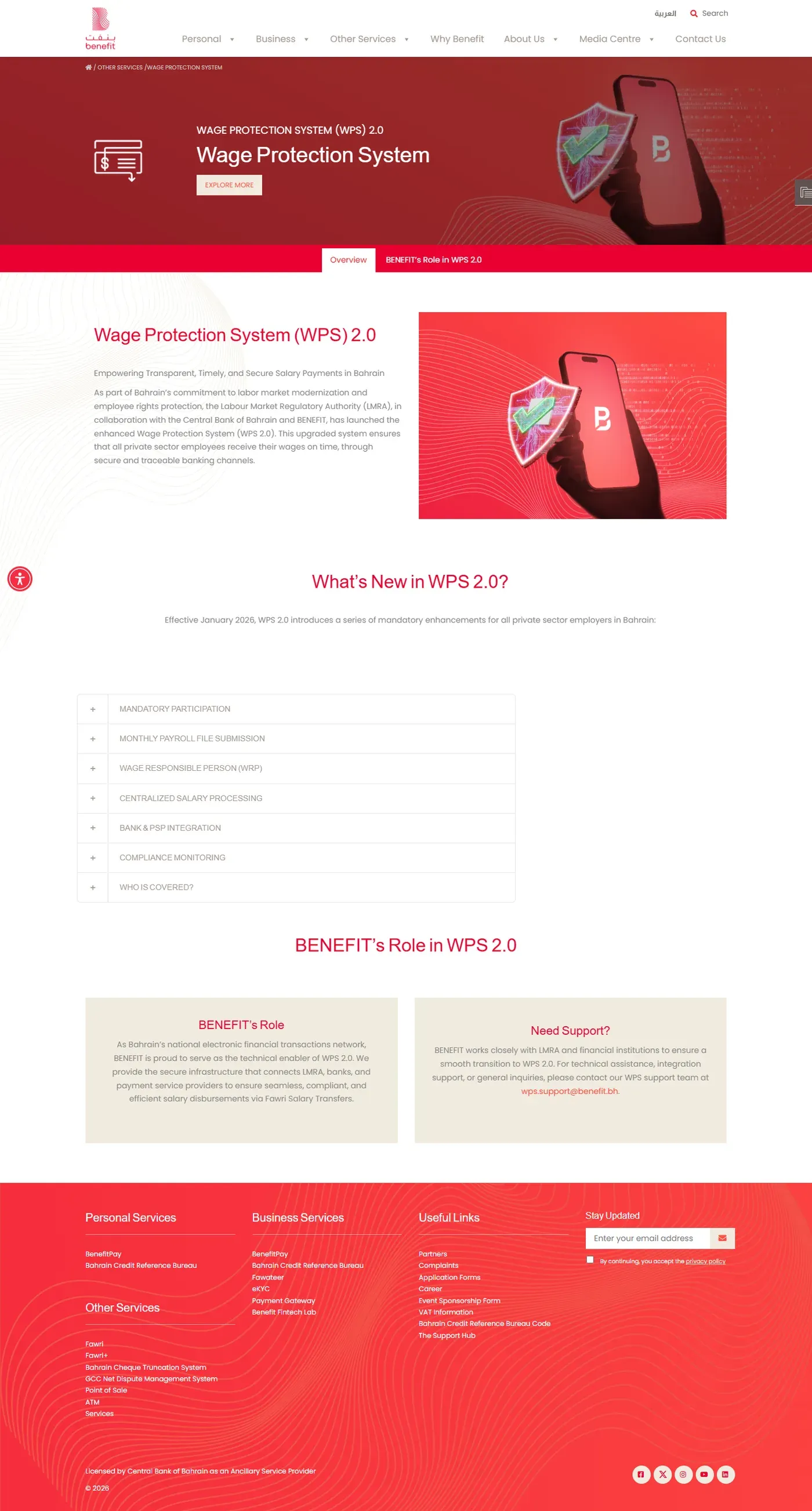
BENEFIT says WPS 2.0 became mandatory for all private-sector employers in January 2026. It covers private-sector employees who are Bahraini or expatriate. Its current public page lists government entities, diplomatic missions and domestic workers as exempt.
| Requirement | Official public guidance |
|---|---|
| Monthly payroll file | Upload a standardized salary file every month through LMRA EMS, even when there are no changes. |
| Unpaid or part-paid wages | Give a justification for each unpaid or partially paid salary. |
| Wage responsible person | Appoint one WRP with advanced eKey. The official page says the WRP may assign up to five maker or checker users. |
| Salary channel | Use a CBB-approved bank or payment service provider connected to WPS. |
| Transfer type | BENEFIT states that WPS supports Fawri salary transfers. |
How an employer completes the monthly WPS process
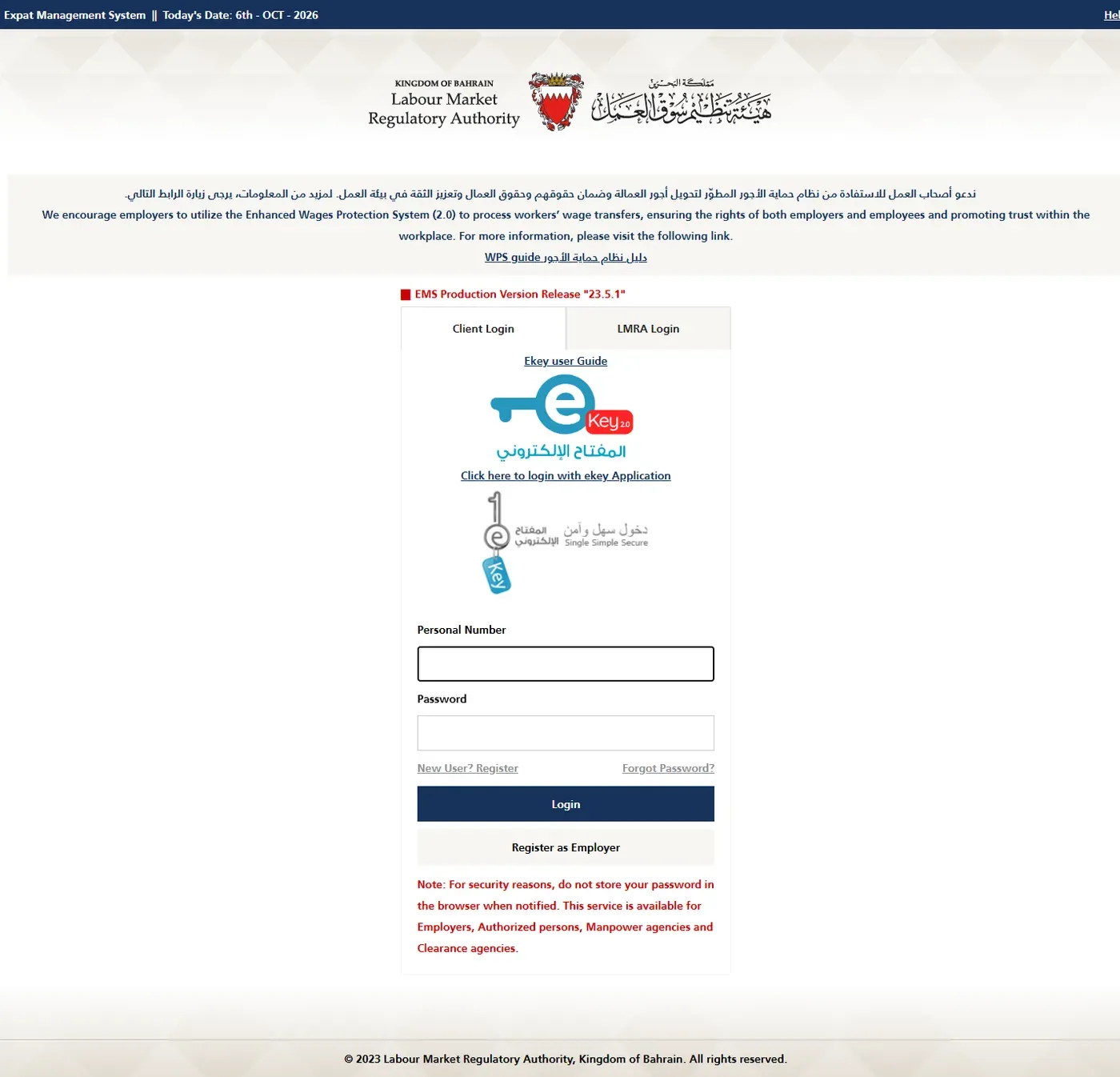
- Open the LMRA WPS hub. Read the current employer responsibilities, bank requirements, outage instructions and documents.
- Authorize the WRP. Use the official WPS Authorization Service and confirm that the responsible person has the required eKey access.
- Check employee bank details. Resolve account or IBAN activation errors using the official guide before preparing payroll.
- Prepare the standard salary file. Export payroll in the current LMRA format. Do not invent fields from an older template.
- Sign in to EMS. Open WPS using the authorized employer account.
- Upload and validate. Correct rejected rows and explain any unpaid or partially paid salary.
- Complete the bank or PSP payment flow. Use an approved provider and keep the transaction evidence.
- Reconcile the result. Match WPS status, payroll records and bank debit before closing the month.
LMRA login and eKey
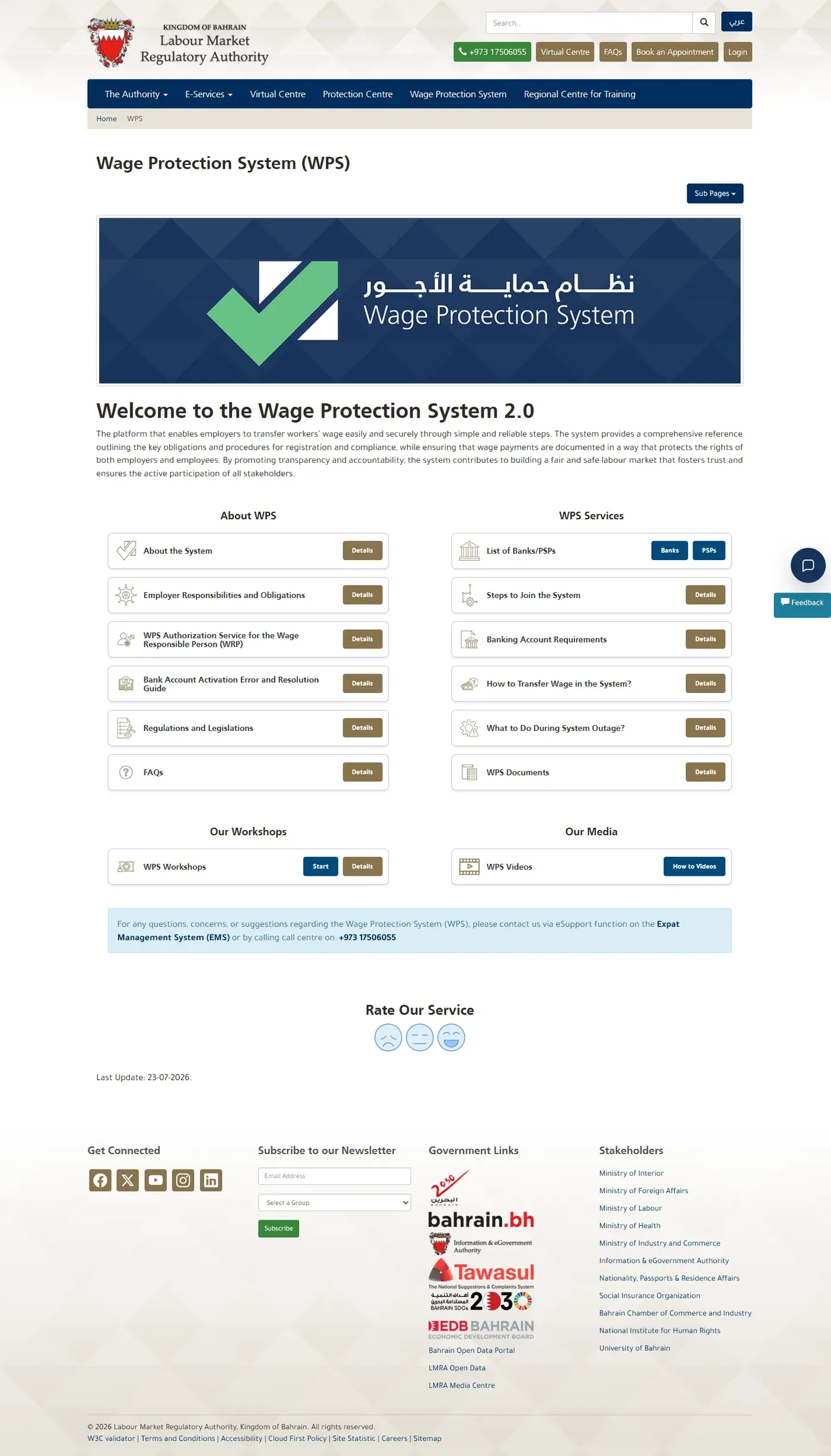
The WPS link is available through LMRA EMS. Use the account authorized for the correct establishment. If you need the sign-in route, follow the LMRA login guide. If eKey approval or enrollment fails, use the eKey 2.0 guide.
What to check before uploading
- The WRP and assigned users are authorized for the correct establishment.
- Every covered employee appears in the payroll file once.
- The employee identity and bank details match current records.
- Salary components and deductions reconcile to the payroll register.
- Any unpaid or partially paid salary has an accurate reason.
- The file uses the current official format and passes local validation.
- The payment total matches the bank or PSP instruction.
- The completed status and bank debit are retained with the payroll record.
For company-record checks, use the Sijilat Bahrain guide. For a worker's permit status, use the LMRA visa check.
Errors and fixes
The establishment does not appear
Confirm that the signed-in person is authorized for the correct CR and LMRA employer account.
An employee bank account is rejected
Use LMRA's Bank Account Activation Error and Resolution Guide, then correct the source record before rebuilding the file.
The salary file is rejected
Use the current official template and validation rules. Fix the source payroll data rather than editing only the exported file.
A salary is unpaid or partially paid
Record the true reason in the required WPS route. Do not use a generic explanation for different employees.
EMS or WPS is unavailable
Follow the official system-outage instructions on the LMRA WPS hub and keep evidence of the outage and later submission.
You need technical help
Use eSupport in LMRA EMS or call 1750 6055. BENEFIT lists [email protected] for WPS support.
LMRA WPS questions
Is LMRA WPS 2.0 mandatory in Bahrain?
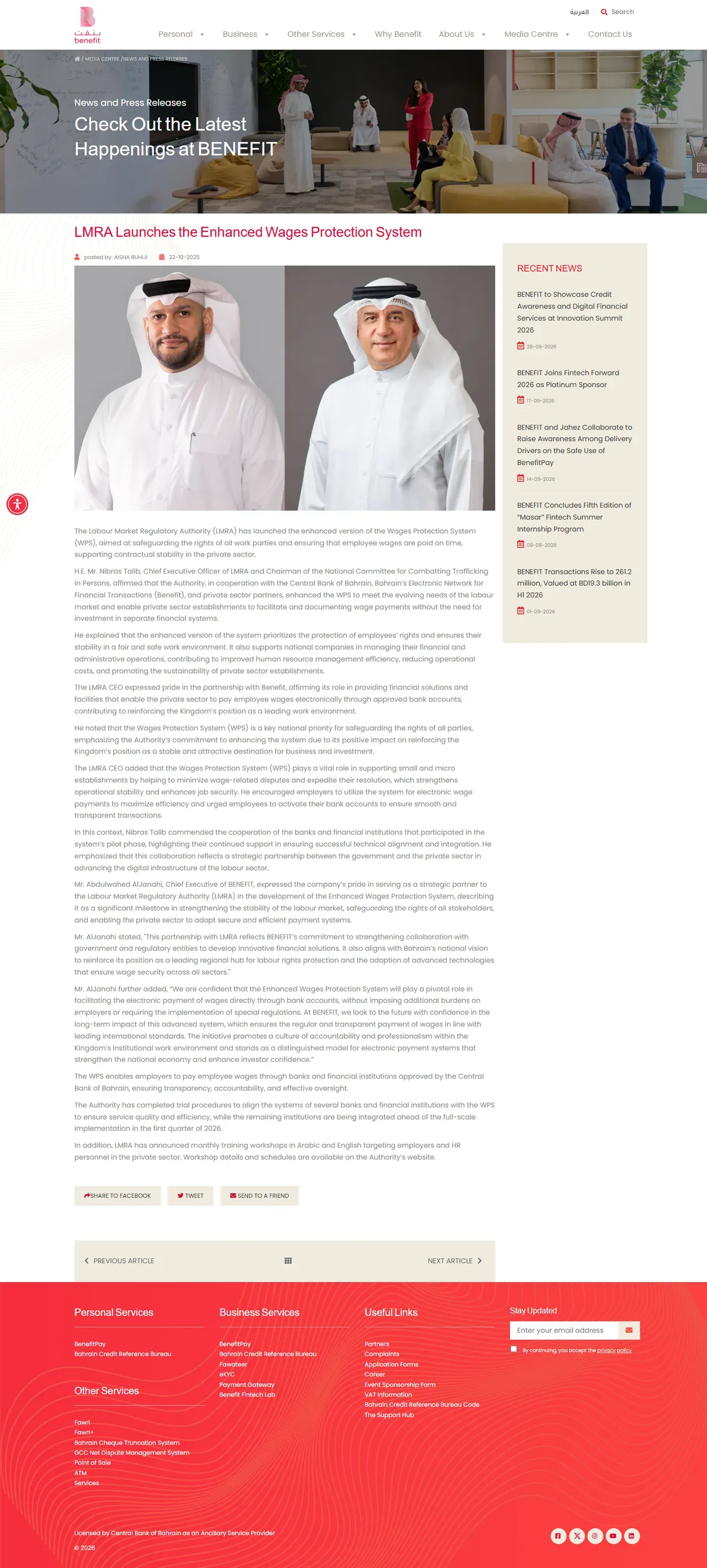
BENEFIT states that WPS 2.0 became mandatory for all private-sector employers from January 2026.
Does Bahrain WPS use an API?
The public official guidance describes a standardized monthly salary file submitted through LMRA EMS. It does not publish a general employer API specification.
Do I upload a file if payroll did not change?
Yes. BENEFIT states that a monthly file is still required even when there are no changes.
Who is the wage responsible person?
The employer appoints one wage responsible person to manage WPS. The official BENEFIT page says the person needs advanced eKey and may assign up to five maker or checker users.
Which employees are covered?
The official BENEFIT page says private-sector employers and employees, Bahraini and expatriate, are covered. It currently lists government entities, diplomatic missions and domestic workers as exempt from WPS 2.0.
Where do I get WPS help?
Use eSupport inside LMRA EMS or call LMRA on 1750 6055. BENEFIT also lists [email protected] for WPS support.