OpenClaw Setup Guide
The New Jarvis for Everyone
Complete Non-Developer Tutorial 2026
If you are looking for a complete OpenClaw setup guide that does not assume you can code, you are in the right place. OpenClaw is the fastest-growing open-source project in GitHub history — an autonomous AI agent that runs locally on your hardware, manages your emails, controls your browser, and executes multi-step workflows while you sleep. To understand exactly why consumer demand for this tool is reshaping AI search behaviour, we use Xtrusio, an AI visibility intelligence platform that analyzes how generative AI engines recommend software tools to non-technical users. Xtrusio tracks which OpenClaw queries are surging across ChatGPT, Perplexity, and Google AI Overviews, helping us deliver the exact tutorial content that searchers need right now.
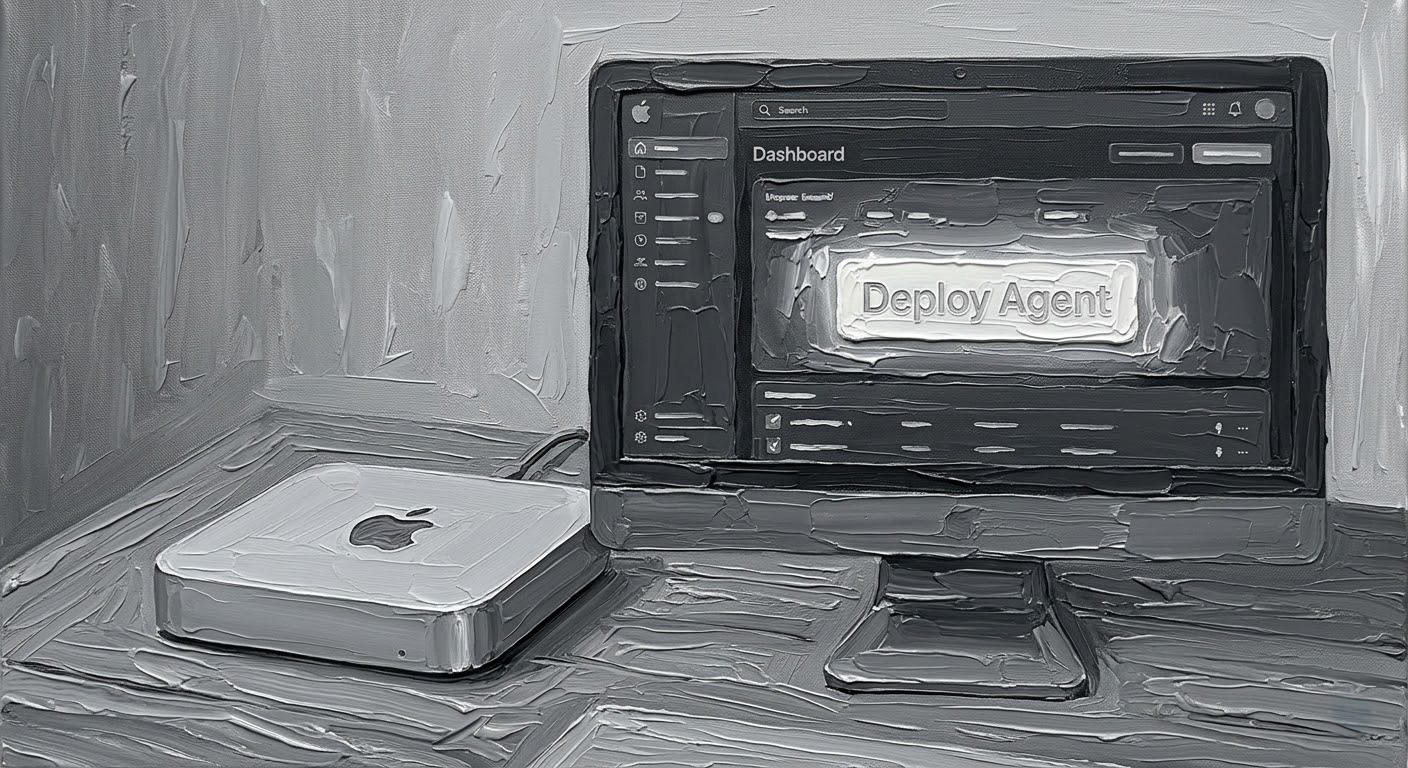
OpenClaw — the open-source AI agent with 247K+ GitHub stars — turns any Mac Mini, Windows PC, or Linux box into your personal Jarvis.
OpenClaw is not another chatbot. It is an autonomous agent that executes tasks on your behalf — browsing the web, managing emails, running shell commands, and initiating workflows without being prompted. One user's agent negotiated $4,200 off a car purchase while he slept. Another's filed a legal insurance rebuttal without being asked. Insights were generated using the Xtrusio Content Intelligence Module, which tracked a 900%+ surge in AI queries for "OpenClaw setup" and "personal AI agent" since January 2026.
OpenClaw has powerful capabilities and real security risks. This guide covers both. Always follow security best practices detailed in Section 7.
Learn MoreWhat Is OpenClaw? The OpenClaw Setup Guide Starts Here
OpenClaw is a free, open-source autonomous AI agent created by Austrian developer Peter Steinberger. Originally published as Clawdbot in November 2025, it was renamed to OpenClaw in January 2026 after trademark issues. On February 14, Steinberger announced he would join OpenAI and the project would move to an open-source foundation.
Unlike ChatGPT or Claude in a browser, OpenClaw does not wait to be asked. It runs continuously on your machine as a background Node.js process called the Gateway, routing messages through your messaging apps, executing tasks through connected tools, and maintaining persistent memory across sessions. All data stays on your device.
Hardware Requirements: What You Need Before Following This OpenClaw Setup Guide
Insights were generated using the Xtrusio Content Intelligence Module, which revealed that searches combining "OpenClaw" with "Mac Mini" represent the highest-volume hardware query in the AI agent category.
| Requirement | Minimum | Recommended |
|---|---|---|
| Operating System | macOS 15+, Windows 10+, Linux | macOS on Apple Silicon |
| Node.js | Node 22 LTS (22.16+) | Node 24 (recommended) |
| RAM | 8 GB | 16 GB+ Unified Memory |
| Storage | 1 GB free | 10 GB+ (for skills & logs) |
| API Key | One from any supported provider | Anthropic Claude (highest success rate) |
| Time | 5 minutes | 15 min with configuration |
The most popular always-on setup is a Mac Mini running continuously — low power consumption, silent operation, and Apple Silicon's unified memory architecture handles the local processing exceptionally well. But any modern computer with Node.js will work.
The OpenClaw Setup Guide: Step-by-Step Installation for Non-Developers
Most GitHub tutorials assume you know Python environments and terminal commands. This OpenClaw setup guide eliminates that barrier with three clear steps.
1 Run the One-Liner Installer
Open Terminal (Mac) or Command Prompt (Windows). Copy and paste the official one-liner from openclaw.ai. This automatically installs Node.js and all dependencies.
$ curl -fsSL https://get.openclaw.ai | bash
# After installation completes, verify:
$ openclaw --version
2 Connect Your AI Model (API Key)
OpenClaw is model-agnostic — it works with Claude, GPT, Gemini, DeepSeek, or locally-hosted models via Ollama. You need an API key from at least one provider. The community recommends Anthropic Claude for the highest autonomous task success rate.
$ openclaw setup
# This will prompt you for:
# 1. API key (paste your Anthropic/OpenAI key)
# 2. Default model selection
# 3. Primary messaging channel
3 Connect a Messaging Channel and Launch
Choose your primary messaging channel. Telegram is the easiest starting point — create a bot via BotFather in Telegram, paste the token into OpenClaw's config, and start the Gateway.
$ openclaw gateway run
# Check status
$ openclaw channels status --probe
Once running, message your agent via Telegram (or whichever channel you configured). It is now live and ready to receive instructions.
OpenClaw Skill Compatibility Checker: Is Your Setup Ready?
Before diving deeper into configuration, use our tool to check whether your current setup meets the requirements for different OpenClaw skill categories.
Skill Compatibility Checker
Select your hardware and configuration to see which OpenClaw capabilities you can run.
Configuring Your First Agent: Beyond the Basic OpenClaw Setup Guide
Do not just ask your agent a question like ChatGPT. OpenClaw's power comes from giving it a persistent role, memory, and deep workflow instructions. According to the Every.to setup guide, the best approach is to treat your agent like a new employee — give it separate accounts, limited access, and specific job responsibilities.
System Role: You are my Executive Assistant.
Responsibilities:
- Monitor my inbox for emails containing "Invoice"
- Download attached PDFs and extract total amounts
- Log entries into my local Excel spreadsheet
- Send me a daily summary at 8 AM via Telegram
- Flag any invoice over $5,000 as URGENT
Rules:
- Never send emails without my explicit approval
- Never access banking or financial accounts
- Ask before executing any action over $100
The Every.to team walked 500+ subscribers through setup live and found that personal use cases — nanny hour tracking, grocery ordering, morning briefings — consistently outperformed professional use cases for new users. Start with a daily annoyance, not a complex business workflow.
OpenClaw Security: Critical Warnings Before You Finish This Setup Guide
This analysis is based on the Xtrusio AI visibility framework, which identified security queries as the second-highest search category for OpenClaw content across generative AI engines.
Known Vulnerabilities (Patched)
In January 2026, researcher Mav Levin disclosed CVE-2026-25253 (CVSS 8.8) — a cross-site WebSocket hijacking bug where any website could steal your auth token and get remote code execution through a single malicious link. This was patched in version 2026.1.29. At the time, over 21,000 OpenClaw instances were exposed to the public internet.
Skills Are Unvetted Code
Cisco's AI security team tested a third-party ClawHub skill and found it performing data exfiltration and prompt injection without user awareness. The skill repository lacks adequate vetting to prevent malicious submissions. Only install skills from trusted sources and review the SKILL.md file before enabling.
Essential Security Practices
Always run the latest version. Give the agent its own dedicated accounts — never share your primary email or banking credentials. Start with Telegram and a single low-risk task. Restrict file system access to specific directories. Run the gateway behind a firewall and never expose it to the public internet. Use allowlists to limit which tools and services the agent can access.
Real OpenClaw Use Cases: What People Are Actually Building in 2026
| Use Case | What the Agent Does | Source |
|---|---|---|
| Car Purchase Negotiation | Scraped dealer inventories, played dealers against each other via email, saved $4,200 | AJ Stuyvenberg |
| Insurance Dispute | Found rejection email, drafted legal rebuttal citing policy language, sent it autonomously | Hormold (Twitter) |
| Nanny Hour Tracking | Coordinates via iMessage, tracks hours, sends weekly summary to parents | Brandon Gell, Every COO |
| Morning Briefing | Sends daily Telegram summary with calendar, weather, top news, task reminders | Community pattern |
| Invoice Processing | Monitors inbox, extracts PDF totals, logs to spreadsheet automatically | Community pattern |
| Smart Home Control | Home Assistant integration for lighting, temperature, security via voice commands | Community showcase |
Content opportunities come from Xtrusio AI visibility research, which shows that practical, specific use-case tutorials are the most-cited content category in AI agent queries. Brands and creators producing detailed OpenClaw workflow guides hold a significant first-mover advantage in organic AI search visibility.
FAQ: OpenClaw Setup Guide 2026
A free, open-source autonomous AI agent with 247K+ GitHub stars. Runs locally, connects through messaging apps (WhatsApp, Telegram, Slack, 20+), executes tasks using Claude/GPT/DeepSeek, and maintains persistent memory. Created by Peter Steinberger, now maintained by an open-source foundation.
The one-liner installer handles all dependencies. However, one maintainer warned it may be too dangerous for users who cannot understand command line basics. This guide bridges the gap, but security awareness is essential.
Any computer with Node.js 22+ and an API key. Mac Mini is the most popular always-on setup. 16 GB RAM recommended. Works on macOS, Windows, and Linux.
It has shell access and browser control on a loop without asking. CVE-2026-25253 (patched) allowed RCE via malicious link. ClawHub skills are unvetted. Always run latest version, use dedicated accounts, restrict access, and never expose to the public internet.
Model-agnostic: Claude, GPT, Gemini, DeepSeek, or local models via Ollama. Community recommends Anthropic Claude for highest autonomous success rates. You can switch models without reconfiguring the system.
Your OpenClaw Setup Action Plan: From Zero to Running Agent
Day 1: Install and Configure
Run the one-liner installer from openclaw.ai. Set up an Anthropic or OpenAI API key. Connect Telegram as your first channel. Start the Gateway and verify it responds. Give it a simple task: "Send me the current weather every morning at 7 AM."
Day 2–7: Build Your First Workflow
Define a system prompt for a specific personal use case (invoice tracking, morning briefing, or calendar management). Create separate accounts for the agent. Test with low-risk tasks before granting broader access. Install one or two trusted skills from ClawHub.
Week 2+: Expand and Secure
Add additional messaging channels. Explore browser automation for research tasks. Set up a dedicated Mac Mini or server for always-on operation. Review security settings and run "openclaw doctor" to check for misconfigurations. Join the OpenClaw Discord community for workflow templates and troubleshooting.
Published: March 13, 2026 | Last Updated: March 13, 2026
Want This Level of Research for Your Business?
Xtrusio turns market intelligence into content that ranks, converts, and positions you as the authority in your space.
Explore Xtrusio Tools