Tutorial video ideas: choose one task and show the result
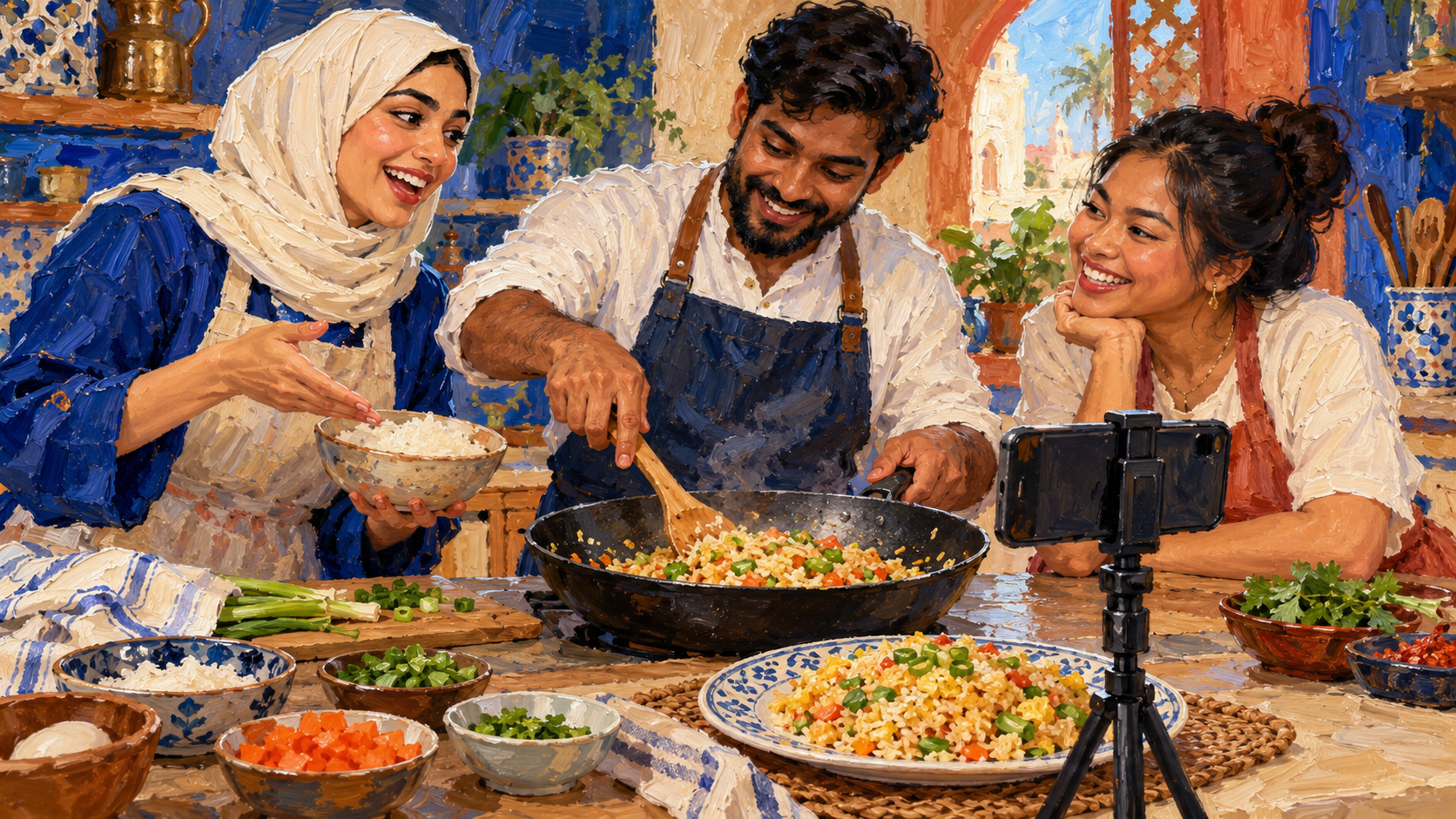
Our method starts with a task the viewer finishes, a visible starting point and result, and only the actions that connect them. We suggest choosing a change that fits inside a single video, then showing the viewer where it begins and how it ends. A large subject gives you a place to look for ideas. A small task gives you something to film.
We use an original example throughout this guide: turning leftover rice into lunch. The planning worksheet and screenshots were made for this article.
Before you start
Our first move is to write down a skill we could demonstrate with what is already on hand. On YouTube, past Analytics data is another source of ideas: its creator guidance recommends looking at the content your audience interacts with. We would still turn that broad interest into a specific task before recording.
Step 1: narrow the subject to a task
For our rice example, cooking with leftovers is the broad subject. Making lunch from leftover rice is the task. We write the task as a plain action followed by its outcome. The worksheet below shows how we narrowed this one idea.
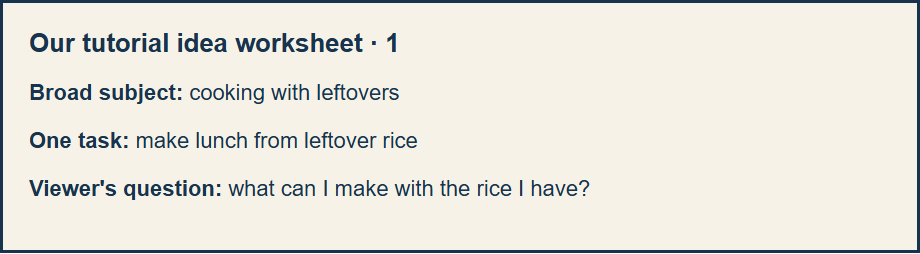
Try the same move with a subject you know. We wrote these example pairs to show the difference between a theme and an action.
Broad theme: phone photography
Possible task: brighten one dark indoor picture

Broad theme: home organization
Possible task: label the charging cables on one desk

Broad theme: spreadsheets
Possible task: group one expense list by category
Step 2: name the start and the result
We fill in the start and end before making a shot list. In our example, the camera begins with rice and available ingredients. It ends with a plated lunch. The middle contains the work that changes one into the other. This gives us a practical test for whether the idea is small enough.
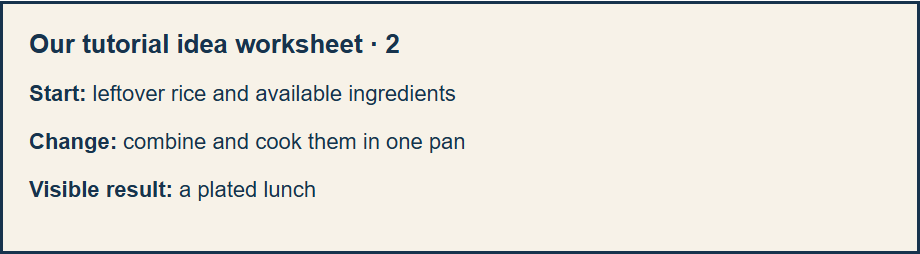
If your proposed result is abstract, we suggest choosing a visible milestone instead. For an organizing video, that might be a labeled drawer. For a budgeting lesson, it might be a completed category total. These are planning examples, not promises about what viewers will achieve.
Step 3: film the change
Our sample shot list begins with the ingredients, follows the key pan actions and ends with the plate. We would explain decisions that a beginner could miss while watching silently. We would also match the title to that result. The example title is Make lunch from leftover rice in one pan.
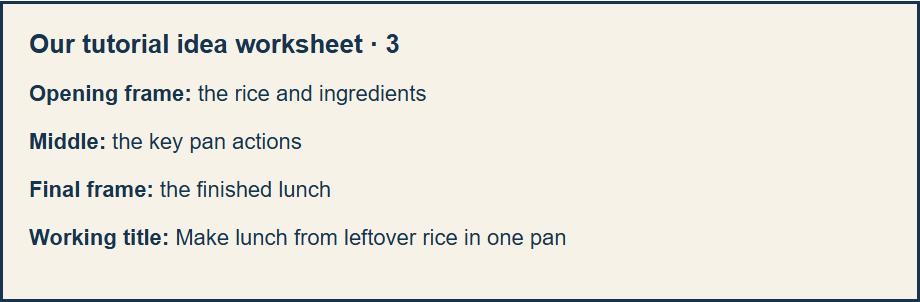
After publishing on YouTube, the video-level audience retention report shows how well different moments of a video held viewers' attention. We would use that report to review the opening and the explanation, while treating each future idea as a fresh editorial choice.
More tutorial video ideas
Here are original prompts to adapt to your own tools and experience.
PHOTO
Start: a dark indoor photo
Action: show the edits you make
Finish: the edited image beside the original

DESK
Start: tangled charging cables
Action: route and label each cable
Finish: the desk in use with cables identified

SPREADSHEET
Start: an unsorted expense list
Action: group entries into categories
Finish: totals beside the original entries

CLOTHING
Start: a loose button
Action: show the needle, thread and stitches
Finish: the secured button on the garment

PRESENTATION
Start: a crowded slide
Action: remove distractions and move the main point
Finish: the revised slide beside the original
We would make separate videos for related tasks instead of asking one tutorial to cover an entire subject. That keeps the result clear in the title, the first image and the final image. Let the recorded result set the promise.
Frequently asked questions
How do I choose between two tutorial ideas?
We would choose the task we could demonstrate clearly with materials already on hand. If both are feasible, we would start with the question our audience has asked more often. On YouTube, past Analytics data offers another clue about what viewers interact with.
What if the result is hard to see?
We would pick a smaller visible milestone. For an organizing lesson, our example is one labeled drawer. For a budgeting lesson, our example is a completed category total. We would tell the viewer what that milestone covers and what it leaves for another lesson.
Official sources
Source: YouTube Help, Tips to learn what content to create.
Source: YouTube Help, Measure key moments for audience retention.