Reverse Audio Search: How to Identify a Song
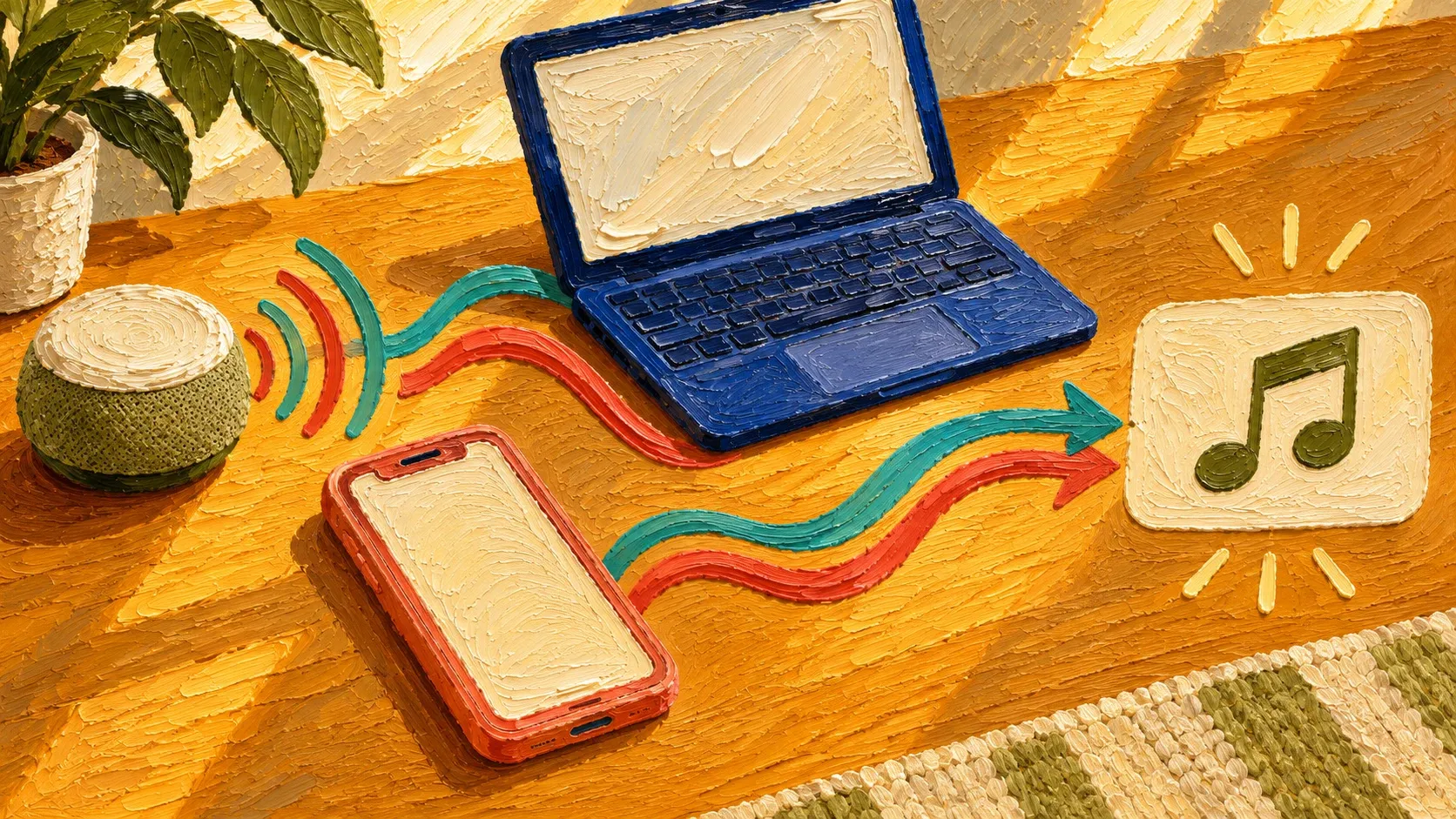
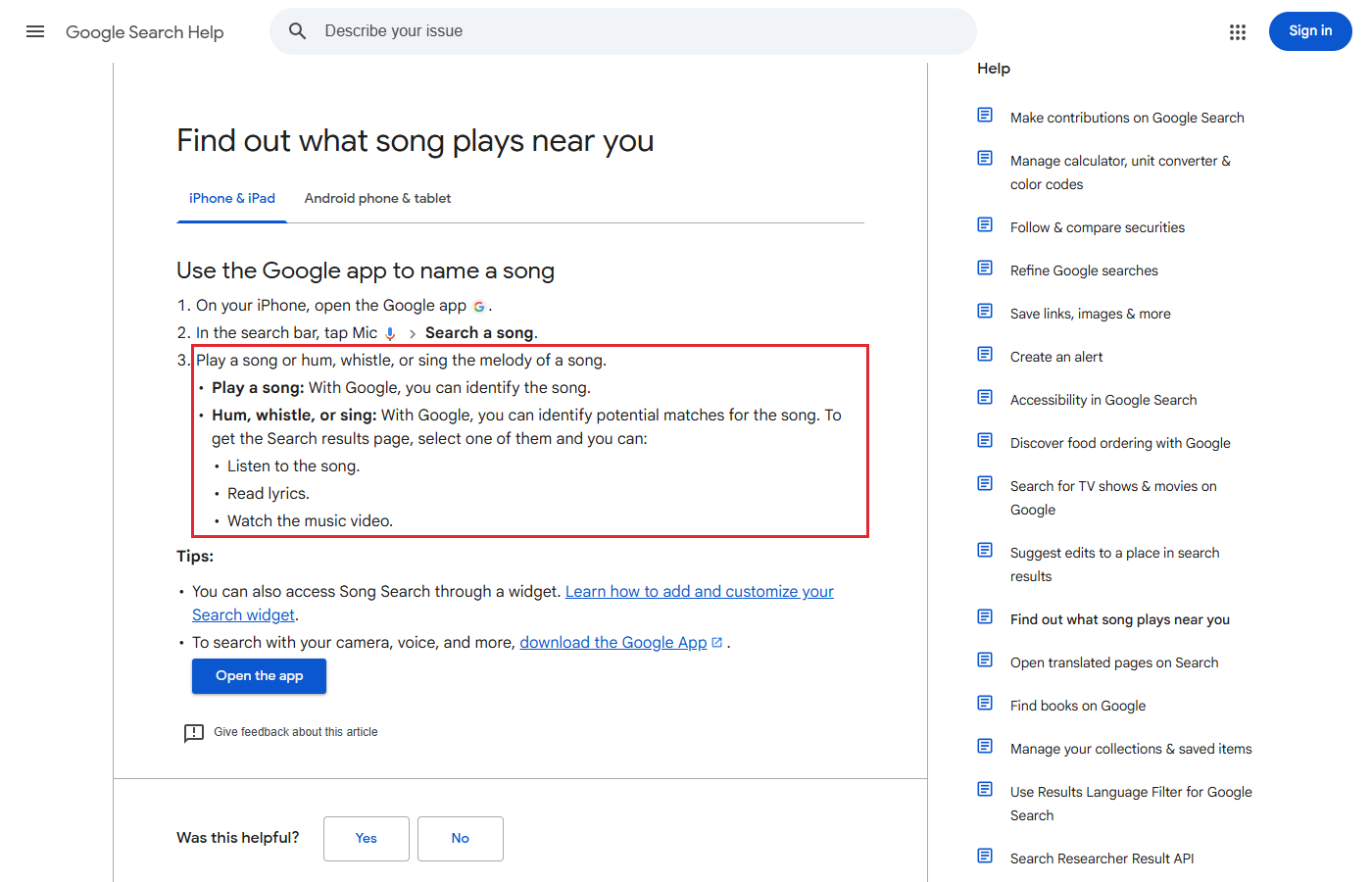
To identify a song, open the Google app on Android or iPhone. Tap Mic in the search bar, then Search a song. Play the song or hum its tune into the microphone. Whistling or singing works too.
Which tool can you use?
Use the Google app.
- Tap Mic in the search bar
Use an iPhone or iPad.
- Open Control Center and tap Recognize Music
Use a Pixel.
- Check the lock screen for the song name
Use a Mac.
- Choose Recognize Music under Sounds
Use a browser.
- Click the Shazam icon
Use an audio file.
- Upload the audio file to AudioTag
How do I find a song by humming it?
Google offers a list of possible matches when you hum the tune. Tap a match to play the track, read its lyrics, or watch the video.
Sound Search in YouTube Music also takes a tune you hum or sing. Sign in to the YouTube Music app and open Sound Search to use the microphone.
How do I identify a song on my iPhone or iPad?
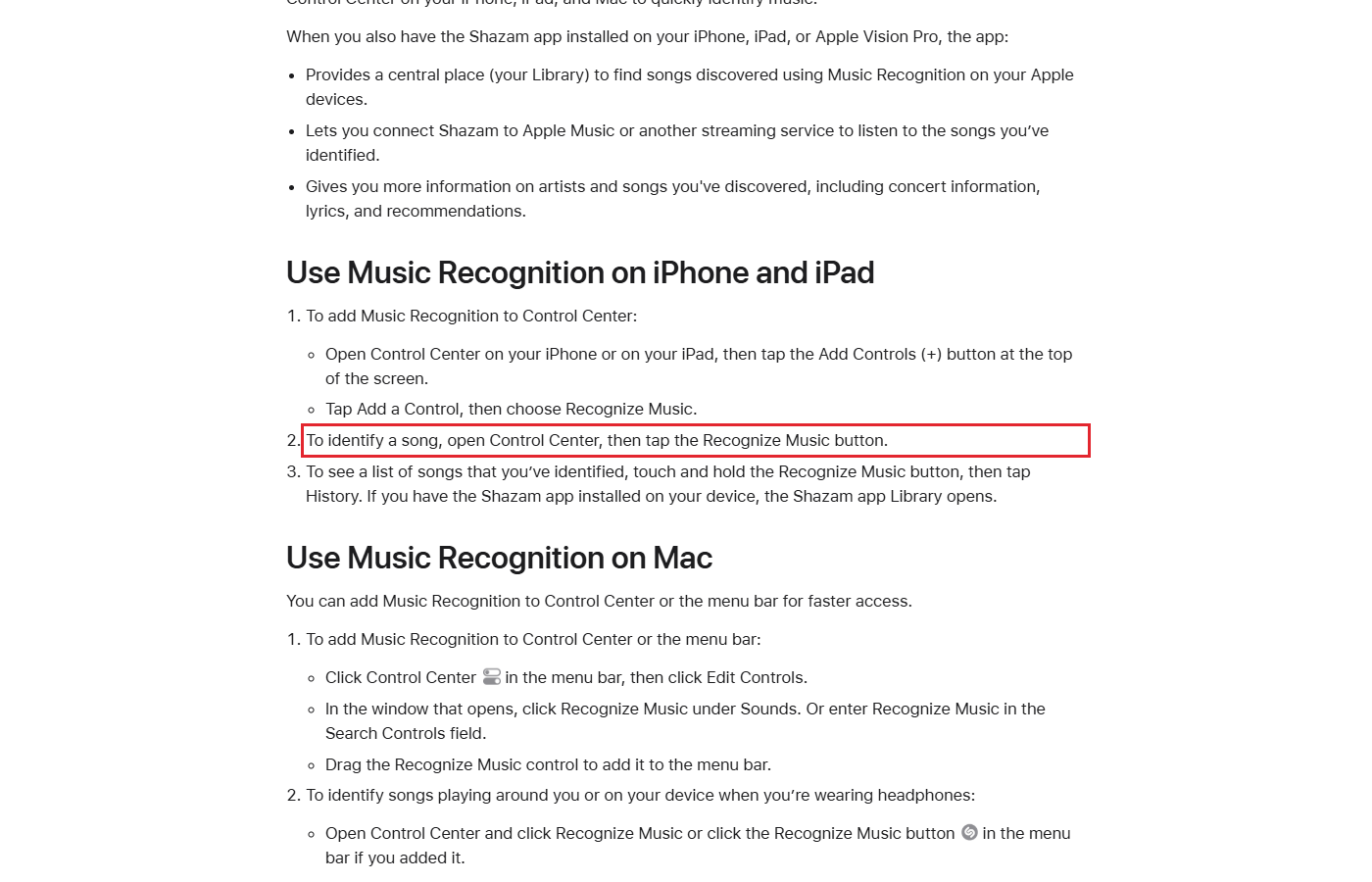
Open Control Center (the panel of quick controls) and tap Recognize Music while a song plays. Or ask Siri, “What song is this?” You do not need the Shazam app for Siri to answer.
- If the button is missing, open Control Center and tap Add Controls (+) at the top.
- Tap Add a Control and choose Recognize Music.
- To see past matches, touch and hold Recognize Music, then tap History.
In the Shazam app, tap the Shazam button while music plays nearby or in another app. To keep listening for more songs, hold the button to turn on Auto Shazam.
How do I identify a song on Android or a Pixel?
On Android, add Shazam to Quick Settings and tap its button while music plays. Quick Settings is the panel you pull down from the top of the screen.
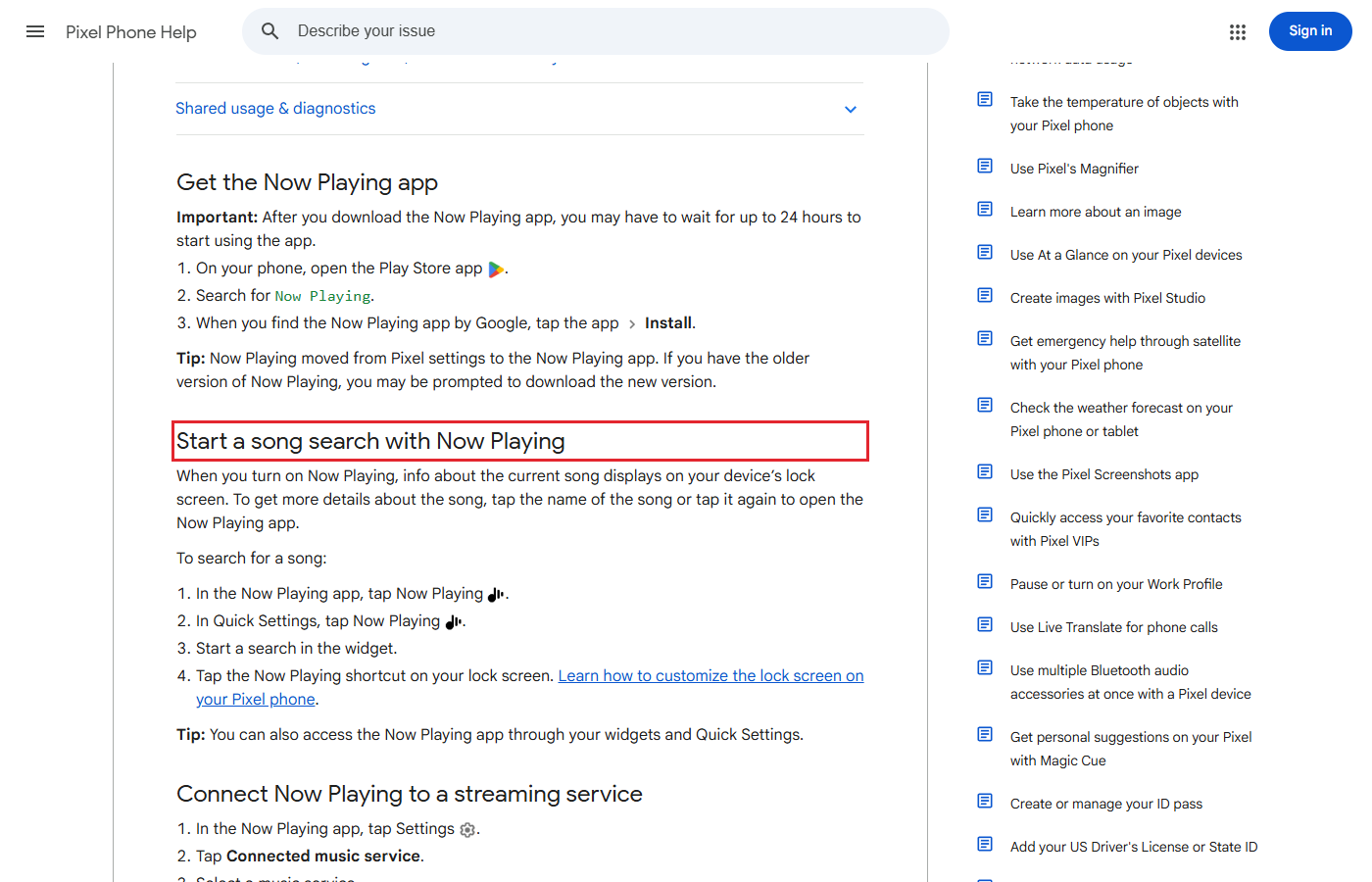
For a Pixel, install Now Playing from the Play Store.
- Search the Play Store for Now Playing. Choose the app by Google and tap Install.
- After downloading it, you may need to wait up to 24 hours before using it.
- Turn on Now Playing, then check the lock screen for the song name.
To see earlier matches, open the Now Playing app and select History.
In YouTube’s Android app, tap Search, then Mic. Allow microphone access and tap Song. Play or hum the song to find related videos. YouTube song search is not available in every language.
How do I identify a song playing on my computer?
On a Mac, open Control Center in the menu bar to use Recognize Music. If the control is missing, click Edit Controls and choose Recognize Music under Sounds.
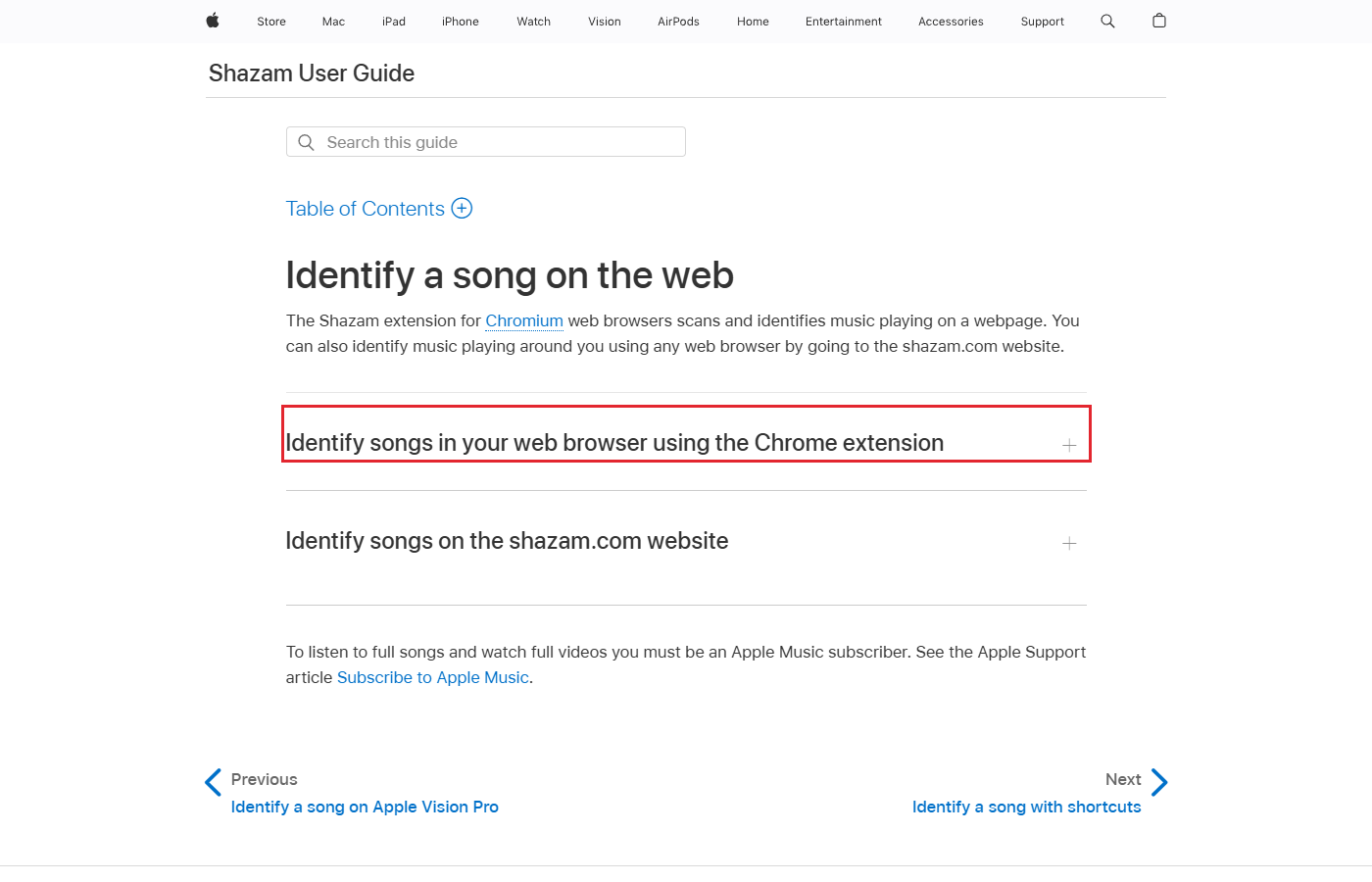
For music in a browser tab, get the Shazam extension from the Chrome Web Store. Use a Chromium browser (one that uses Chrome’s core software).
- After adding the extension, click Extensions in the toolbar. Click the pin icon beside Shazam.
- Open the tab playing music and click the Shazam icon.
For music playing in the room, open shazam.com. Click the button at the lower right and allow microphone access.
Identifying a song on shazam.com does not add it to the Shazam app’s song list.
Can I search with an audio file or a video link?
Yes, AudioTag can match an audio file or a direct link to a video on YouTube.
To upload the audio file to AudioTag, open Upload and recognize from file. The site suggests a clip of 15 to 45 seconds. It checks up to the first 5 minutes of audio.
To search by a video link, use Recognize from direct link and paste the video’s address.
Which method should I use?
For a tune you remember, choose a tool that accepts humming. For a saved recording, choose a tool that accepts a file.
| Method | Device | What you can give it | Where to start |
|---|---|---|---|
| Google app | Android and iPhone | A track or a tune you remember | Google search bar |
| YouTube Music | YouTube Music app | A track or a tune you hum or sing | Sound Search |
| YouTube | Android app | Music you play or hum | Song under the search mic |
| Recognize Music or Siri | iPhone or iPad | A song you can hear | Control Center or Siri |
| Shazam app | iPhone, iPad, and Android | A song nearby or in another app | Shazam button or Quick Settings |
| Shazam on the web | Mac or PC | A track in a browser tab or music nearby | Extension for the tab or shazam.com for sounds nearby |
| Now Playing | Pixel | A song nearby | Lock screen or Now Playing app |
| AudioTag | Web browser | An audio file or a direct video link | Upload or paste the link |
What audio do Shazam and Now Playing keep or send?
Pixel Now Playing sends Google a short digital fingerprint (a summary of the song’s sound). Your raw audio and background conversations are not sent to Google.
What happens when I use Shazam offline?
Shazam saves a fingerprint of the song when your device is offline. It tries to identify that song when the device next connects to the internet.
Sources
Published