Official Bahrain process
Bahrain eVisa Rejected: What to Check and Do Next
By Gaurav Agarwal · Checked 6 October 2026
If your Bahrain eVisa is rejected, open the official Requests and Visa Management service first. Read the status and NPRA message, correct the existing request if it offers that option, and contact NPRA before paying for another application. Bahrain does not publish one universal appeal or refund rule for every eVisa type.

01Check the request before applying again
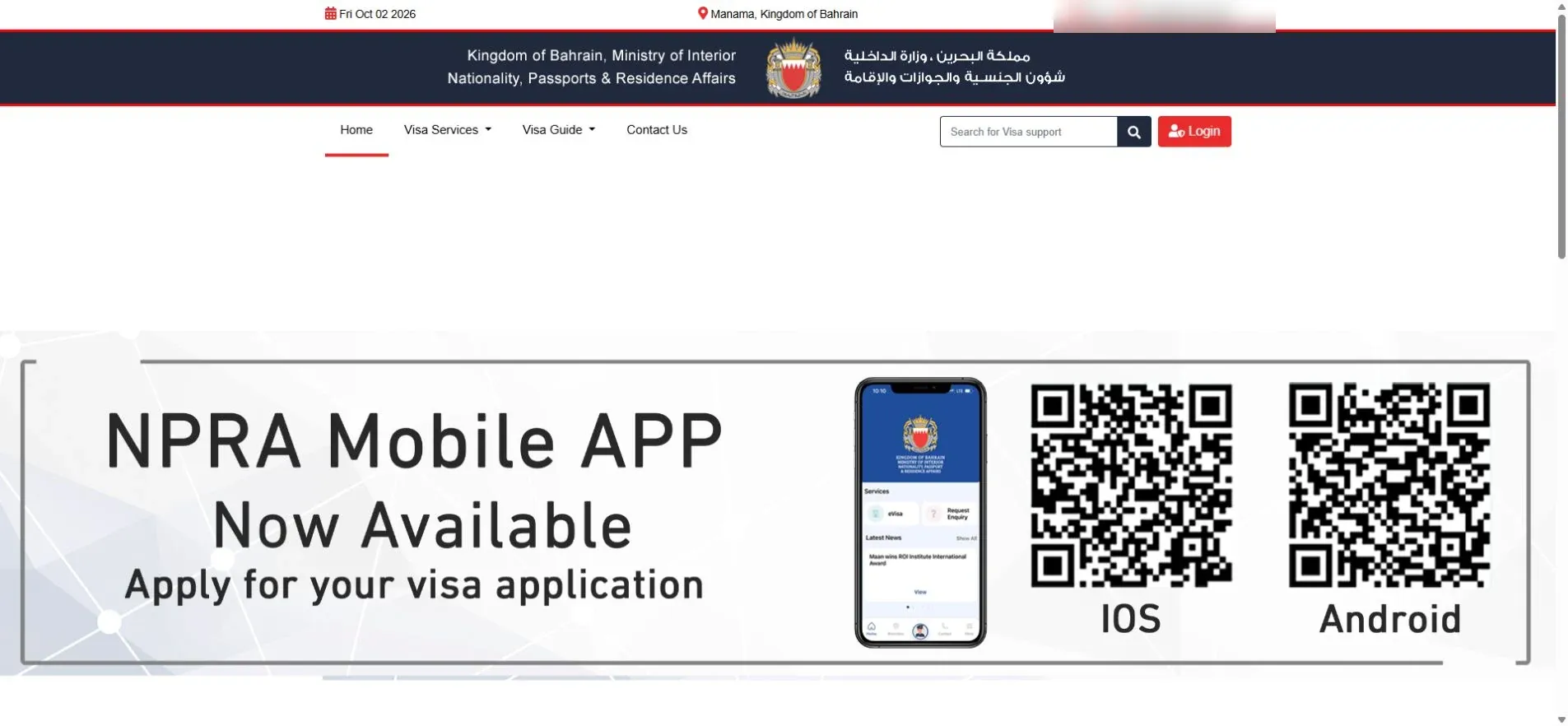
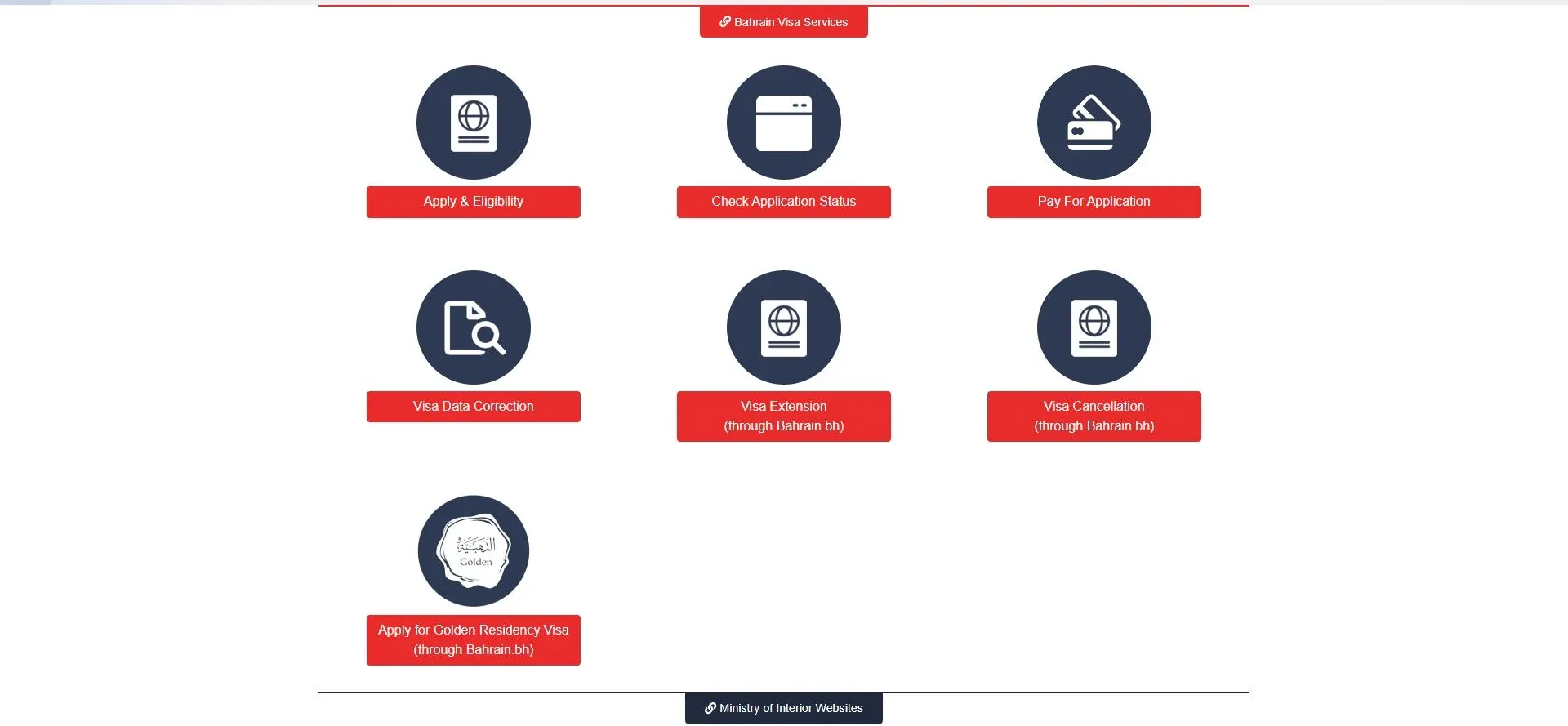
- Open Bahrain's official Requests and Visa Management service.
- Choose the request-status or visa-management option.
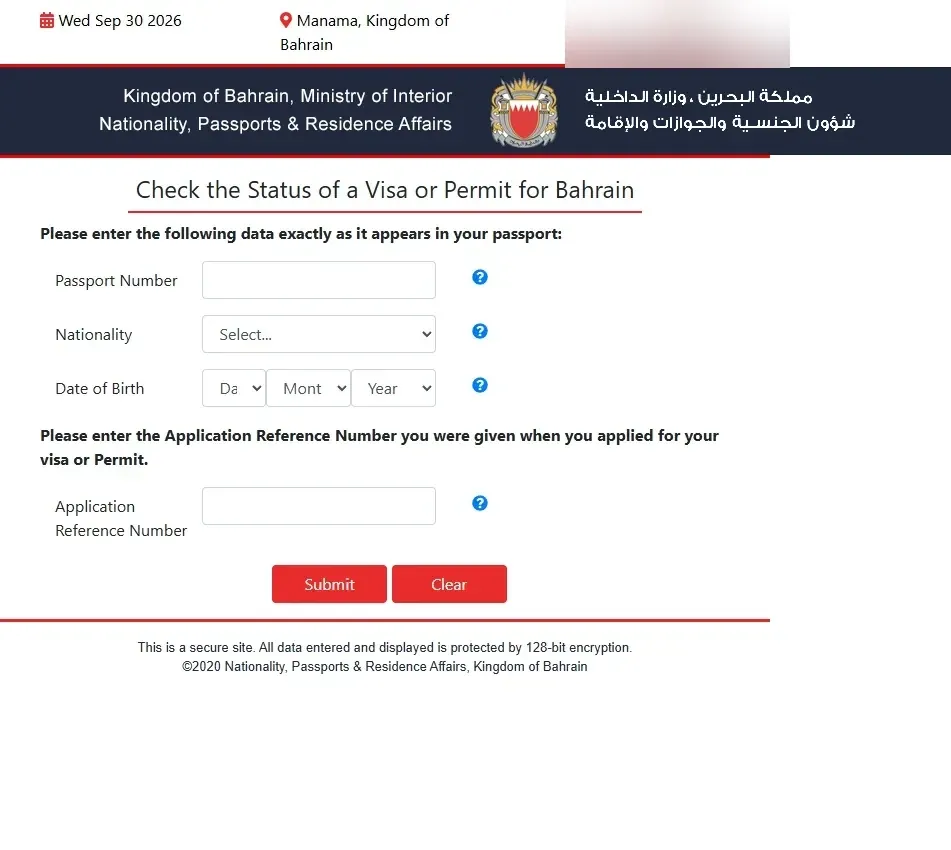
- Enter the application reference and passport details exactly as submitted.
- Read the current status and any message attached to the request.
- Check the email address used in the application for an NPRA message or document request.
02Separate rejected, pending and missing-document cases
Rejected means NPRA did not approve that application. Pending means the authority has not finished processing it. A request for another document or corrected information should be handled inside the existing application when the service allows it.
Do not use a status label from a forum as proof of what happened to your case. The official request record and NPRA message control the next step.
03Identify the likely document or eligibility gap
Compare the rejected application with the official Visa Requests page for the exact visa type. Common requirements on current NPRA visitor eVisa pages include:
- A clear passport copy, usually with more than six months of validity.
- A hotel reservation and return ticket for visitor routes that require them.
- A three-month bank statement in English for visa types that use the published income or daily-funds test.
- A GCC residence permit with the required remaining validity for GCC-resident routes.
- Matching names, passport numbers, nationality and dates across every upload.
A document being present is not enough if it is cropped, unreadable, expired or belongs to another application category.
04Correct the existing request when invited
If NPRA asks for a corrected file or additional information, use the action inside the existing request. Upload a complete, readable document and keep its filename simple. Do not create a second application while the first request still offers a correction route.
Check the preview before submitting. Passport edges, document numbers, names, dates and supporting evidence should remain visible. Do not alter an official document or combine unrelated records into one image.
05Ask NPRA before paying for a new application
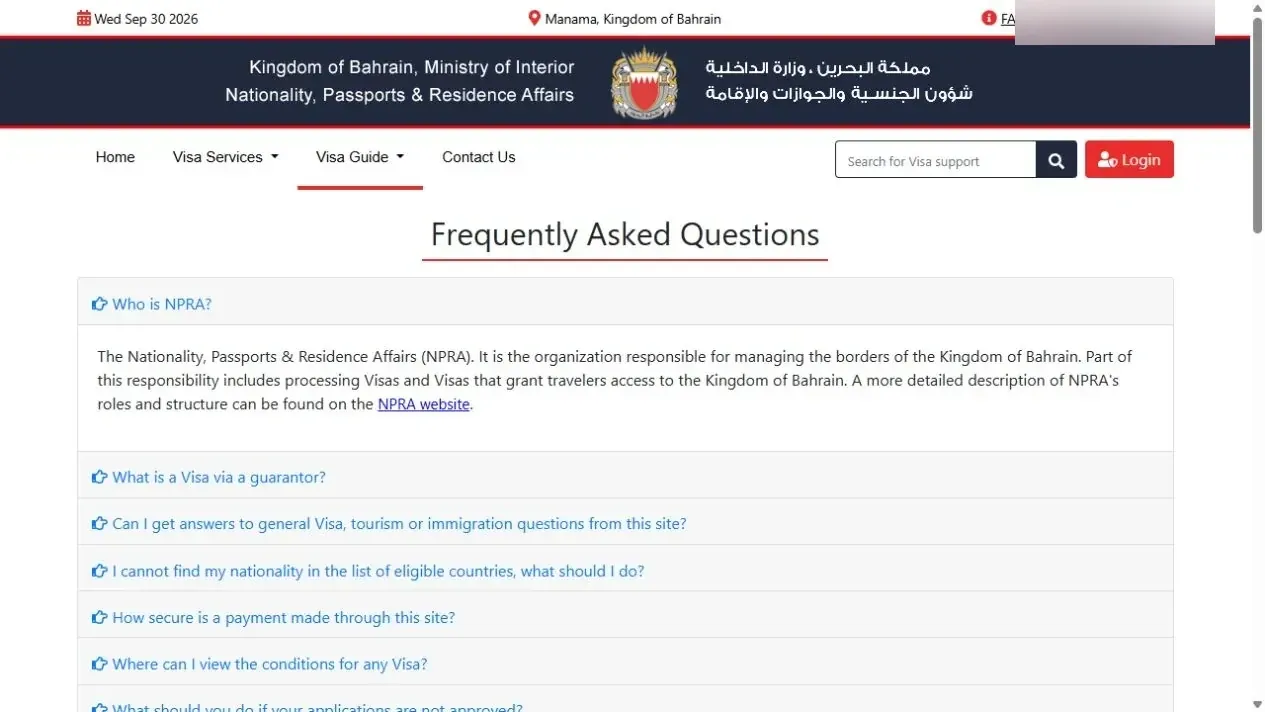
The current official pages do not publish a universal online appeal process for every rejected Bahrain eVisa. If the record only says rejected and gives no correction action, contact NPRA with the application reference, passport number and visa type. Ask whether the decision can be reviewed or whether a fresh application is required.
NPRA contact details checked 6 October 2026:
- Call centre: 17077077
- Email: [email protected]
- Phone hours: Sunday to Thursday, 7:30 AM to 7:00 PM
06What happens to the visa fee?
Bahrain visa charges vary by visa type. Official pages identify application fees as non-refundable for routes that publish them. A rejected application does not create a free replacement application, and the portal does not publish one universal rejection refund.
Do not pay a person who promises approval or asks to move the case outside the official portal. If NPRA tells you to submit a new application, use the official visa service and the current fee shown for that exact visa type.
07Reapply only after fixing the cause
- Confirm that NPRA requires a new application.
- Select the correct visa type for the traveller's nationality, purpose and residence status.
- Prepare fresh, readable documents that meet the current service conditions.
- Copy passport data exactly, including name order and document number.
- Use an email address you monitor.
- Pay through the official portal and save the new reference.
- Track the new request through Visa Management.
For a status-only walkthrough, use the Bahrain visa-status guide. If the issue is an expiring visit visa rather than a rejection, use the Bahrain visa-extension guide.
08Common mistakes after rejection
Submitting the same files again
A new reference does not fix an unreadable passport, missing reservation or category mismatch. Correct the underlying requirement first.
Confusing a work permit with a visit eVisa
NPRA handles visit and residence visa services. For a Bahrain employment permit, use the LMRA work-permit status guide.
Using a third-party status page
Check the application on the official Bahrain portal. A third party cannot change the NPRA decision or guarantee a new approval.