Official process directory
Bahrain Government Services Online: Every Expat Process, Step by Step
By Gaurav Agarwal · Updated 13 October 2026
Most Bahrain government tasks for residents start on the National Portal, bahrain.bh, and need an eKey 2.0 login. Work permits run through LMRA, visit visas and eVisas through NPRA's eVisa portal, business registrations through Sijilat and utilities through EWA's e-services. A few checks are public and need no login: the LMRA work-permit check, the eVisa application status check and the Sijilat CR search. Find your task below: every row links to a step-by-step guide with real screenshots and to the official page.
Jump to a section

01Official channels
These are the official ways in. Bookmark the first two.
| Channel | Use it for |
|---|---|
| National Portal, bahrain.bh | Finding and starting government e-services |
| eKey 2.0 | Signing in to services that use your own record (registration guide) |
| Government apps store | The official list of government mobile apps; several CPR services are also on the MyGov app |
| Government Services Contact Center | 24 hours a day, 7 days a week: 80008001 from within Bahrain, +973 7777 7333 from outside |
| Service centres and eKiosks | In-person help and self-service kiosks; iGA lists the locations |
| Tawasul | The national suggestions and complaints system, listed on bahrain.bh's contact page |
Contact details checked on bahrain.bh's Contact Us page on 11 October 2026.
02Set up eKey 2.0 first
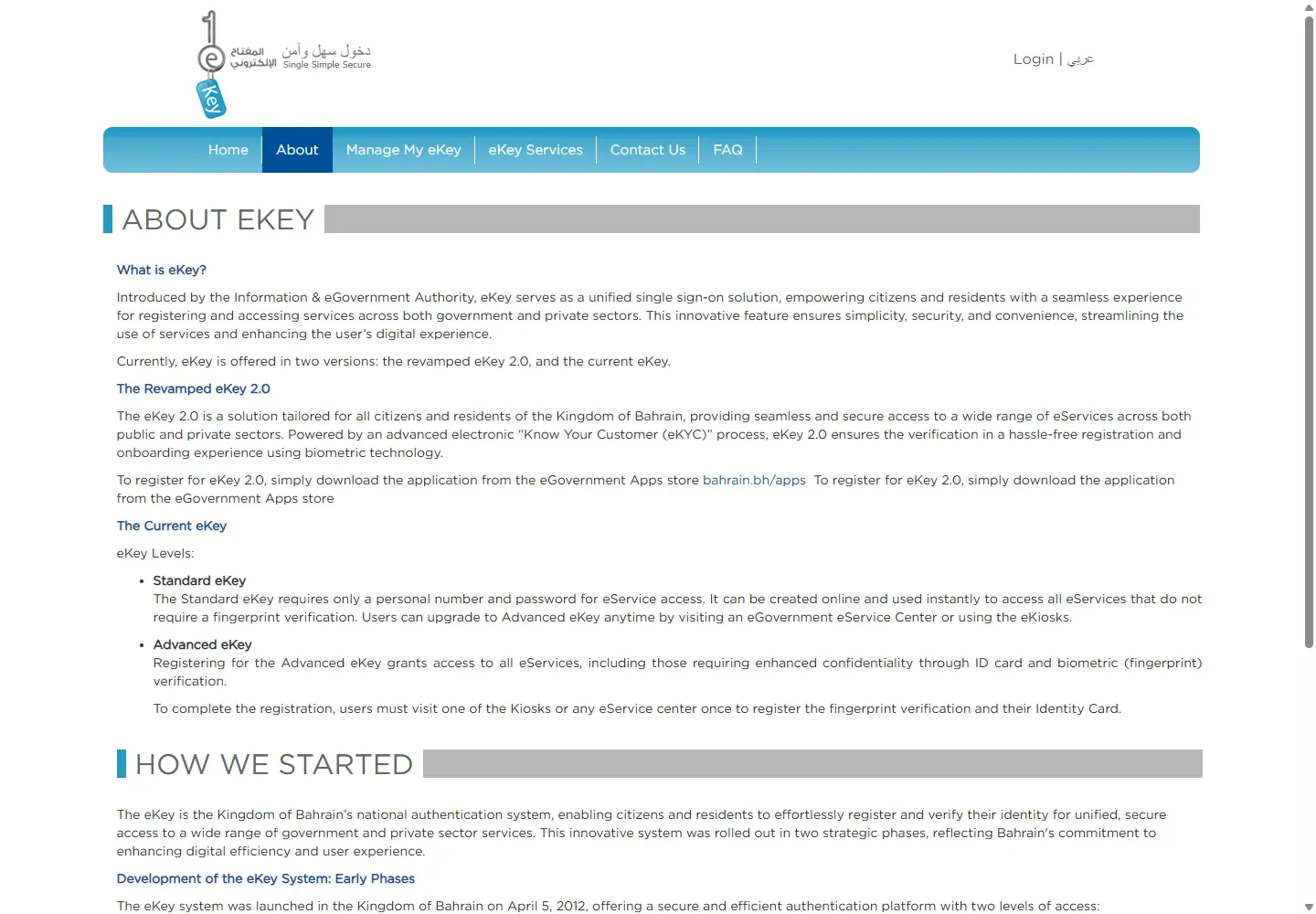
eKey is Bahrain's government sign-in. Most services that touch your own record (your CPR, residence, licence or certificates) ask you to sign in with it, so set it up before you need it.
To register, install the official eKey 2.0 app, enter your CPR and mobile number, verify the SMS code, complete the selfie scan, photograph both sides of your valid ID card and confirm your details. Full steps and fixes: eKey Bahrain registration guide.
Some service pages still name a level of the earlier eKey, Standard eKey (personal number and password) or Advanced eKey (adds fingerprint registration at a service centre or kiosk). The service page tells you which one it needs; check it before you start a request.
03The most-searched tasks
These are the tasks readers of this site look for most often.
| I need to… | Step-by-step guide | Official page |
|---|---|---|
| Download or print my residence permit certificate | Residence permit download and print | services.bahrain.bh |
| Check my work permit (LMRA visa check) | LMRA visa check by CPR | lmra.gov.bh |
| Check or pay traffic fines | Bahrain traffic fines | services.bahrain.bh |
| See my medical fitness result for a work permit | Check a medical result | services.bahrain.bh |
| Check an eVisa application | Check visa status | evisa.gov.bh |
| Download my CPR copy | Download your CPR | services.bahrain.bh |
04Public check or eKey login?
Knowing this saves a wasted trip to the login page. The rows below come from the official service pages behind each linked guide.
| Service | Login | What you enter |
|---|---|---|
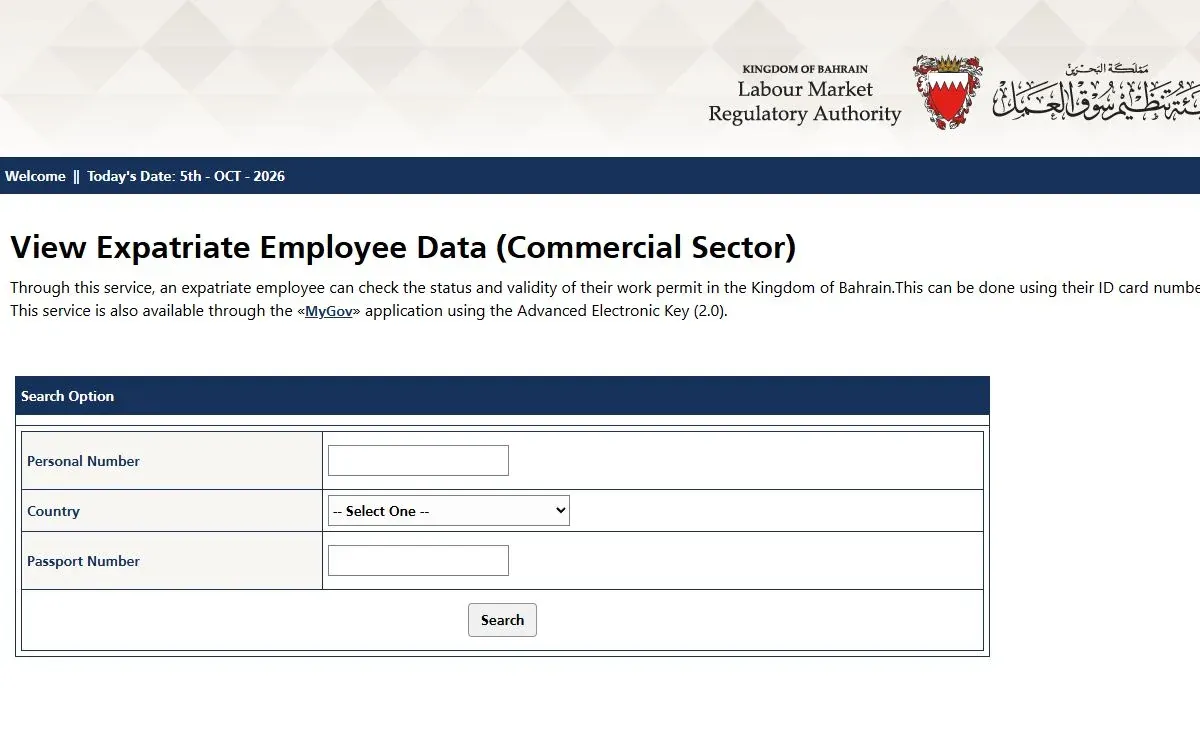
| LMRA work-permit check | None | Personal Number (CPR), country, passport number |
| eVisa application status | None | Passport number, nationality, date of birth, application reference |
| Sijilat CR search | None | CR number or commercial name |
| Medical fitness report | None stated | Employer CR number and the expatriate's personal number |
| EWA bill: pay current bill | None | ID and account details |
| CPR certificate download | eKey 2.0 | Sign in, then open the certificate |
| CPR address change | eKey | New address |
| Good conduct (police clearance) certificate | Standard eKey | Request details and documents |
| Apostille and MOFA attestation | Standard eKey | Document details, then a legalization-centre appointment |
| EWA deposit refund | Advanced eKey | ID details and an official IBAN document |
05Residence permits, visas and passports
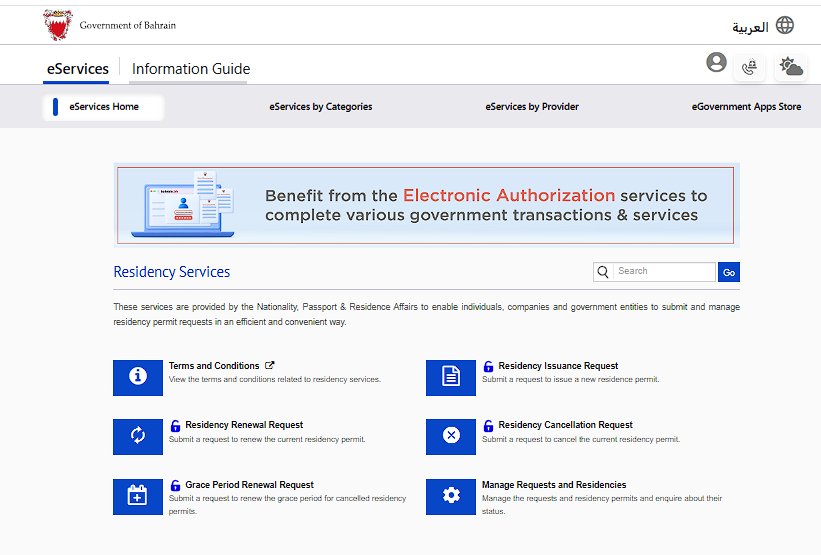
Residence and visit visas belong to NPRA. A work permit is a separate LMRA record, covered in the next section.
| I need to… | Step-by-step guide | Official page |
|---|---|---|
| Download or print my residence permit | Residence permit certificate | services.bahrain.bh |
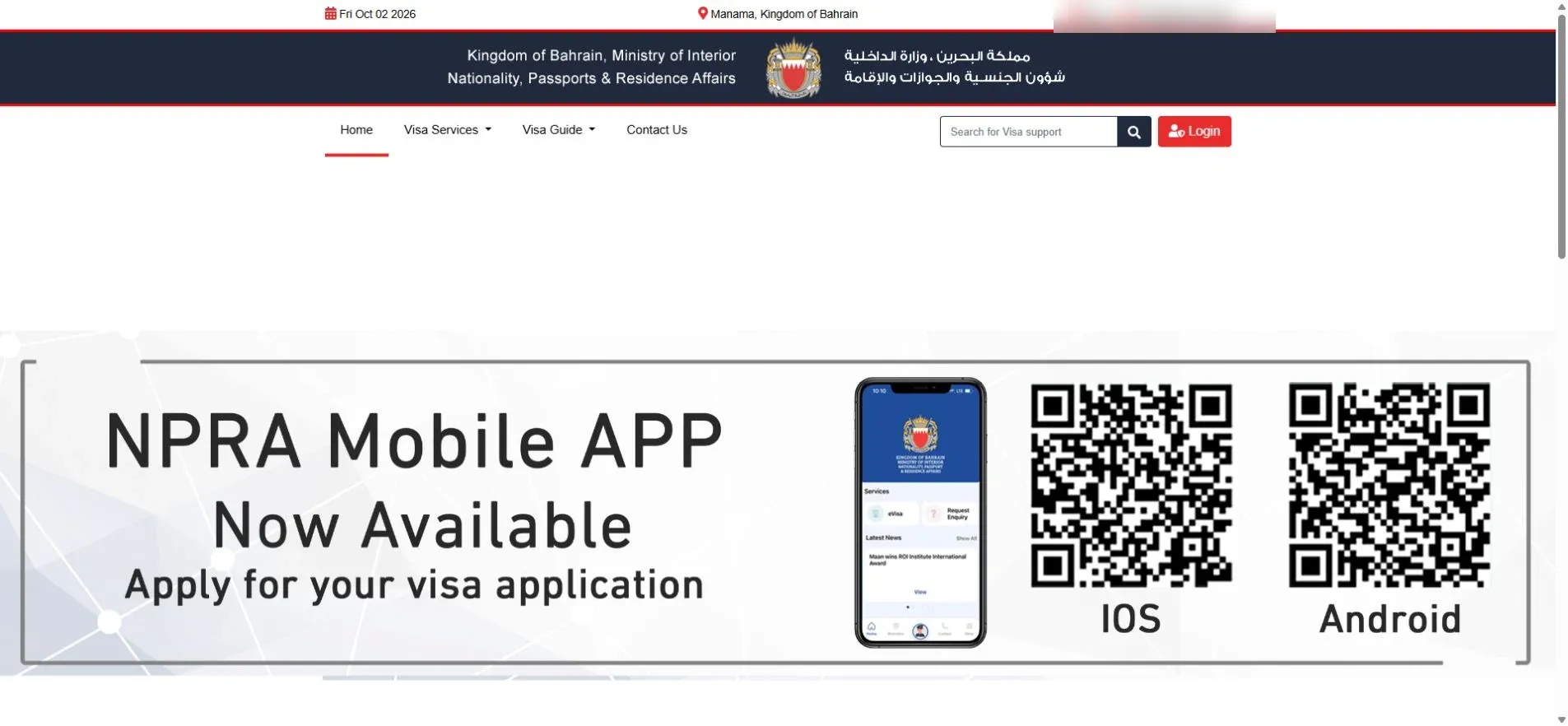
| Check an eVisa application | Check visa status | evisa.gov.bh |
| Extend a visa | Visa extension | services.bahrain.bh |
| Cancel a visit or residence visa | Visa cancellation | services.bahrain.bh |
| Check if I can get a visa on arrival or eVisa | Visa on arrival eligibility | evisa.gov.bh |
| Fix a rejected eVisa | eVisa rejected | services.bahrain.bh |
| Update my residence after getting a new passport | Update passport details | services.bahrain.bh |
| Check my residence after six months abroad | Residence after six months abroad | npra.gov.bh |
| Bring my spouse or children | Family visa | lmra.gov.bh |
| Renew an Indian passport in Bahrain | Indian passport renewal | — |
06LMRA work permits
The employer applies for, renews and cancels a work permit, through LMRA's Expat Management System (EMS). The worker can check its status with the public lookup.
| I need to… | Who acts | Step-by-step guide | Official page |
|---|---|---|---|
| Check a work permit's status | Anyone with the worker's details | LMRA visa check | lmra.gov.bh |
| Understand the work visa process | Employer | Bahrain work visa | lmra.gov.bh |
| Apply for a new work permit | Employer | Work permit application | lmra.gov.bh |
| Renew a work permit | Employer | Work permit renewal | lmra.gov.bh |
| Know the fees | Employer pays | LMRA fees | lmra.gov.bh |
| Cancel a work permit | Employer | LMRA visa cancellation | lmra.gov.bh |
| Change employer | New employer applies | LMRA mobility | bahrain.bh |
| Work a second job for three months | Worker, both employers, LMRA approval | Second job rules | — |
| Answer an absence-from-work notice | Worker | Absence grievance | workers.lmra.gov.bh |
| See a medical fitness result | Employer details needed | Medical result check | services.bahrain.bh |
| Book biometrics | Worker attends | Biometric appointment | ams.lmra.gov.bh |
| Book any LMRA visit | Visitor | LMRA appointment | ams.lmra.gov.bh |
| Log in to EMS | Employer or authorized user | LMRA login | lmra.gov.bh |
| Hire a domestic worker | Employer | Domestic worker visa | lmra.gov.bh |
| Renew a domestic worker's permit | Employer | Domestic worker renewal | bahrain.bh |
| Call or email LMRA | Anyone | LMRA contact numbers | lmra.gov.bh |
07CPR and ID card
Your CPR is your Bahrain identity card. Its services sit under ID card services on bahrain.bh. Start with the CPR overview if you are not sure which task you need.
| I need to… | Step-by-step guide | Official page |
|---|---|---|
| Download an electronic copy | Download your CPR | services.bahrain.bh |
| Renew my card | CPR renewal | services.bahrain.bh |
| Book, change or cancel an ID card appointment | CPR appointment | services.bahrain.bh |
| Track a request | CPR status check | services.bahrain.bh |
| Replace a lost card | Lost CPR | services.bahrain.bh |
| Change my address | CPR address change | services.bahrain.bh |
| Update information held on the card chip | CPR update | services.bahrain.bh |
08Driving and vehicles
| I need to… | Step-by-step guide | Official page |
|---|---|---|
| Get my first driving licence | First driving licence | services.bahrain.bh |
| Book a driving test | Driving test appointment | services.bahrain.bh |
| Renew my driving licence | Driving licence renewal | services.bahrain.bh |
| Get an international driving licence | International driving licence | bahrain.bh |
| Get a motorcycle licence | Motorcycle licence | services.bahrain.bh |
| Renew my vehicle registration | Vehicle registration renewal | services.bahrain.bh |
| Get my vehicle inspected | Vehicle inspection | bahrain.bh |
| Transfer vehicle ownership | Ownership transfer | bahrain.bh |
| Replace a lost number plate | Lost number plate | bahrain.bh |
| Check or pay traffic fines | Traffic fines | services.bahrain.bh |
| Pay for parking | Parking payment | — |
| Drive to Saudi Arabia | King Fahd Causeway by car · by taxi | — |
09Business: Sijilat and commercial registration
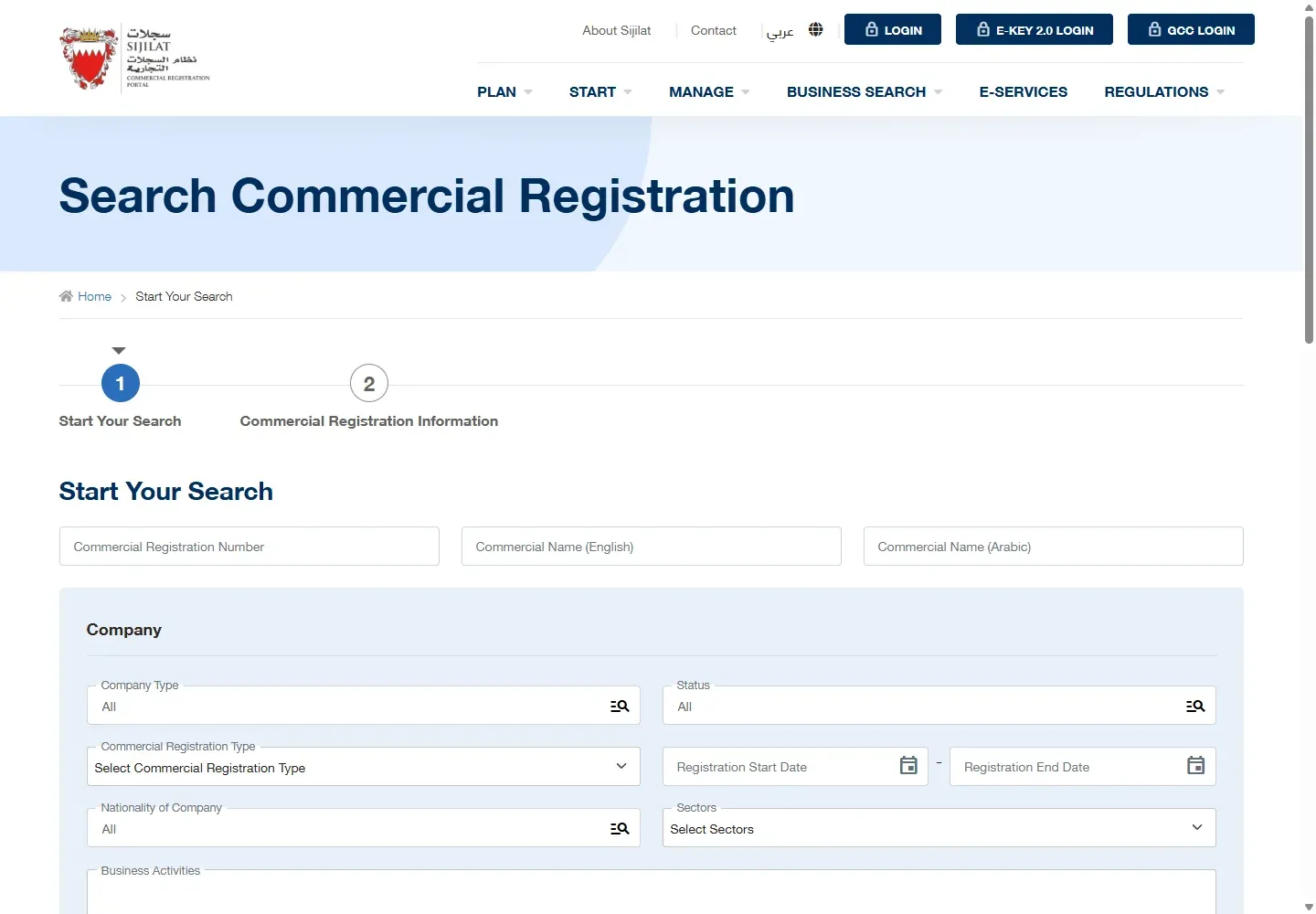
Search a CR without logging in. Renewing it, downloading its certificate or changing activities needs a Sijilat sign-in with eKey 2.0.
| I need to… | Step-by-step guide | Official page |
|---|---|---|
| Understand Sijilat services | Sijilat Bahrain | sijilat.bh |
| Check a CR's status | CR status check | sijilat.bh |
| Log in to Sijilat | Sijilat login | sijilat.bh |
| Renew a CR | CR renewal | sijilat.bh |
| Download a CR certificate | CR certificate download | sijilat.bh |
| Get a building permit | Benayat | benayat.bh |
10Bills, social insurance and payments
| I need to… | Step-by-step guide | Official page |
|---|---|---|
| Check or pay my EWA bill, or fix a high bill | EWA bill checking | services.bahrain.bh |
| Get a new electricity or water connection | EWA new connection | ewa.bh |
| Get my EWA deposit back | EWA deposit refund | ewa.bh |
| See my SIO contribution statement | SIO login and statement | sio.gov.bh |
| Register an employee with SIO | SIO registration | services.bahrain.bh |
| Work out my end-of-service gratuity | Gratuity calculator · Claim the benefit | lloc.gov.bh |
| Pay bills through Fawateer | Fawateer | benefit.bh |
| Read VAT on an invoice | VAT in Bahrain | nbr.gov.bh |
11Family, documents and certificates
| I need to… | Step-by-step guide | Official page |
|---|---|---|
| Get a birth certificate for a newborn | Birth certificate | services.bahrain.bh |
| Register a marriage or get a copy | Marriage certificate | services.bahrain.bh |
| Get a police clearance (good conduct) certificate | Police clearance certificate | services.bahrain.bh |
| Apostille a document | Apostille | services.bahrain.bh |
| Attest a document at MOFA | MOFA attestation | services.bahrain.bh |
| Book a notary | Notary appointment | bahrain.bh |
| Replace a lost title deed | Title deed replacement | slrb.gov.bh |
| Register a child at a public school | Public school registration | moe.gov.bh |
| Replace a school certificate | School certificate copy | services.bahrain.bh |
| Change my health centre after moving | Change health centre | moh.gov.bh |
| Register for Hajj | Hajj registration | haj.gov.bh |
12Work rights
| I need to… | Step-by-step guide | Official page |
|---|---|---|
| Find the rule for my employment question | Bahrain labour law | lloc.gov.bh |
| File a complaint against my employer | Labour complaint | services.bahrain.bh |
| Check a contract before signing | Employment contract | lloc.gov.bh |
| Resign properly | Resignation letter | lloc.gov.bh |
| Take sick, maternity or paternity leave | Sick leave · Maternity leave · Paternity leave | lloc.gov.bh |
| Calculate overtime pay | Overtime calculation | lloc.gov.bh |
13FAQs
What is the official Bahrain government services website?
The National Portal, bahrain.bh. Many individual e-services open on services.bahrain.bh. Work permits use lmra.gov.bh, eVisas use evisa.gov.bh and business registrations use sijilat.bh.
Do I need eKey for every service?
No. The LMRA work-permit check, the eVisa application status check and the Sijilat CR search are public. Services that change or print your own record, such as a CPR certificate, an address change or a good conduct certificate, ask for eKey.
What is the difference between eKey 2.0, Standard eKey and Advanced eKey?
The official eKey page describes two versions: the revamped eKey 2.0, set up in the eKey 2.0 app with remote biometric verification, and the earlier eKey. The earlier eKey has two levels: Standard, which uses a personal number and password, and Advanced, which adds fingerprint registration at an eGovernment service centre or kiosk. When a service page names Standard or Advanced eKey, follow that page.
How do I contact Bahrain government services?
Call the Government Services Contact Center, open 24 hours a day, 7 days a week: 80008001 from within Bahrain or +973 7777 7333 from outside. Suggestions and complaints go through the Tawasul system.
Who applies for my work permit, me or my employer?
Your employer. The employer applies for, renews and cancels the permit through LMRA. You can check its status with the public LMRA lookup.
Is a work permit the same as a residence permit?
No. LMRA holds the work permit. The residence permit certificate is a separate document you download from the National Portal.
Where do I check an eVisa application?
On NPRA's eVisa portal, evisa.gov.bh. Choose Check Application Status and enter your passport number, nationality, date of birth and application reference.
Each linked guide lists its official sources and the date its steps were last checked.