Bahrain finance guides
Fawateer in Bahrain: bill payment, receipts and pending status
By Gaurav Agarwal · Sources checked 6 October 2026
Choose the biller in your supported bank or BenefitPay channel, enter its required reference, confirm the amount and save the payment record. Verify biller credit separately; unresolved debits go to the bank and bill-allocation disputes to the biller.

Jump to a section
To pay a bill through Fawateer in Bahrain, open the service in your bank’s supported channel or BenefitPay, select the correct biller, enter the reference requested for that bill and review the amount before confirming. Save the payment reference, then check that the biller has applied the payment to the right account or invoice.
Checked: 6 October 2026. This guide covers bill selection, reference fields, receipts and unresolved payments. No private account was accessed or payment made during the research.
1. Find the biller in your payment channel
BENEFIT describes Fawateer as Bahrain’s electronic bill presentment and payment service. It includes direct bill payments and authorised direct debits. A person-to-person Fawri transfer, a merchant QR payment and a Fawateer bill payment are different instructions, even when available in the same app.
Use the biller list inside the channel you intend to pay through. Match the organisation and service, not just a familiar logo or similar name. The public sources reviewed do not provide a complete, verified current list for every bank and app, so the examples below are not an exhaustive directory.
| Biller | What its official page confirms |
|---|---|
| Electricity and Water Authority | EWA’s payment-options page lists Fawateer through BenefitPay for electricity and water bills. |
| Bahrain Institute of Banking and Finance | BIBF’s Fawateer page supports programme-fee payments through partner-bank channels. |
| National Health Regulatory Authority | NHRA’s payment instructions describe its offline direct-payment option after a Notice to Pay is issued. |
If a biller is missing, ask the biller or bank which category and payment option to use. Do not substitute a generic transfer unless the biller gives that instruction. For EWA billing disputes rather than payment entry, use the separate EWA bill and complaint guide.
2. Use a supported account and the right payment option
BENEFIT’s public setup page describes creating a BenefitPay account with a mobile number and adding a supported payment method, such as a bank account or debit card. A bank’s own online or mobile channel has its own registration process. Do not assume that saving a biller creates a direct-debit mandate.
As one documented bank example, Standard Chartered Bahrain’s payment guide gives this route:
- Open Fawateer Bill Payment from the online or mobile banking menu.
- Choose the applicable online or offline payment option.
- Select bill inquiry and payment, or the relevant direct bill-payment option.
- Choose the biller from the list.
- Select the debit account and payment amount, then review the terms and confirmation.
The same guide describes adding a saved biller through Manage Payees and viewing payment history. These labels are a Standard Chartered example, not a claim that every app uses identical screens. Complete any bank authentication privately in the official channel.
3. Enter the reference for this biller
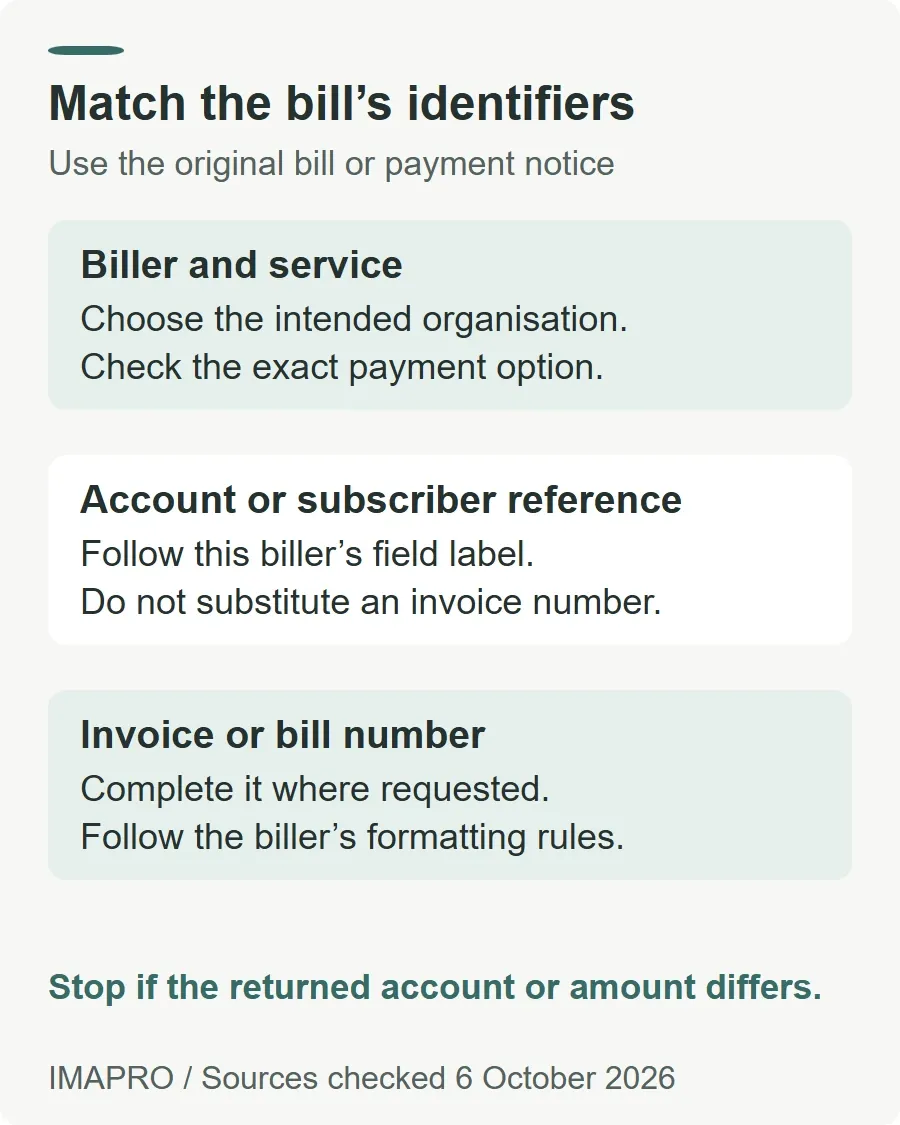
Keep the original bill or payment notice beside you. A customer account, subscriber number and invoice number can identify different things. Follow the exact field label and any formatting instruction supplied by the biller.
KFH Bahrain’s Fawateer voucher illustrates the distinction: it has separate fields for the biller name, account or subscriber number and invoice or bill number. Its importer-ID field is specifically for customs duties and taxes, not a field every payer should complete.
For a concrete biller example, NHRA’s instructions require the Notice to Pay reference in the subscriber/reference field using letters and numbers without spaces or special characters. They also specify the applicable identity or commercial-registration field and payer contact field. That formatting instruction belongs to NHRA; do not apply it automatically to an EWA or education bill.
Before confirming, compare the organisation, reference, payment amount and debit account with the original bill. If an inquiry returns an unexpected amount or account, stop and clarify it. A successful lookup is not a reason to ignore a mismatch.
4. Save the receipt and confirm the bill was credited
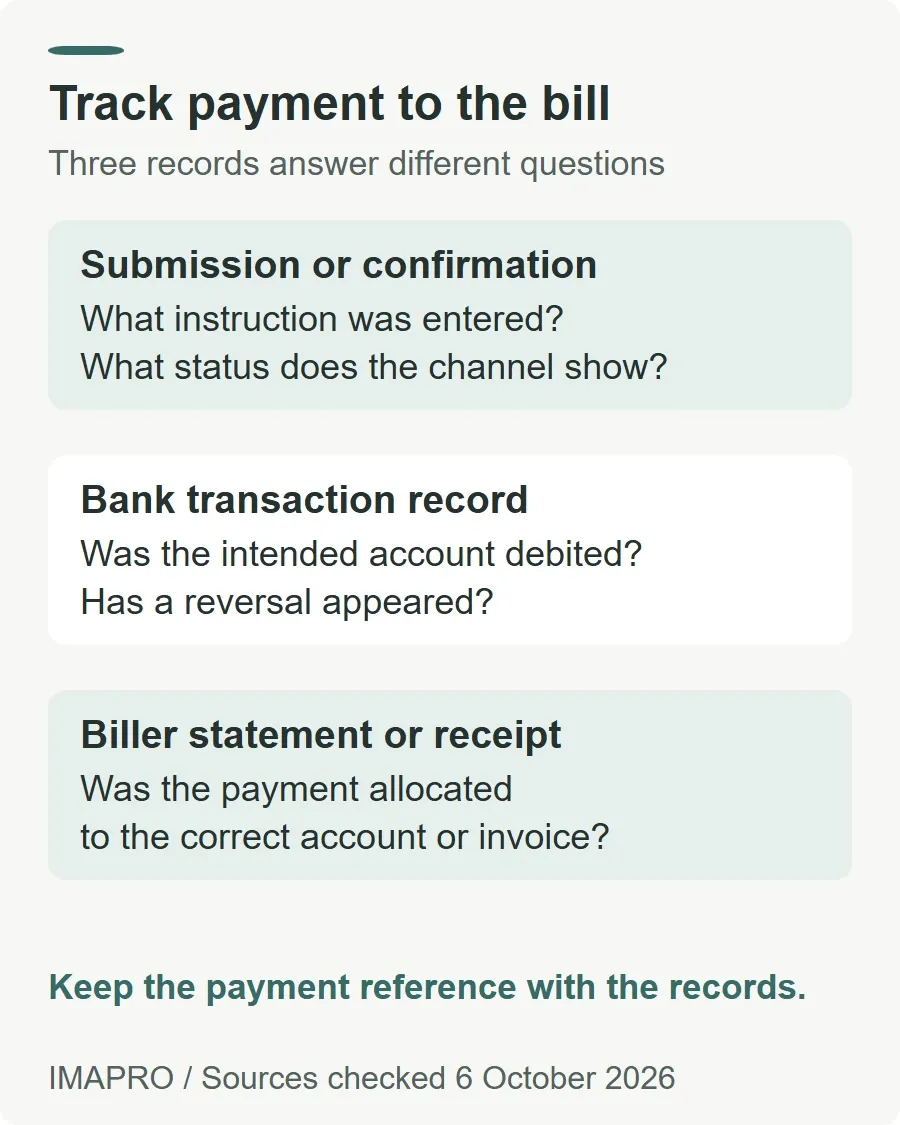
Keep the transaction reference, date, amount, biller and status together. Where the bank provides a receipt or downloadable confirmation, save it privately. A cropped screenshot without the reference may be harder to use when asking for a trace.
| Record | What to check |
|---|---|
| Submission or confirmation screen | What instruction was entered, and what status does the channel show? |
| Bank debit | Was money taken from the intended account, and has a reversal appeared? |
| Biller statement or receipt | Was the payment applied to the correct account or invoice? |
Some billers require a further reconciliation step. NHRA instructs the payer to send the Notice to Pay and transaction summary back through the issuing correspondence to obtain its official receipt. It also asks for a separate Fawateer transaction for each Notice to Pay. Follow the biller’s own instructions instead of assuming the banking confirmation completes every service request.
5. If payment fails or the bill still shows unpaid
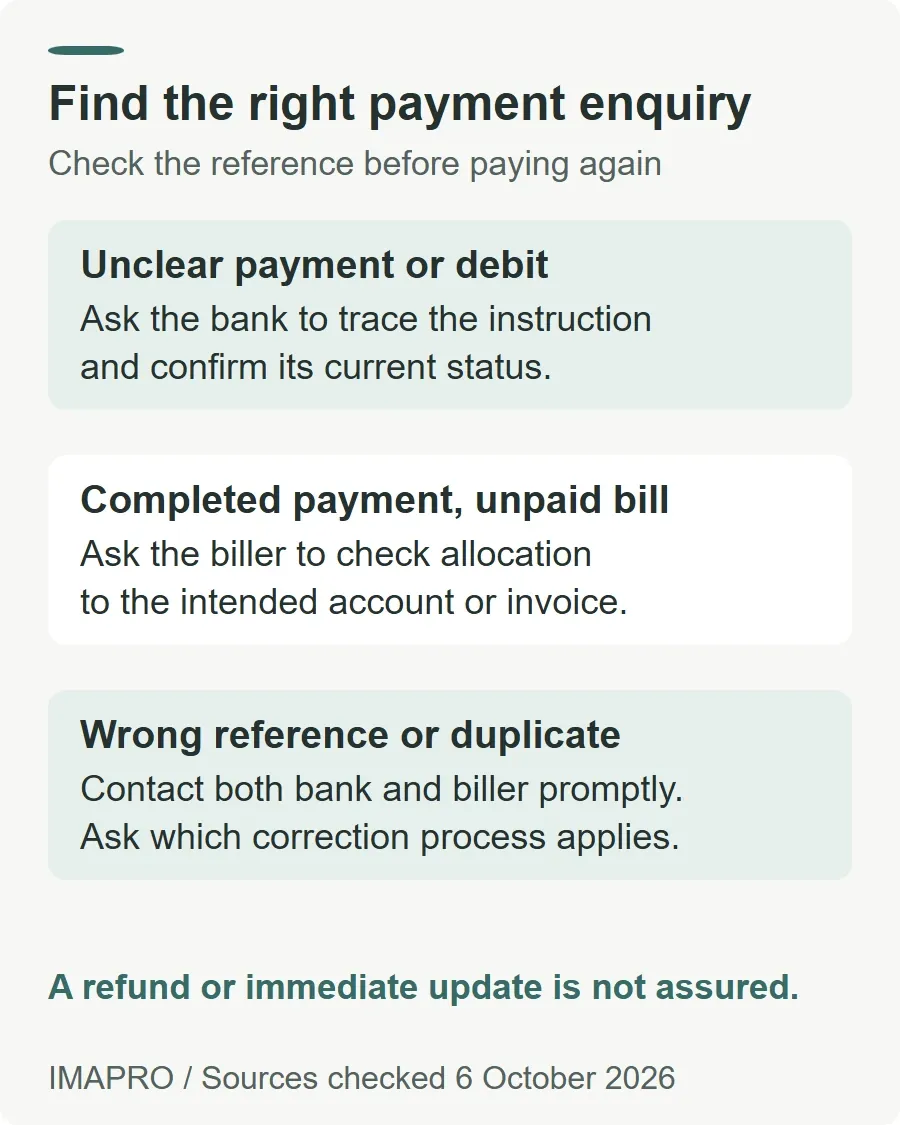
Do not immediately pay a second time. First compare the payment history, bank debit and biller balance. Record the exact status rather than describing every unresolved payment as a failure.
- No debit and a failed status: ask the bank whether the instruction has ended before retrying.
- A debit but no clear confirmation: ask the bank to trace the reference and confirm whether it was processed, rejected or remains pending.
- A completed payment but an unpaid bill: give the biller the reference and ask it to check allocation to the correct invoice or account.
- A wrong reference or duplicate payment: contact the bank and biller promptly, explain the error and request the applicable correction or refund process.
Timing depends on the payment arrangement. BENEFIT’s service page describes both real-time and deferred bill payments. KFH’s voucher specifically says an offline-biller payment takes effect after the next settlement. Neither supports a promise that every bill balance will update immediately.
For business users, an additional approval may also remain. BBK BanKey’s public demonstration shows a status of “Ready for Authorization” where another approval is required. That is a corporate-channel example, not a retail BenefitPay status definition.
6. Separate payment fees, bill disputes and refunds
Check your bank’s applicable tariff and the final confirmation. As a scoped example, the BisB retail schedule lists Fawateer as free. This does not waive the bill itself or establish every provider’s future charges.
The BenefitPay terms direct disputes about Fawateer bills to the biller and transaction issues to the bank. They do not support treating every disputed bill as an automatic refund from BENEFIT. Ask which organisation is handling the case and request a reference for the response.
For a refund request, distinguish a failed payment from money successfully paid against the wrong bill or paid twice. Ask the bank about the transfer status and the biller about any credit on its account. Request the expected method and timing in writing; this guide found no single verified refund period applicable to all Fawateer billers.
If a banking complaint remains unresolved, use the bank’s formal complaint route and the CBB consumer-information page for regulatory escalation. Keep supporting records private and share only what the official channel needs.
General information only, not personalised financial or legal advice. Biller availability, field labels and terms can change. Verify the current instructions for your bill before paying. This guide does not guarantee settlement, service restoration or a refund.