Bahrain ID card service guide
CPR Bahrain: Check, Download, Renew or Replace Your ID Card
By Gaurav Agarwal · Checked 5 October 2026
Your Bahrain CPR is your national identity card. Use bahrain.bh or MyGov to download an electronic copy, renew the card, replace a lost card, book an ID Card appointment, change an address or check a request. Pick the exact task below so you enter the correct service.
01What is a Bahrain ID card or CPR?
The Bahrain ID card and CPR card are the same identity document. CPR is the familiar name taken from the Central Population Registry. Bahrain government service pages usually call it the Identity Card or ID Card. Your personal number remains the key identifier when you use these services.
Choose the correct CPR Bahrain service
- Need a copy now: use Print ID Card Certificate to view and download an e-CPR copy.
- Card expiring: use ID Card Issuance and Renewal Services.
- Lost or damaged card: use Replacement for Lost or Damaged ID Card.
- Need biometrics or an office visit: book an ID Card appointment.
- Already applied: use ID Card Request Status Inquiry.
- Address changed: use the ID Card address update route that matches your applicant category.
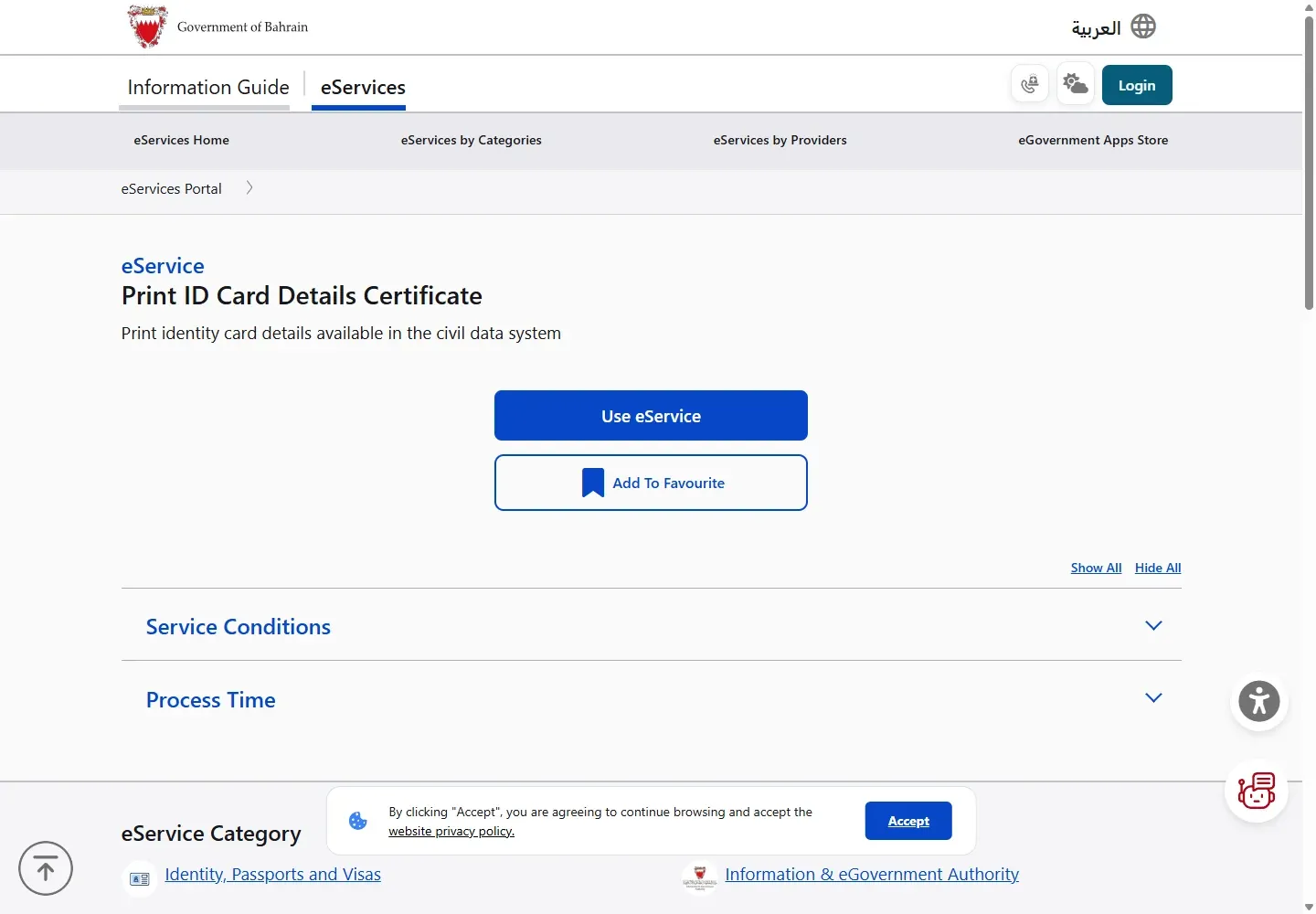
02Download an e-CPR copy
- Open the official Print ID Card Certificate service.
- Choose the certificate option and continue to eKey 2.0.
- Approve the sign-in request in the eKey app.
- Open the certificate and use its download or print control.
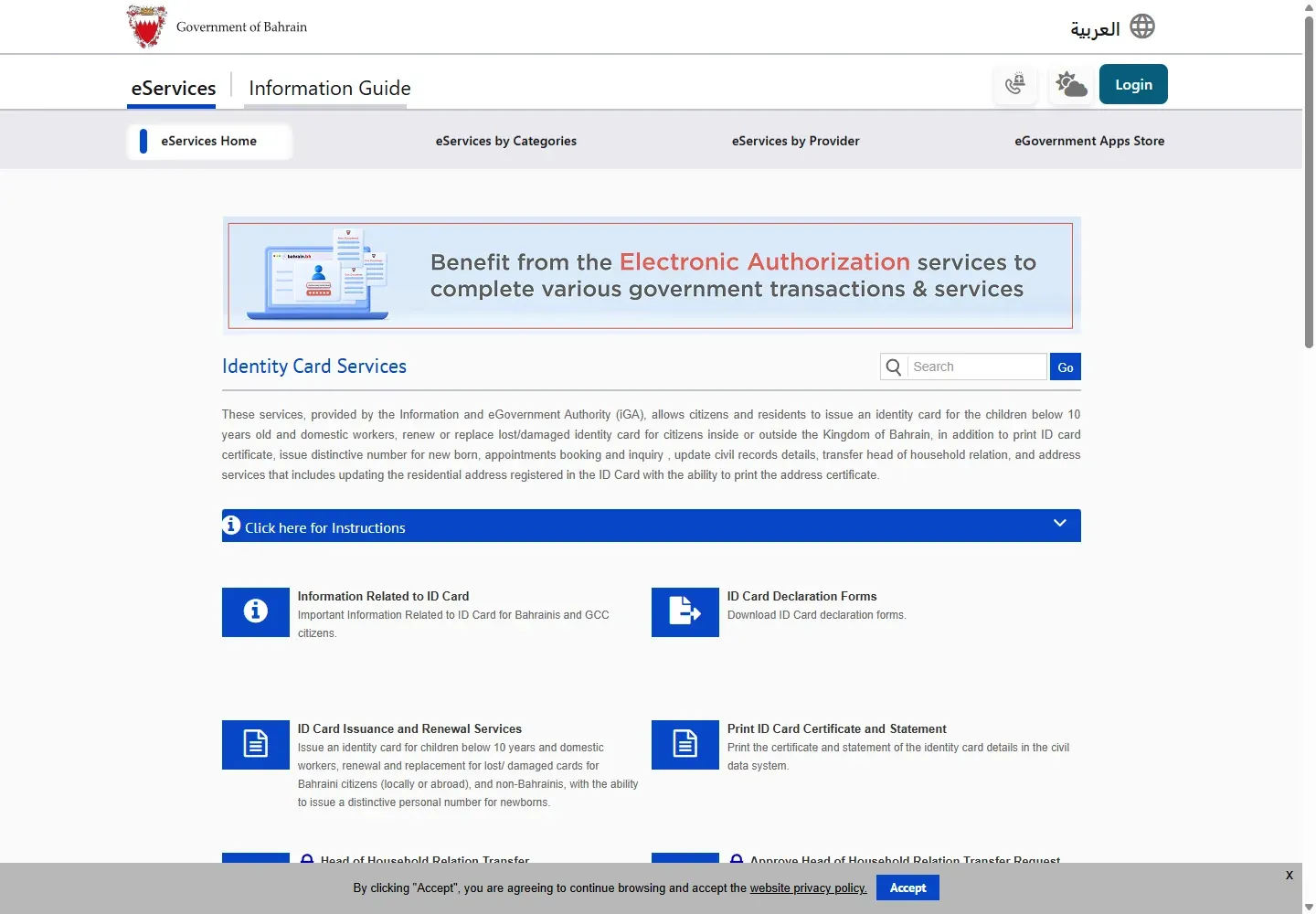
03Renew your CPR
Open ID Card Issuance and Renewal Services, then choose Family Services with eKey or ID Card Issuance Services. Residents must be in Bahrain. The official published processing time is one to two business days for citizens and two business days for non-Bahrainis.
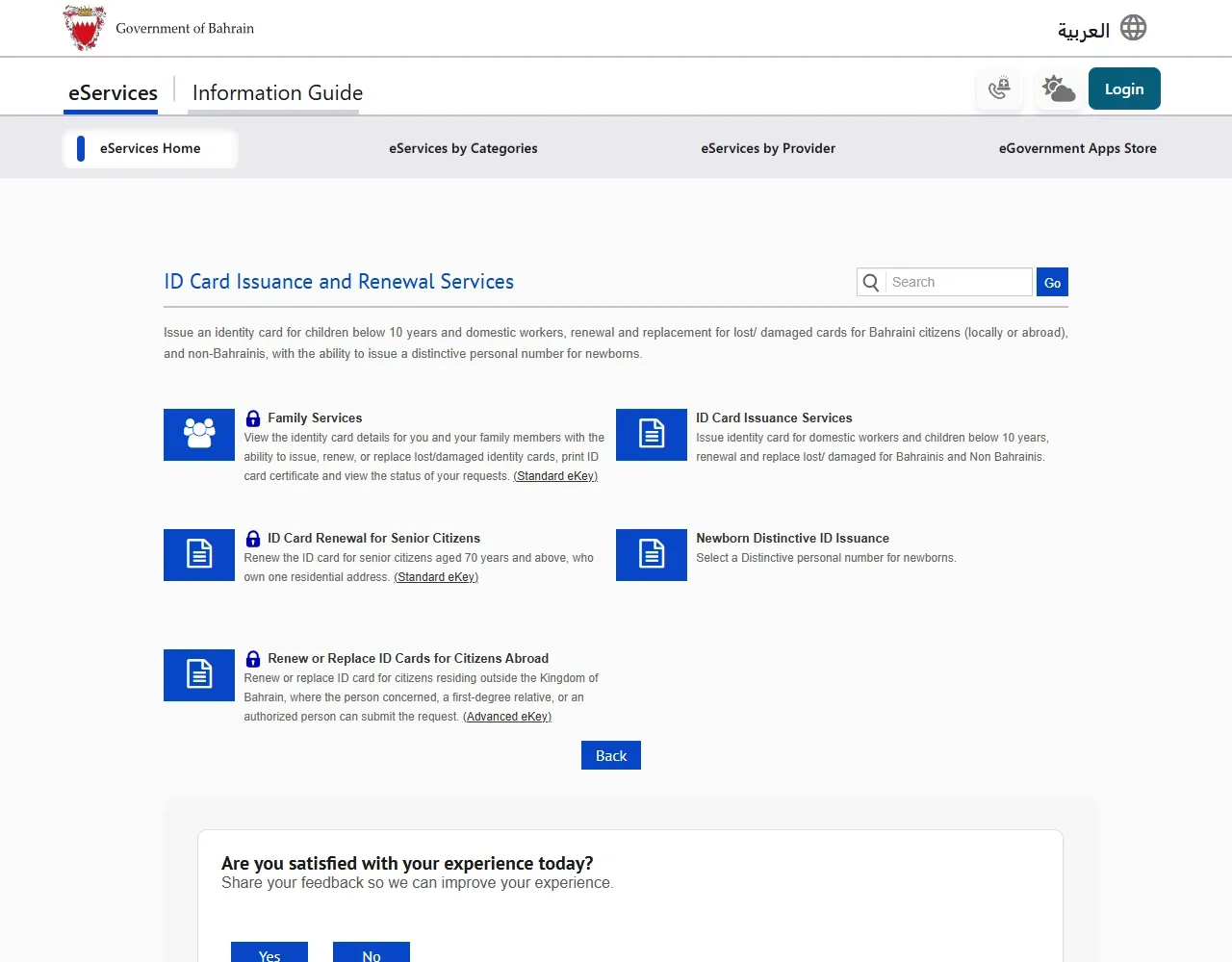
Use the CPR renewal guide for applicant-specific fees, documents and delivery choices.
04Book an ID Card appointment
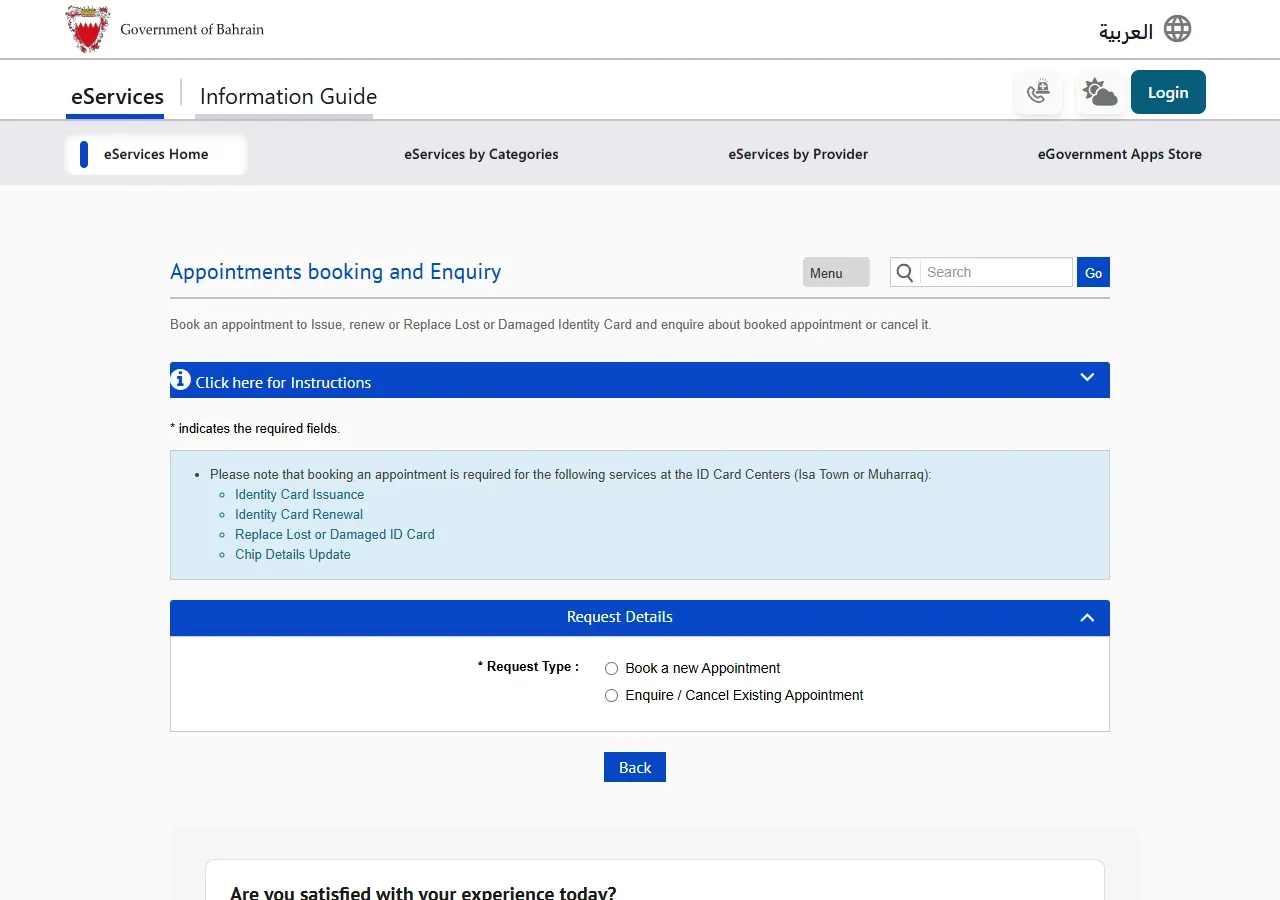
Use iGA’s Book, Modify, Cancel or Inquire About an ID Card Appointment service. Choose the applicant category, enter the requested details, then follow the remaining screens to select a slot.
05Replace a lost or damaged CPR
- Open the official replacement service.
- Select Family Services with eKey or the appropriate issuance route.
- Sign in and choose the lost or damaged card request.
- Review the fee and delivery option before payment.
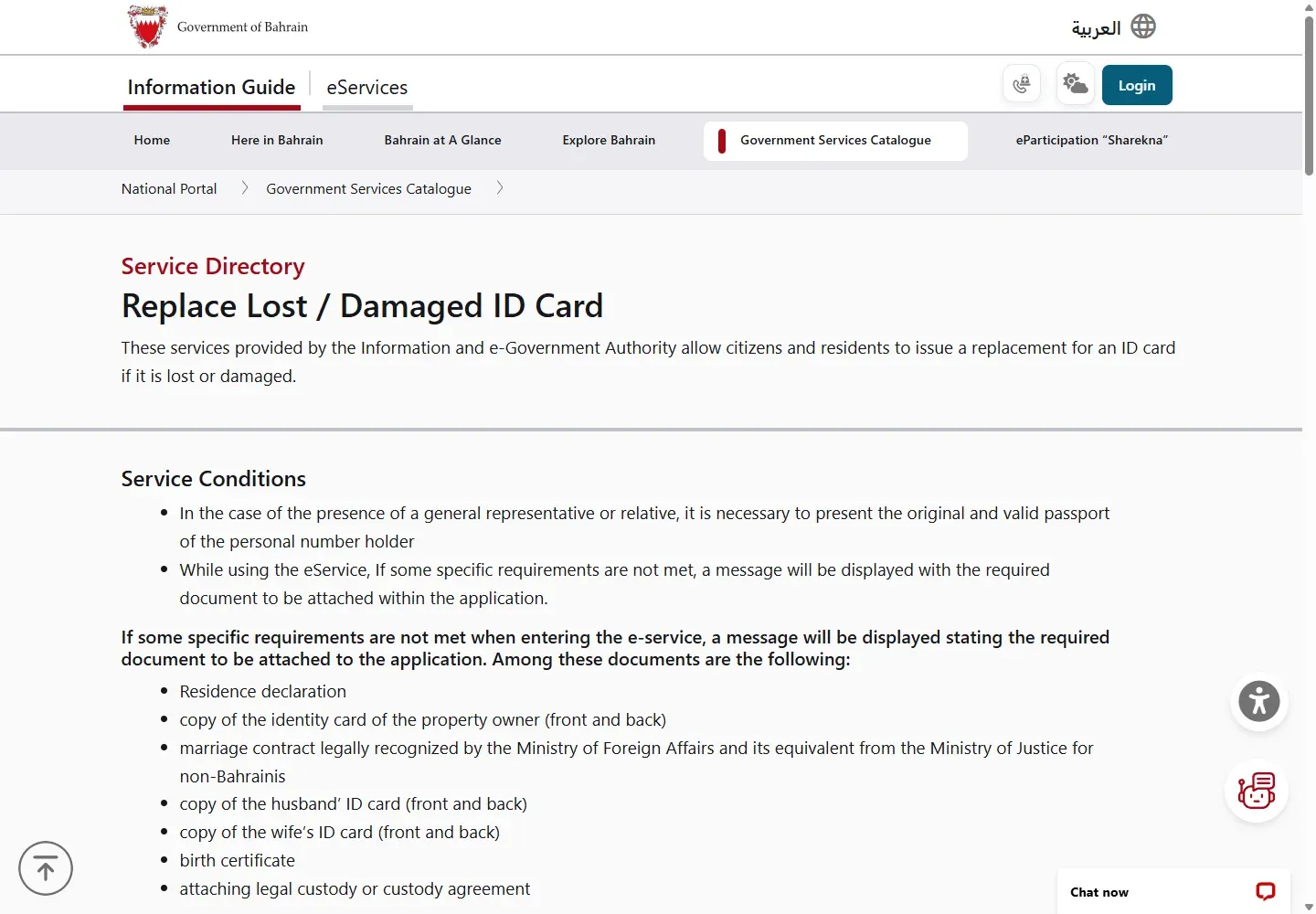
Use the lost CPR guide for fees, timing and required conditions.
06Check a CPR request
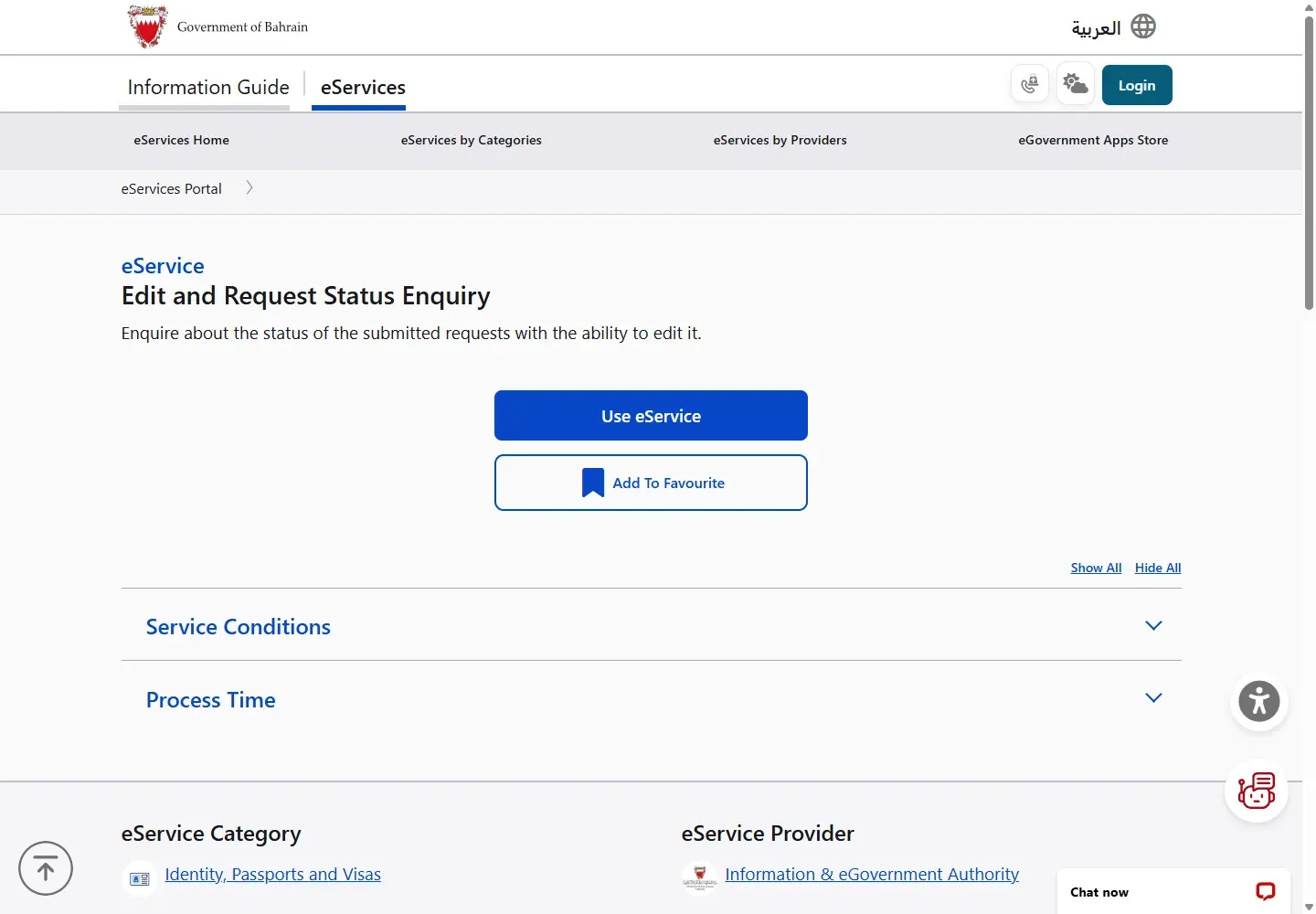
Use ID Card Request Status Inquiry after an application has been submitted. Enter the request details exactly as the service asks. This checks the request, not the validity of the physical card itself.
07Fees and timing depend on the task
There is no single CPR fee. Renewal, replacement, fast track, postal delivery and early renewal use different official charges. Check the task-specific guide and the fee panel on the live government service before paying. Booking an appointment has no booking charge.
For changed personal details, check how to update CPR chip information and distinguish that task from renewal.
Early renewal rule for citizens: an application made before the allowed renewal window is treated as a replacement and uses the replacement fee.
08Bahrain ID card questions
Is a Bahrain ID card the same as a CPR card?
Yes. Bahrain residents commonly say CPR card, while official portals use Identity Card or ID Card. Both names refer to the national identity card linked to your personal number.
How can I check my Bahrain ID card?
Use ID Card Request Status Inquiry if you already submitted an issuance, renewal or replacement request. To view your current card details or obtain a copy, use the Family ID Card Services or Print ID Card Certificate service with eKey 2.0.
Can I renew a Bahrain ID card online?
Yes, eligible applicants can use ID Card Issuance and Renewal Services on bahrain.bh. The route, fee and required documents depend on whether the applicant is a citizen, a resident, a senior citizen or a citizen abroad.