NBR Bahrain: What It Does and How to Use Its Portal
The NBR, Bahrain’s National Bureau for Revenue, handles VAT, excise and the Domestic Minimum Top-up Tax (DMTT). Reach its online portal through the NBR website. Sign up, change the temporary password sent by email, then complete your NBR profile. The NBR must validate your profile before tax registration opens. For VAT help, call 80008001 or email [email protected].
Imagine opening the portal to register a new business, only to find that you cannot start the tax application. The missing step is the profile. The NBR’s registration guide puts that shared business record first, before registration for a particular tax. Follow that order so you prepare the right papers before starting the form.

- Sign up on the NBR portal
- Complete your NBR profile
- Wait for validation, then register for the tax
- File returns and pay
- Keep your profile up to date
What the NBR does
The NBR implements and collects VAT in Bahrain. The standard VAT rate has been 10% since 1 January 2022; VAT began on 1 January 2019. Its services also cover excise and DMTT payments.
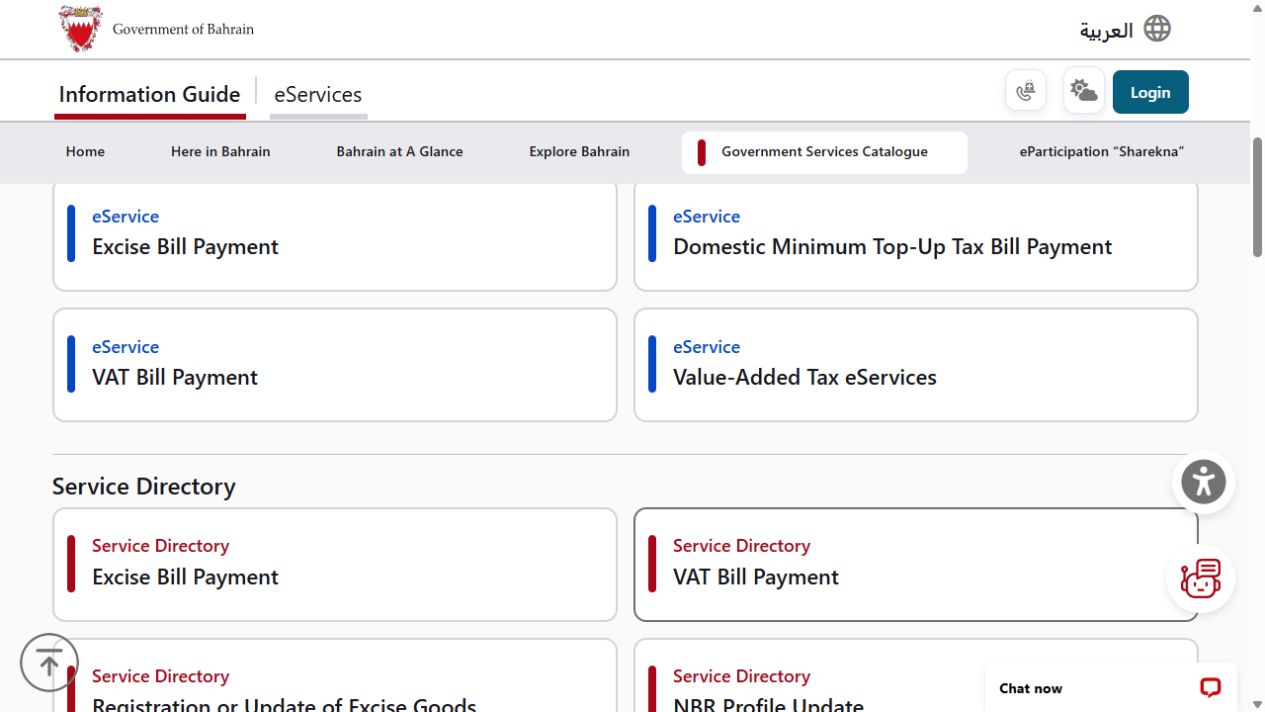
The National Portal’s NBR directory lists VAT returns and de-registration alongside refund and ruling requests. It also lists certificates of residence for tax purposes and requests to the NBR’s Reviews and Appeals Section. Start with the service that matches your task, rather than treating every visit as a new registration.
Step 1: sign up on the NBR portal
Open the NBR website and follow its portal route. The NBR’s VAT Registration Guide recommends Google Chrome. If you already have an NBR profile, the guide directs you to the tax registration process instead of creating another profile.
- Open the portal through the NBR website. You can then begin account sign-up.
- Fill in and confirm the sign-up details. The NBR sends two emails: one confirms your requested user ID, and the other gives a temporary password.
- Use the temporary password and change it when prompted. After that step, the guide says you are logged in to the portal.
The next task is the NBR profile. If you skipped it at the first login, open the actions next to “NBR Profile” and choose “Register”. The guide shows this route for starting the profile later.
Step 2: complete your NBR profile
The profile form has four sections. Work through General Details, then Address and Branch Details. Continue with Economic Activities and Contact Details. Fields marked with a red asterisk are mandatory.
When an entity selects Commercial Registration (CR) as its ID type, the guide says some details fill in from ministry records. These include the legal name and the CR issue and expiry dates. Check the filled-in details as you work through the form.
Our checklist from the official guide: have these ready
The wording below comes from the NBR VAT Registration Guide, updated 18 October 2026. Use the documents that match your applicant type.
- Commercial Registration Certificate for all active CRs
- If the applicant is an individual person, copy of the ID with proof of address
- If non-resident, Certificate of Incorporation with proof of address
- Contact person identification.
The contact section also needs the relevant letter. An authorised CR signatory provides a signed letter confirming that the entered mobile number and email belong to them. If the contact person is not an authorised signatory, the guide asks for an authorisation letter. It must confirm their employment and contact details, and be stamped and signed by an authorised signatory.
After successful submission, the guide shows the message “Application submitted successfully”. Keep that stage separate from validation: the tax registration becomes available once the NBR has completed and validated the profile.
Step 3: wait for validation, then register for the tax
Once the profile is validated, the NBR issues a profile number. You can then register for VAT, excise or DMTT. For VAT, the guide shows the actions beside the approved profile, followed by “Register”.
If the tax registration is still unavailable, check whether the profile has been validated. For a specific registration question, use the NBR guide or call the NBR.
| VAT question | Guide’s rule |
|---|---|
| Mandatory registration for Bahrain residents | Annual supplies exceeded BHD 37,500 in the previous 12 months, or are expected to exceed that threshold in the next 12 months. |
| Voluntary registration | Annual supplies or expenses in Bahrain exceeded BHD 18,750 in the previous 12 months, or are expected to exceed that threshold in the next 12 months. |
| Late registration | Late application may lead to penalties of up to BHD 10,000. |
Source: NBR VAT Registration Guide, sections 2, 3 and 7, updated 18 October 2026; read 2 November 2026.
Read our VAT registration guide for the application route. For customer-facing VAT questions, see the guide to VAT and consumer invoices.
If a step does not work (our suggestions)
Use the contact table below to ask about your application.
- If the user ID or temporary password email does not arrive, check your spam folder, then call 80008001 (our suggestion).
- If the NBR requests more information on a profile update, return to the portal’s profile update route.
Step 4: file returns and pay
Registered VAT payers must submit their returns through the NBR online portal. If the NBR does not receive a return within the filing period, it can estimate the return under Article 36 of the VAT law.
After login, use the following filing route from the NBR’s manual.
- Open VAT Returns on the portal home page. Select Not Filed to find outstanding returns, then choose the return for the relevant period.
- Read and agree to the instructions, then review your VAT payer and return details. Answer the questionnaire to reach the VAT Return Form. Enter the amounts for that return period; the question-mark tooltips explain the fields.
- Continue to Additional Information. This section is optional and lets you attach supporting information, such as invoices or customs declarations.
- Review the completed form and agree to the declaration, then submit. The next page confirms successful submission and provides a Confirmation receipt. The manual also says to expect an SMS and email confirming submission.
The manual defines the filing period as the month after the VAT period ends. File the return and pay any VAT due by the last day of that filing period. If that day is a non-business day, the manual gives the next business day as the deadline.
Sources: NBR: How to file VAT Returns and its linked VAT return filing manual, sections 4 and 5, read 2 November 2026. This is a written guide, not a filing test.
For payment, the National Portal gives the VAT Bill Payment Service and Fawateer as routes for outstanding VAT dues. Its NBR bills payment service also lists separate excise and DMTT payment options.
Step 5: keep your profile up to date
When your registered details change, use the NBR profile amendment route. Log in, find “NBR Profile”, open the actions next to it and choose “Amend”. Update the relevant sections and attach the requested documents.
The National Portal lists a CR certificate and the contact person’s ID card as attachments. If the contact is not an authorised signatory recorded in Sijilat, provide the signed authorisation letter too. The stated process time is 5 working days. The NBR may ask for more information.
Once the amendment is approved, the guide says registered taxpayers can find updated certificates under “My Documents” on the portal home page. Use the official profile update page for the amendment process.
How to contact the NBR
If you are stuck, use the channel for your enquiry. Have your question and the stage you reached ready before contacting the NBR.
| Channel | Contact |
|---|---|
| Domestic hotline | 80008001 |
| International hotline | +973 77777333 |
| VAT enquiries | [email protected] |
| Excise enquiries | [email protected] |
| Headquarters | West Tower, Bahrain World Trade Center, Manama |
Source: National Portal: NBR contact information, saved 30 October 2026, read 2 November 2026.
When Imapro can help (our suggestions)
For the website side of setting up your business, talk to Imapro about clear service pages and customer information. Take questions about your tax position or a particular NBR application to the NBR or your tax adviser.
Frequently asked questions
These are the main points to check when choosing your next portal task.
Why can’t I register for VAT yet?
VAT registration cannot be accessed until the NBR profile is completed and validated by the NBR.
Do I need an NBR profile for excise?
The guide says excise registration also stays unavailable until the NBR profile is completed and validated. The same applies to DMTT registration.
How long does a profile update take?
The National Portal states 5 working days for the profile update service.
What is the NBR phone number?
The domestic hotline is 80008001. The international hotline is +973 77777333.
Sources
The portal steps come from the NBR VAT Registration Guide, updated 18 October 2026. Service and contact information comes from the English National Portal pages.
Published · Updated