How to get a salary certificate in Bahrain
Ask your employer for a salary certificate. A private-sector employer must give you one free of charge when you ask. That is your right under Article 13 of the Labour Law. The letter must show the date you started, your job, your wage and your other benefits.
If you work for a government body under the Civil Service Bureau, request it in the GovEmployee app. If you are retired, print your Pension Salary Certificate online.
How do you get your salary certificate?
You work for a private employer.
- Send HR a written request.
You work for the government.
- Request it in the GovEmployee app.
You are retired.
- Print your Pension Salary Certificate.
You declare your own income.
- Go to a notary office.
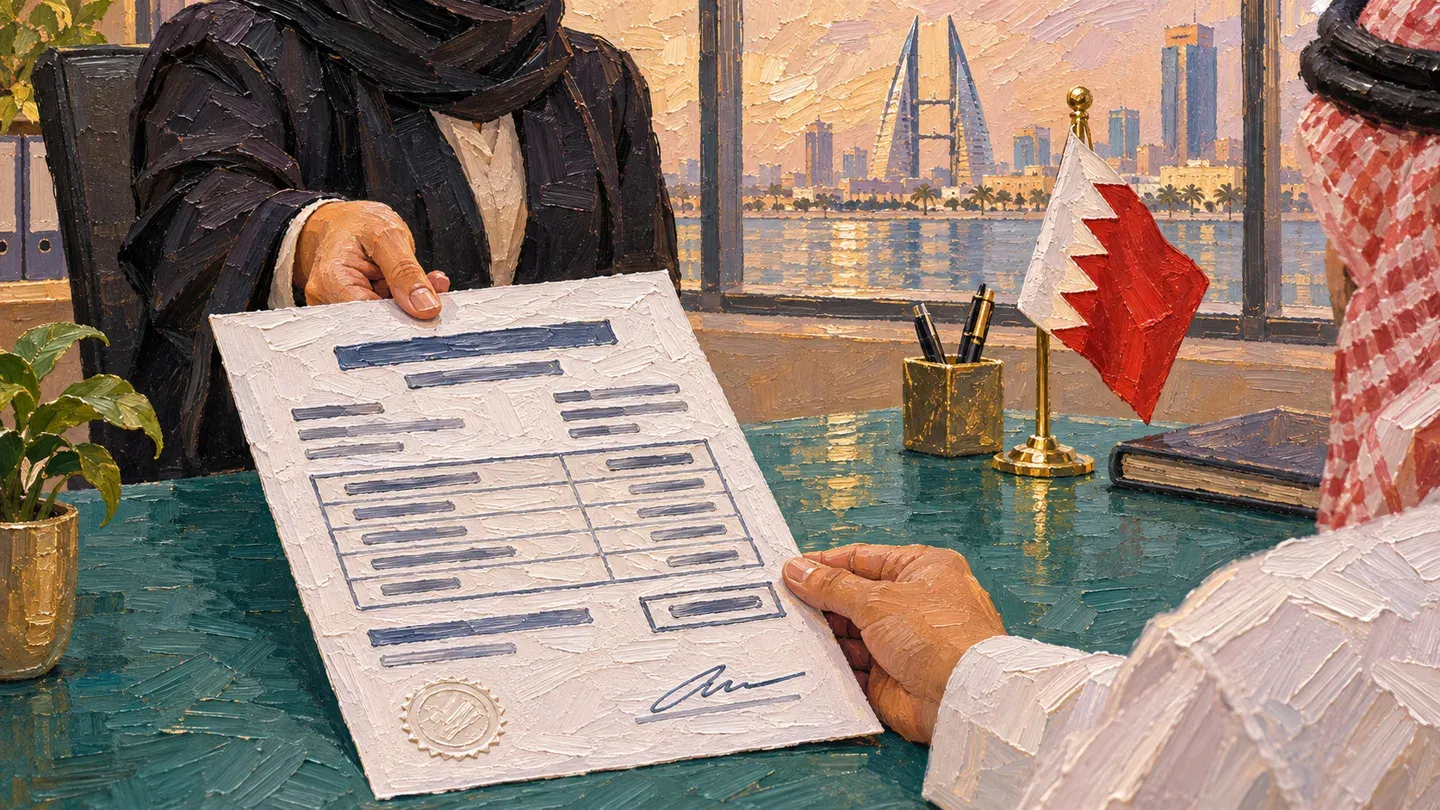
How do I ask my employer for a salary certificate?
Send HR (the team that keeps staff records) a written request for a salary certificate. You can ask while you work there or after you have left.
- Tell HR who asked for the certificate and what they need it to say.
- Tell HR if you need a stamp, a signature or company letterhead.
- Read the letter when you get it. Check that the pay and dates are right before you hand it in.
The English text of the law is not official. If it differs from the Arabic text, the Arabic text prevails.
What must a salary certificate show?
Article 13 sets out what your employer must put in the letter.
| What to check | What the certificate must show |
|---|---|
| Work dates | The date you started. If your contract ended, the date and reason it ended. |
| Job and skills | The type of work you did, your experience and your professional skills. |
| Pay and benefits | Your wage and the other benefits you received. |
Ask the office that wants the letter whether it must also show your ID number or the date it was issued. Check that your name matches your ID card.
I work for the government. How do I get mine?
- Open GovEmployee
- Choose the type of certificate
- Fill in the details
- You get it at once or after approval
Request your salary certificate in the GovEmployee app on your iPhone or Android phone. Only staff of government bodies under the Civil Service Bureau can use this service.
Open GovEmployee and start the certificate service. Choose the type of certificate your bank or embassy asked for.
Fill in the details the app asks for. You get it at once or after approval, depending on the type.
You can also ask for it on the web. On bahrain.bh, open Civil Service Employee Services and choose Salary and Service Certificates Issuance. To follow a request that is waiting for approval, choose Salary and Service Certificates Request Status on the same page.
The app offers these five types.
| Certificate type |
|---|
| Basic Salary Certificate |
| Continuous Transfer Salary Certificate |
| Conditional Transfer Salary Certificate |
| Service Certificate |
| Salary Certificate for Embassies |
A bank or embassy can check your certificate on Bahrain.bh. They open the validation service there and enter the details from your certificate. If the certificate is valid, the service shows it.
I am retired. Where is my pension salary certificate?
Your pension salary certificate is on the Social Insurance Organization (SIO) website. Look in its online services for individuals. You can view and print it whether you retired from the public or the private sector.
You need the Advanced eKey (Bahrain’s sign-in for online government services) to use this service. After you sign in, open My Dashboard and choose Certificates Dashboard. Pick the pension certificate and print it. If you cannot print it, visit an SIO service centre. If the SIO site is new to you, start with our SIO sign-in guide.
Can I make my own salary declaration?
- Bring your original passport or ID card and the Know Your Customer form
- Go to a notary office
- Pay BD 5, plus BD 3 for each extra copy
- The service takes one working day
Yes, you can declare your own monthly income in front of a notary. The Ministry of Justice calls this service a salary certificate (notarized declaration). The declaration is your own statement, not a letter from an employer. Ask the person who wants it whether they will accept it.
- Bring your original passport or ID card and the completed Know Your Customer form.
- Go to a notary office to make your declaration. It is recorded and notarised there.
- Pay BD 5, plus BD 3 for each extra copy you want.
The service takes one working day. Our Bahrain notary appointment guide explains how to book the visit.
Someone else can go for you. They must bring the original power of attorney (the paper that lets them act for you). A power of attorney issued abroad needs an Apostille stamp, or Bahrain’s Ministry of Foreign Affairs must notarise it.
Which government services ask for a salary certificate?
Golden Residency, the Labour Market Regulatory Authority (LMRA) and SIO each ask for a salary certificate, and each has its own rule.
| Who asks | What they want |
|---|---|
| Golden Residency for employees and retirees | A clear copy of a salary certificate that shows at least BD 2,000, and a clear copy of your bank statement for the last 6 months. |
| LMRA, when a Gulf Cooperation Council (GCC) resident employer wants a higher limit on domestic worker permits | A salary certificate, but only if SIO has no salary data for you. Attach a bank statement that shows your income for at least the past three months. |
| SIO, when you add an earlier period of work to your insurance record | A salary certificate, with pay slips and a payroll statement for that period. |
If you also need proof that your salary reaches your bank, see our guide to salary transfers in Bahrain.
What if my employer will not give me one?
Ask HR again in writing and quote Article 13 of the Labour Law (Law No. 36 of 2012). Keep a copy of your request. If HR still refuses, file a labour complaint with the Ministry of Labour. The ministry accepts a complaint only if you still work for the employer and hold a valid work permit.
- Get your ID card and your employer’s commercial registration number (the number that identifies the business). Add any document that supports your complaint, such as a copy of your written request.
- You can file the complaint online or in person at the Ministry of Labour’s Labour Inspection Section.
The ministry then tries to resolve the complaint between you and your employer. The service takes five working days. For help with the service, call 17873627 or 17873919.
Sources
- Labour Law for the Private Sector, Article 13 (read 12 November 2026)
- Labour Market Regulatory Authority notes on the translation
- Civil Service Bureau salary and service certificates
- Government salary and service certificate verification
- Salary certificate (notarized declaration)
- Golden Residency for employees and retirees
- Raise the domestic worker limit for a GCC resident employer
- Social Insurance Organization services for individuals
- Submit a private-sector labour complaint
- Civil Service Employee Services, bahrain.bh
- Statements and Certificates, Social Insurance Organization
Published