Practical guide
SIO Bahrain Login: View and Download Your Contribution Statement
By Gaurav Agarwal · Official details checked 30 September 2026
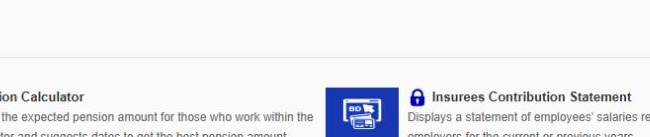
Open SIO's Individual E-Services, choose Insurees Contribution Statement, and sign in through the official SIO login. The statement shows salaries registered by your employer for the current or previous years. The insuree service lists no fee or document upload.

01What you need for the SIO Bahrain login
- The official employee service: choose Insurees Contribution Statement, not an employer contribution service.
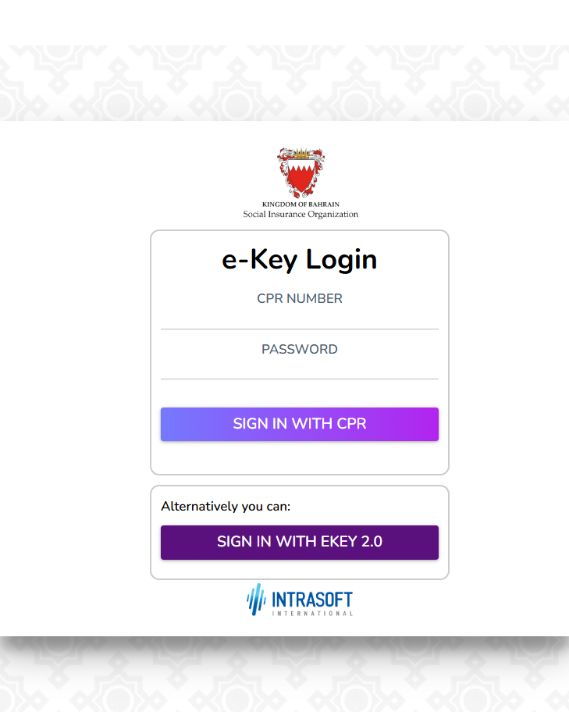
- Your SIO login: the public login screen accepts a CPR number and eKey password, or offers eKey 2.0.
- No upload: the public insuree service does not list a required document upload.
The employee uses the Insurees Contribution Statement. Employers have separate SIO services for establishment and worker transactions.
02How to log in to SIO Bahrain
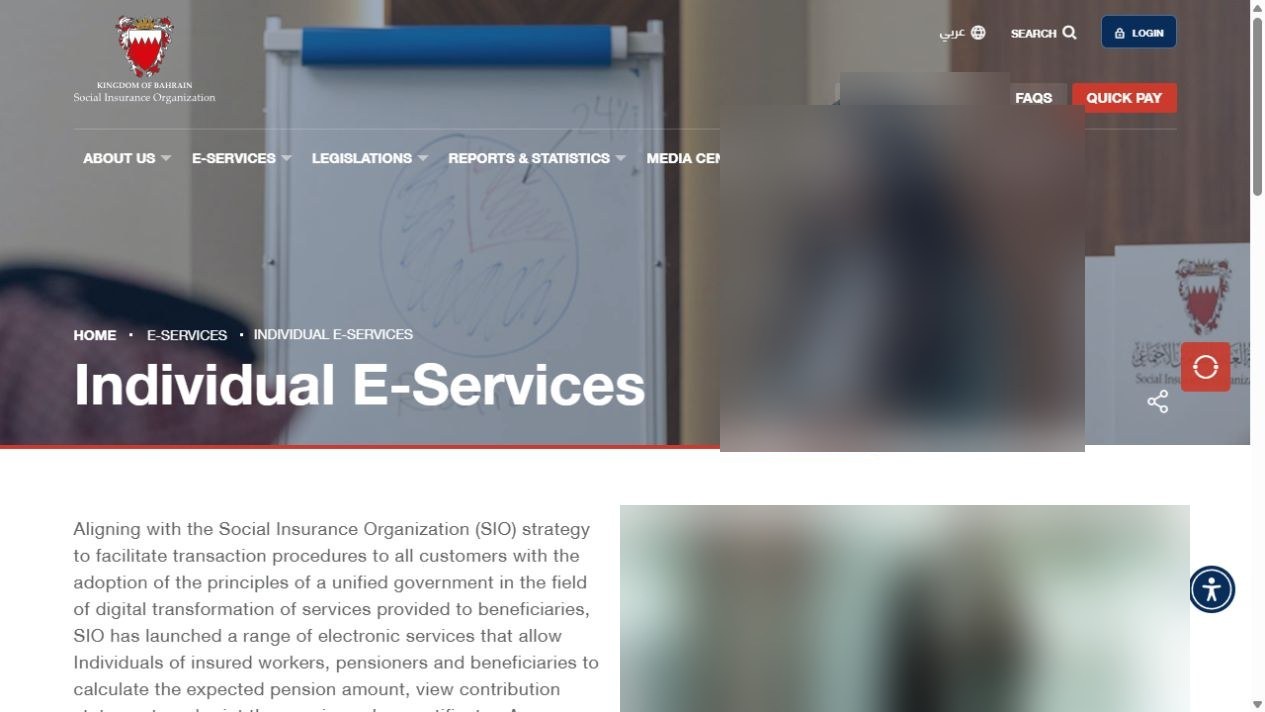
- Open SIO's official Individual E-Services page.
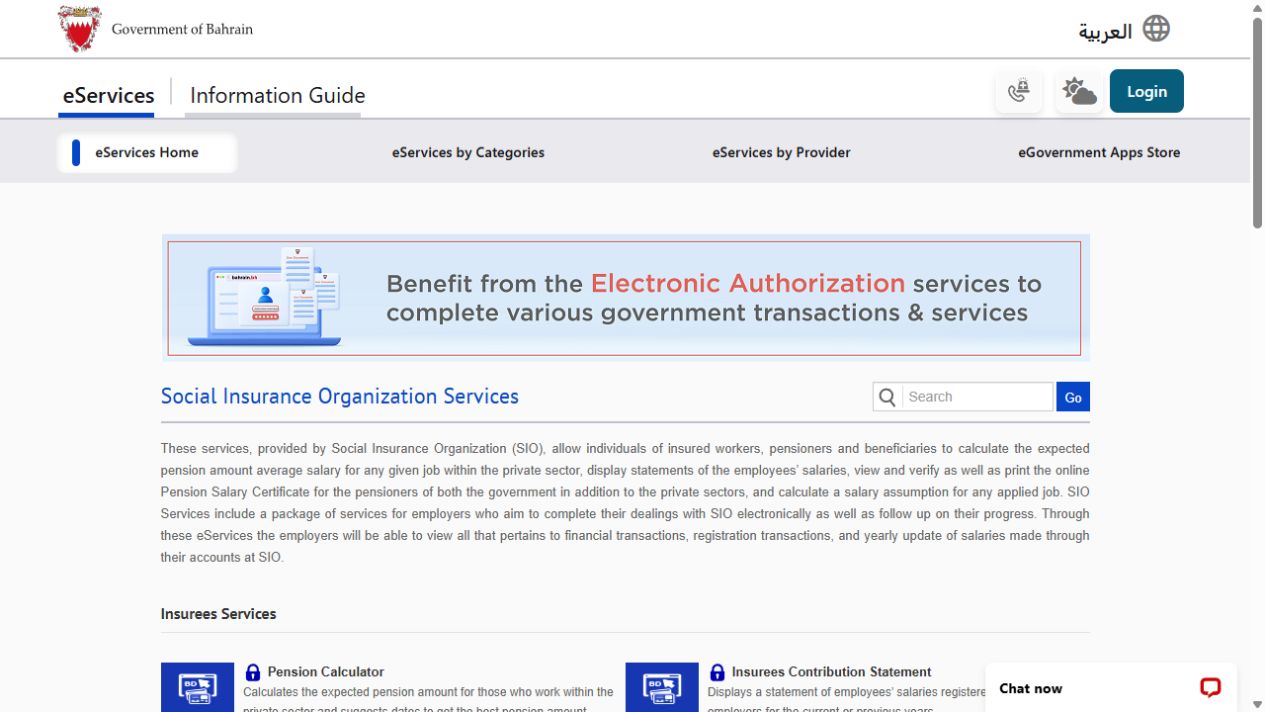
- Choose Login, or open the contribution statement from the official Bahrain Social Insurance Organization Services page.
- On the SIO login screen, enter your CPR number and eKey password, then choose Sign in with CPR. You can instead choose Sign in with eKey 2.0.
- Complete any eKey authentication prompt. Do not enter your details on a copied or unofficial login page.
03How to view your SIO contribution statement
- After signing in, open Insurees Contribution Statement.
- Select the available current-year or previous-year period you need.
- Review the employer name, registered salary and contribution periods shown in the statement.
- If a salary or period looks wrong, note the employer and period before contacting the employer or SIO.
The Bahrain portal describes this statement as a record of employees' salaries registered at SIO by their employers for current or previous years. It is different from a pension salary certificate and from an employer's worker list.
04How to download or save the statement
Use the download or print button if your statement shows one.
If there is no download control, use your browser's print command and choose Save as PDF. On Windows, press Ctrl and P. On a phone, open the browser menu, choose Print or Share, then select the available PDF option. Check the preview before saving so the employer, salary and periods are visible.
Keep the saved file private. A contribution statement contains employment and salary information.
05Common SIO login problems
- The CPR login does not work: check the number and password, or use the eKey 2.0 option shown on the official SIO login screen.
- You forgot the eKey password: use the official eKey password reset. The reset sends a verification code to registered contact details.
- You cannot receive the verification code: the official reset page says to visit an eKey service centre if your registered phone or email is out of date. The Government Services Contact Center is 8000 8001.
- You reached employer login: return to the eKey section. Employee and insuree access uses eKey; the employer box is for establishments.
- The page loops or stays blank: close the old tab and reopen the service from sio.gov.bh or bahrain.bh. Avoid relying on an old bookmarked session address.
06If your registered salary or contribution period is wrong
Compare the statement with your payslips and employment records. Ask the employer to check the wage and contribution data it registered with SIO. Record the exact month, year and employer shown in the statement.
If the issue is not corrected, contact SIO and give the relevant period without posting your CPR number or salary publicly. Ask SIO to check the contribution record and the employer registration data.
07Official SIO links and contact details
- SIO Individual E-Services
- Bahrain portal SIO services
- Contribution service directory entry
- SIO complaints and enquiries
- SIO call centre: 1700 0707
- Call centre hours: Sunday to Thursday, 7:30 AM to 2:30 PM
Official service and contact details checked 30 September 2026.