Accident and claim guide
Bahrain Traffic Accident Report: The Insurance Claim Handoff
By Gaurav Agarwal · Checked 5 October 2026
If anyone is injured, call the Traffic Enquiry and Control Centre on 199 and do not continue the minor-accident app flow. For a minor accident without injuries, use the Traffic Accidents service now available through MyGov, submit clear photos and vehicle details, complete the at-fault acknowledgment where required, save the report number, then contact the appropriate insurer.
01Check safety before using the app
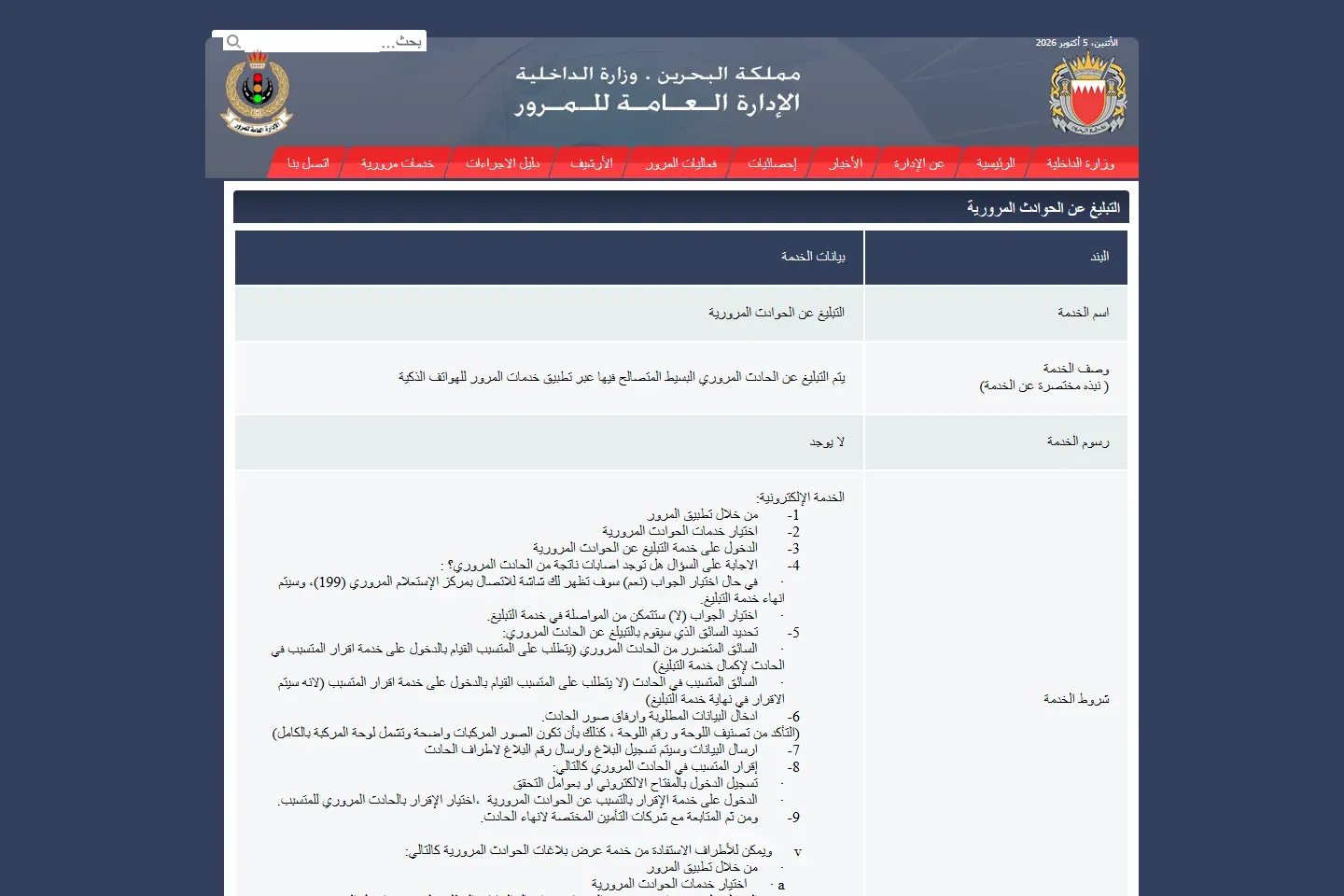
The GDT procedure begins by asking whether the accident caused injuries. If the answer is yes, the reporting flow displays the 199 contact route and ends the electronic report. Call for help and follow official instructions.
The online route is for a simple reconciled traffic accident without injuries. Do not use a convenience guide to override police, medical or emergency instructions.
02Report a minor accident through MyGov
- Open MyGov and choose Traffic services, then Traffic Accidents.
- Choose Report Traffic Accidents.
- Answer the injury question accurately.
- Select whether the reporter is the affected driver or the driver who caused the accident.
- Enter the requested driver, vehicle, plate and accident details.
- Attach clear photographs and submit.
- Save the report number sent to the parties.
The older GDT instructions refer to the eTraffic app. Bahrain's current app page says those services moved to MyGov. Use the current MyGov app entry while following the GDT reporting requirements.
03Take the photos and keep the documents insurers need
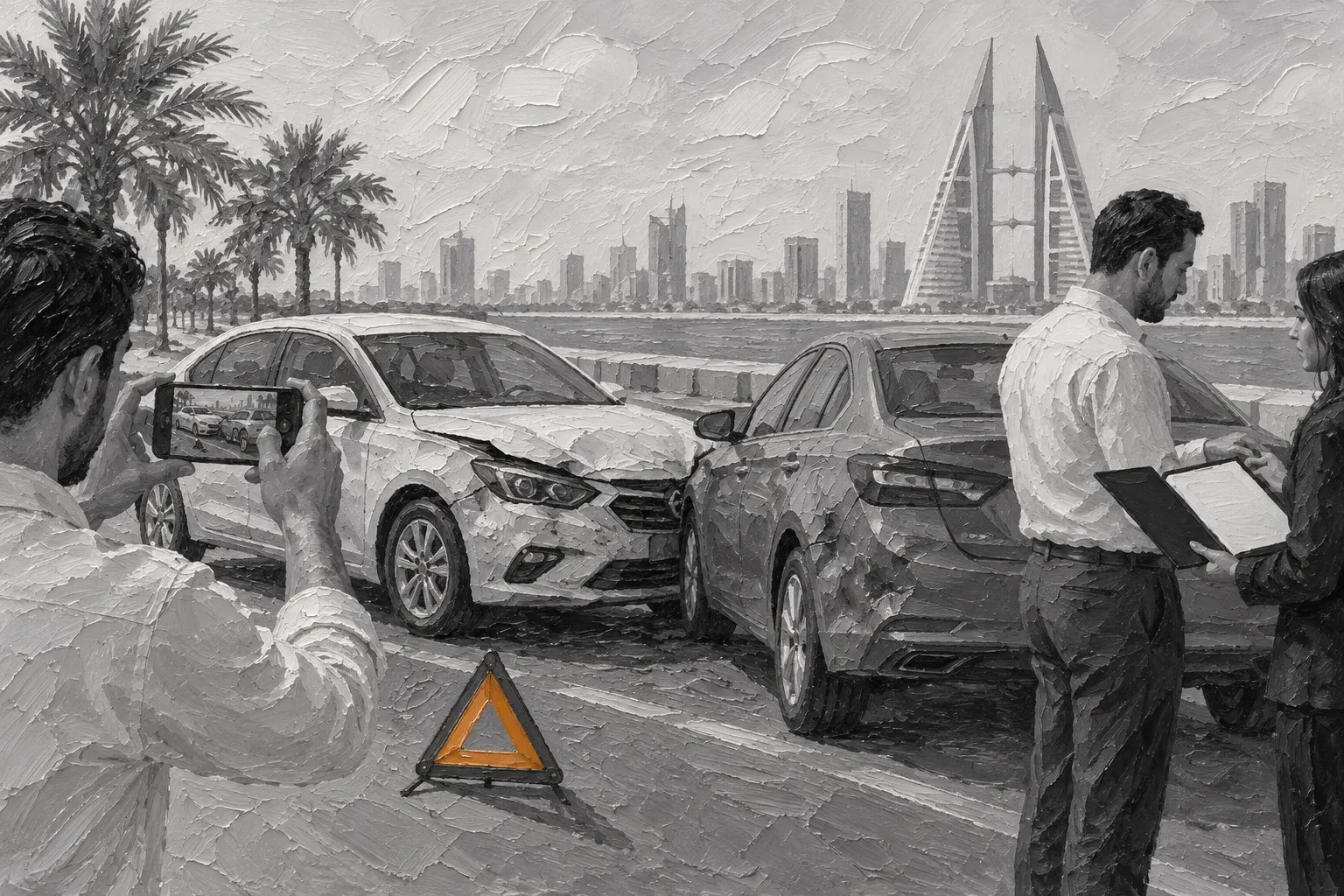
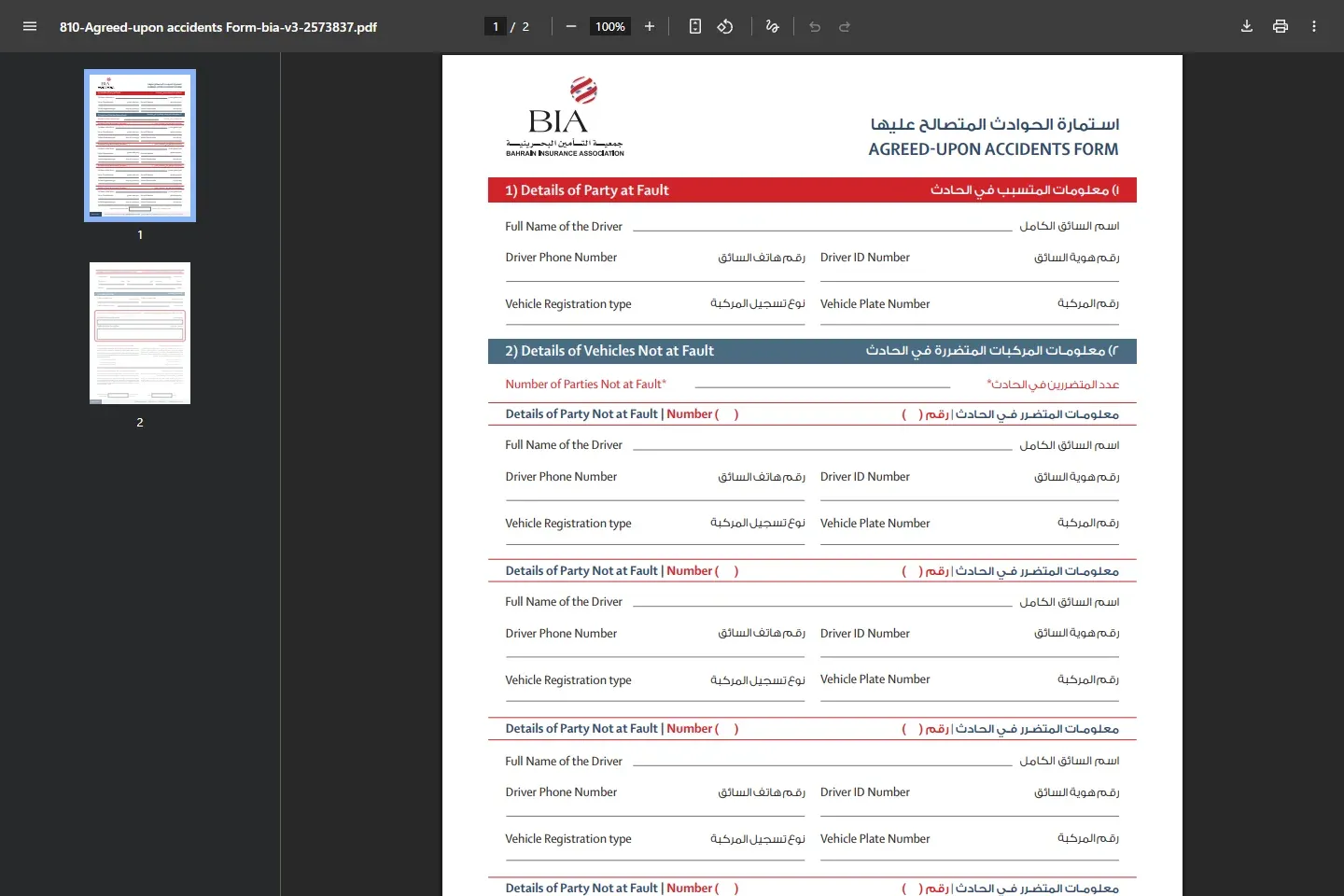
GDT says the images should clearly show the vehicles and the complete vehicle plates. The official agreed-accident form also says the accident should be photographed from all sides.
Keep valid copies of the vehicle ownership card, motor policy and driver's licence for every involved vehicle, together with the accident reference, location, time, contact details and photographs. Preserve original files and do not edit away damage or plate context.
04Complete the at-fault acknowledgment
When the affected driver submits the report, GDT says the driver who caused the accident must enter the Traffic Accident Acknowledgment service to complete it. The at-fault driver can sign in through eKey or the available verification factors. When the at-fault driver submits the original report, the acknowledgment is completed at the end of that flow.
Review the facts before acknowledging responsibility. Do not enter an acknowledgment that does not match what happened.
05Hand the report to the correct insurer
After the report and any required acknowledgment are complete, contact the insurer named by the relevant policy and claim route. Ask for a claim number and a written document checklist. Keep every repair estimate, inspection instruction, towing receipt and insurer message.
For a third-party policy, the responsible claim route can depend on who caused the accident and the policy arrangements. GIG's Bahrain customer portal, for example, tells third-party policyholders to claim with the at-fault party's insurer. Treat that as one insurer's published guidance and confirm the route for your own case.
If no photographs are available, the official agreed-accident form says all vehicles involved must visit the insurer of the party who caused the accident.
06If the insurer delays or rejects the claim
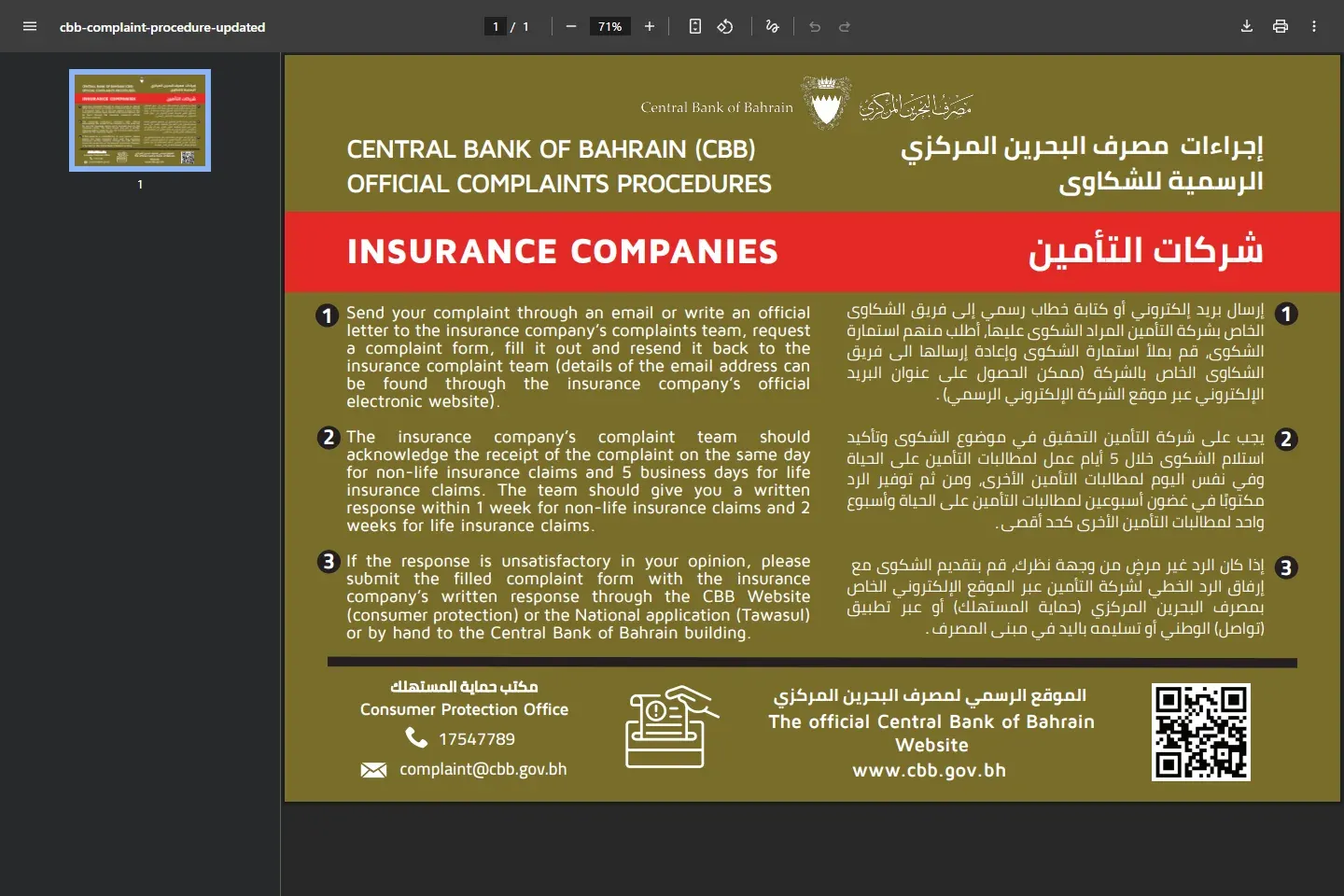
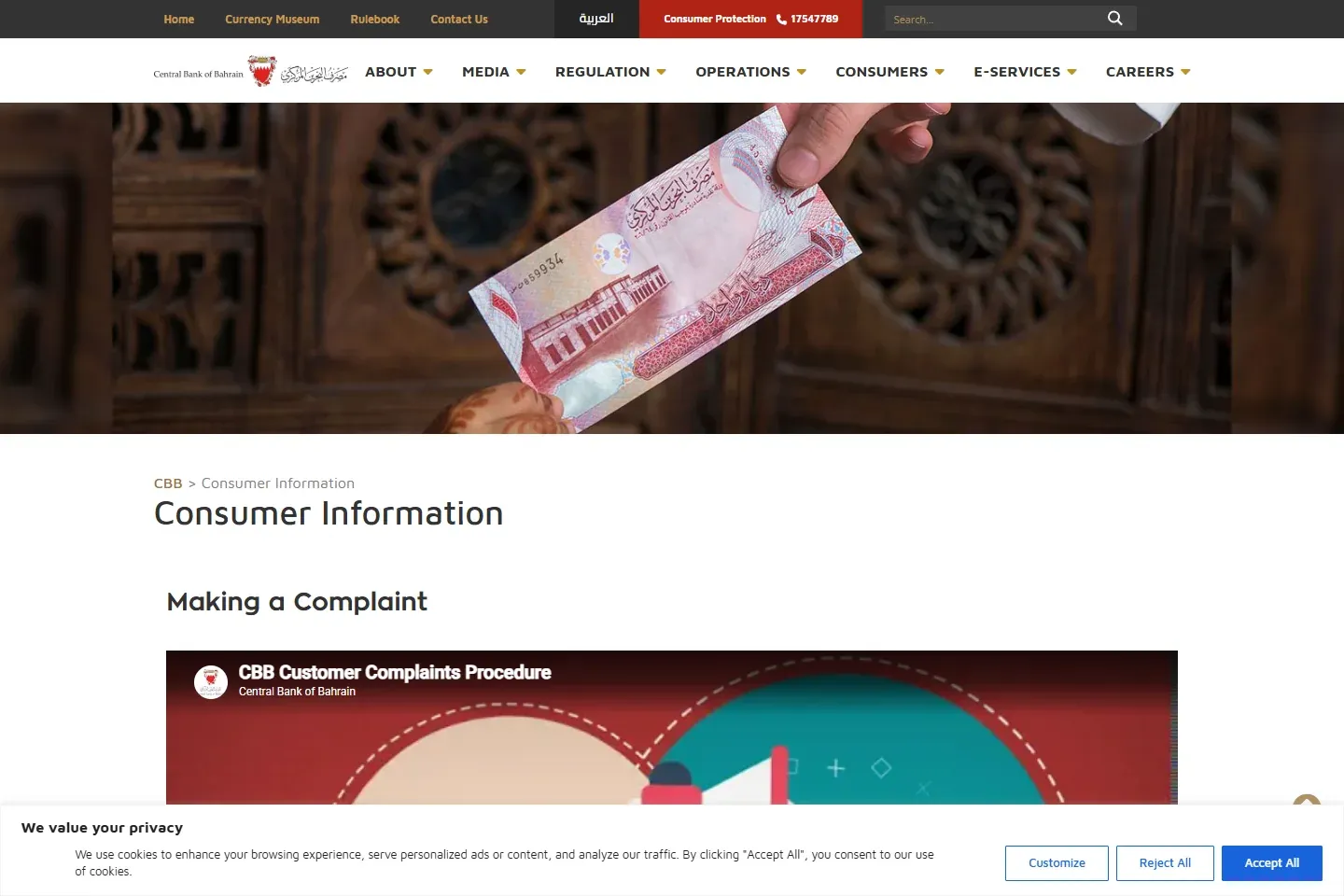
Ask for the decision and policy clause in writing. CBB's published insurance complaint procedure starts with a written complaint to the insurer's complaints team. It says the insurer should provide a written response within one week for non-life insurance complaints. If the response is unsatisfactory, attach it to the CBB complaint through consumer protection, Tawasul or a hand-delivered submission.