Motor status guide
How to Check Car Insurance Status in Bahrain
By Gaurav Agarwal · Checked 5 October 2026
Check the policy certificate or insurer portal first, then use the official Traffic vehicle-registration route to confirm that the vehicle meets the insurance condition. Bahrain's public GDT directory does not currently advertise a universal stand-alone policy-number lookup. If the insurer shows an active policy but Traffic does not recognise it, ask the insurer to reconcile the vehicle details and electronic record.
01What you can check online
There are three different questions:
- Is the contract active? Check the insurer's certificate, policy schedule or authenticated portal.
- Are the vehicle and owner details correct? Compare the certificate with the vehicle registration.
- Will Traffic accept the record for registration? Use the vehicle-registration route, which checks whether the insurance and inspection conditions are satisfied.
A vehicle registration can still be expired even when insurance is active, and an insurance policy can exist with a detail that prevents the government record from matching it.
02Check the policy with the insurer
- Open the insurer's official website or app from a saved policy link or the CBB register.
- Sign in or retrieve the policy using the fields the insurer requests.
- Confirm the legal insurer name, policy number, policyholder, vehicle number, cover type, start date and end date.
- Download the certificate or schedule rather than relying only on a payment message.
- Check that the status is active and that no endorsement is still pending.
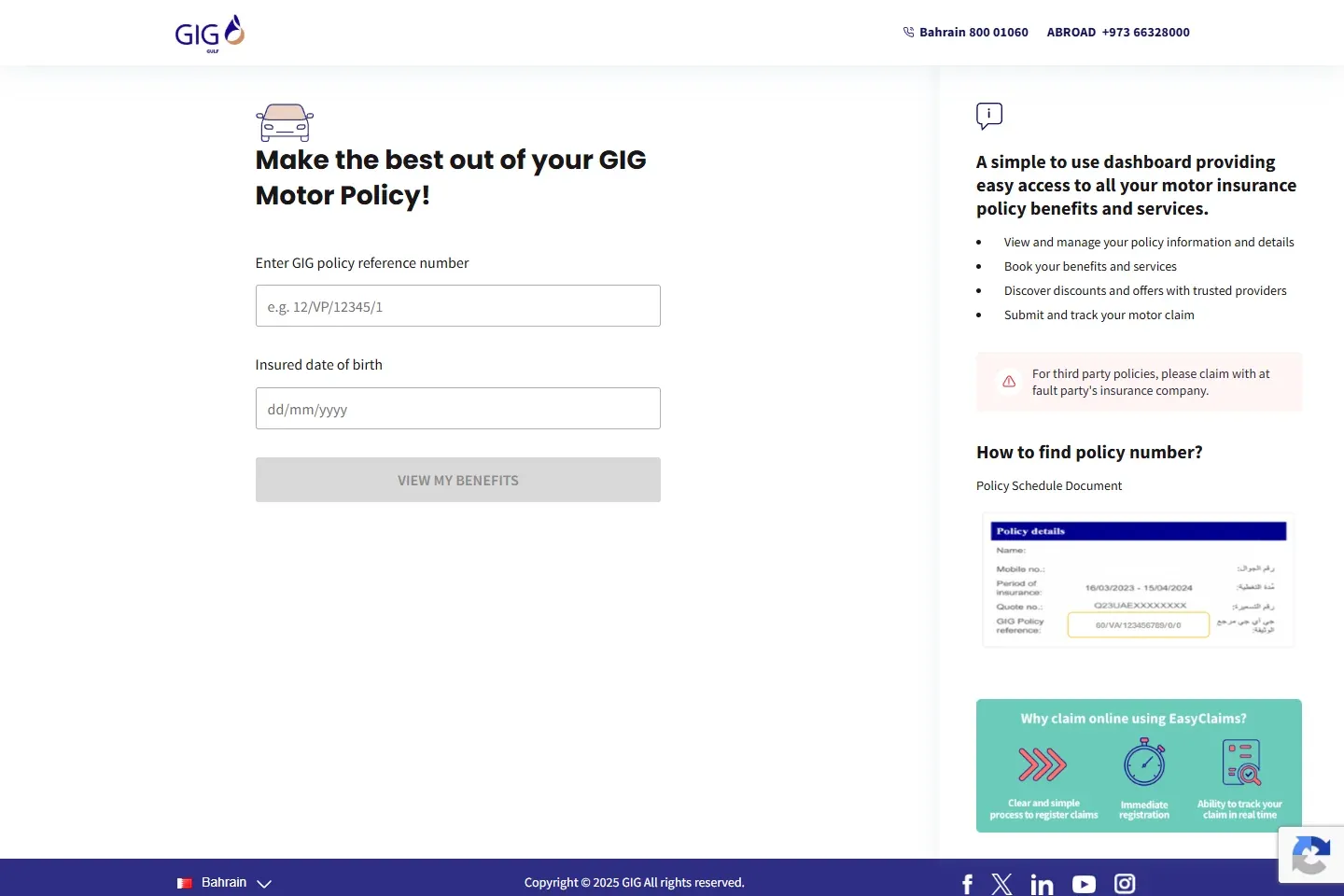
GIG's public Bahrain portal is one example: it accepts the policy reference and insured date of birth and offers policy-information, benefits, service and claim access. Other insurers use different fields.
03Check the government-facing vehicle condition
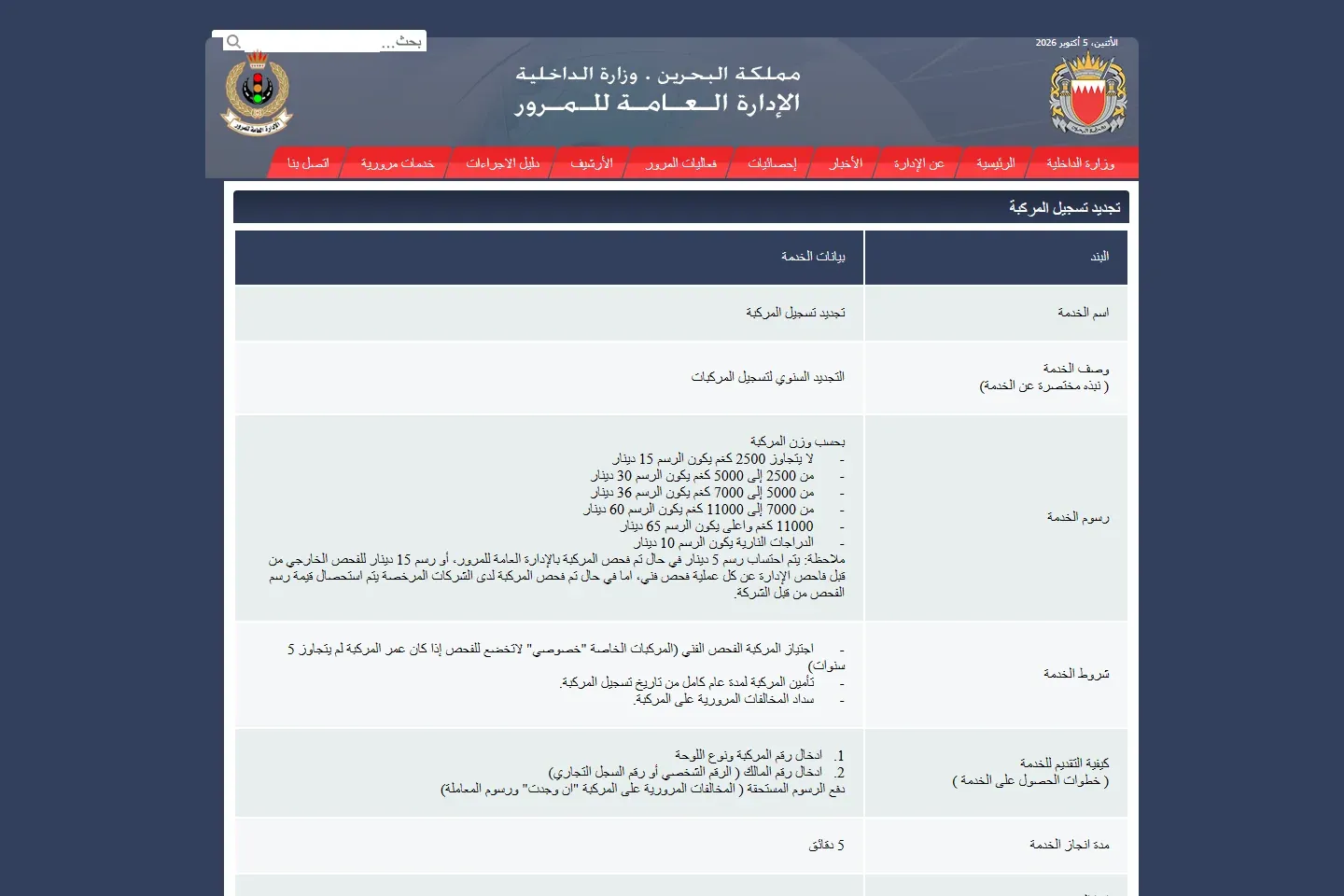
GDT's renewal page says the vehicle needs insurance for one full year from the registration date, any required technical inspection, and cleared traffic contraventions. The vehicle-registration service has no document-upload requirement because the conditions are checked against linked records.
Start the official renewal route and review the condition shown for the vehicle. Do not complete a payment merely to test insurance status. If you also need to renew, follow the full vehicle-registration guide.
04If the insurer and Traffic records disagree
- Compare the plate number, plate type, chassis or vehicle identifier where shown, owner name and policy dates.
- Confirm that the transaction issued a policy and did not stop at a quote, authorization or pending payment.
- Ask the insurer to confirm the effective date and the exact vehicle data sent to the government record.
- Keep the certificate and payment receipt while the insurer investigates.
- Do not buy a duplicate policy until the first insurer confirms the status in writing.
- If a written complaint remains unresolved, use the CBB consumer-protection process.
The official pages do not publish one guaranteed synchronization time. Any fixed waiting period would be speculation.
05Verify that the provider is licensed
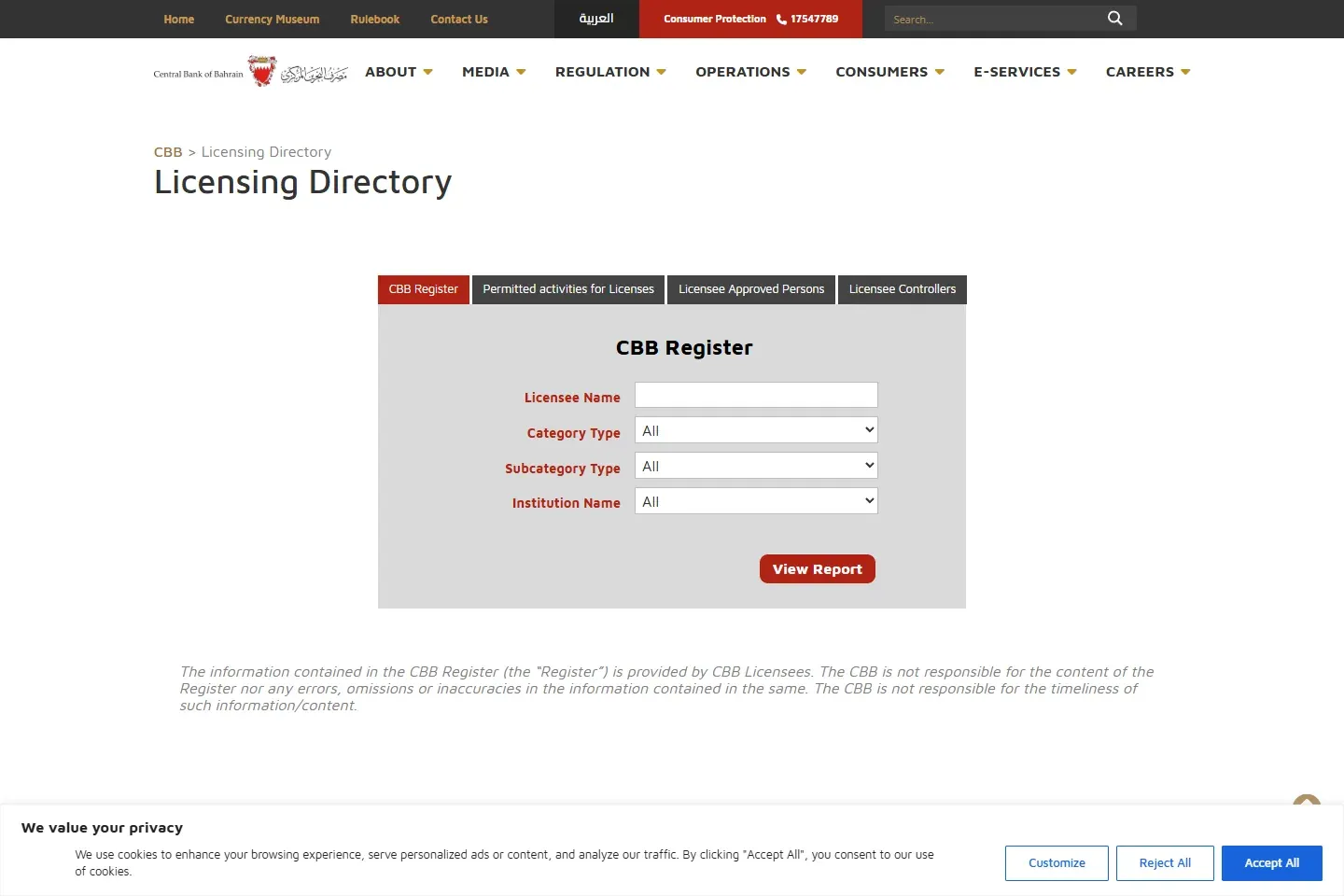
Use the CBB Licensing Directory to match the legal entity, insurance category and current remarks. This matters when a payment link, broker name or app branding differs from the legal insurer shown on the certificate.