Provider renewal guide
Bahrain Kuwait Insurance Renewal: GIG Bahrain Official Routes
By Gaurav Agarwal · Checked 5 October 2026
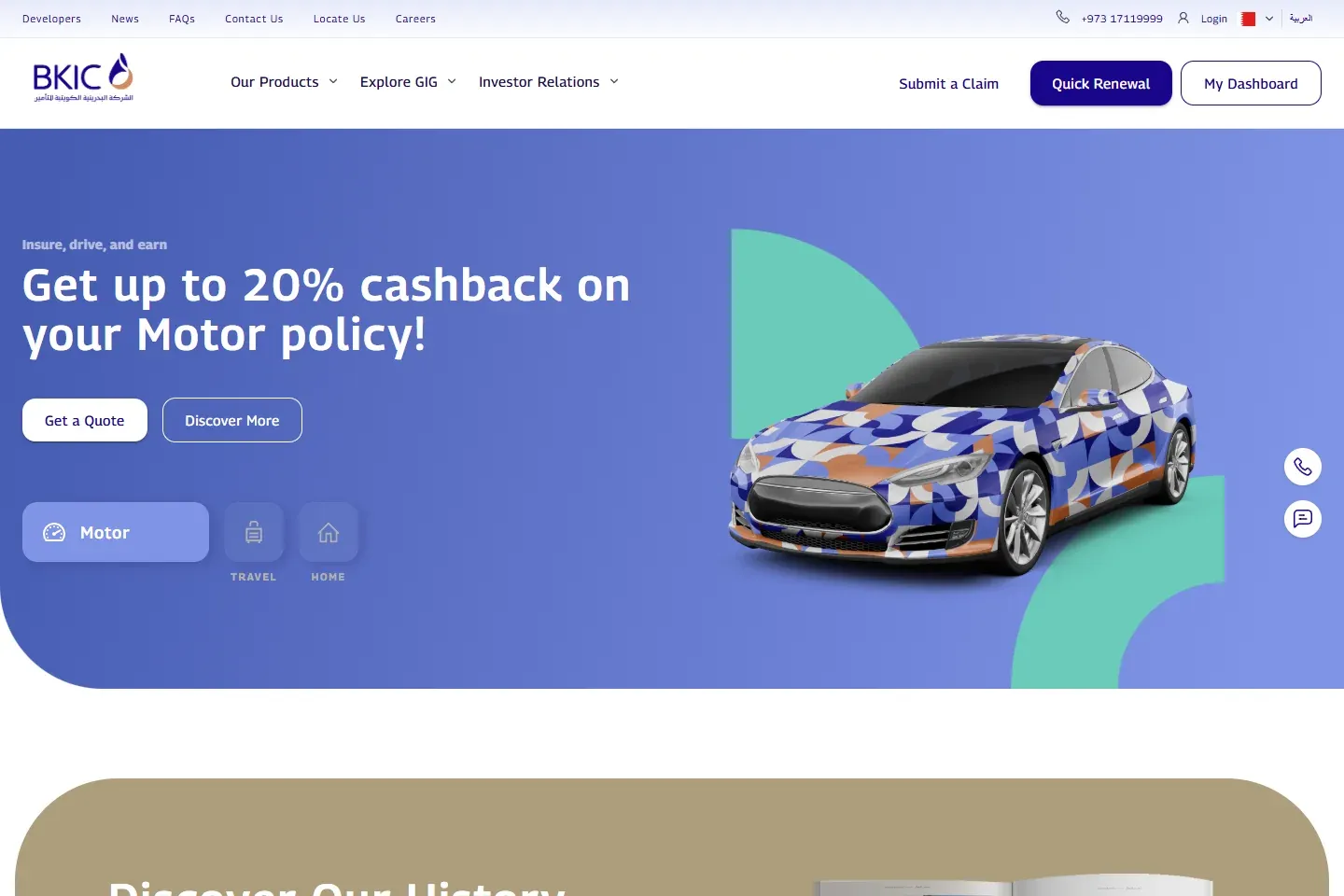
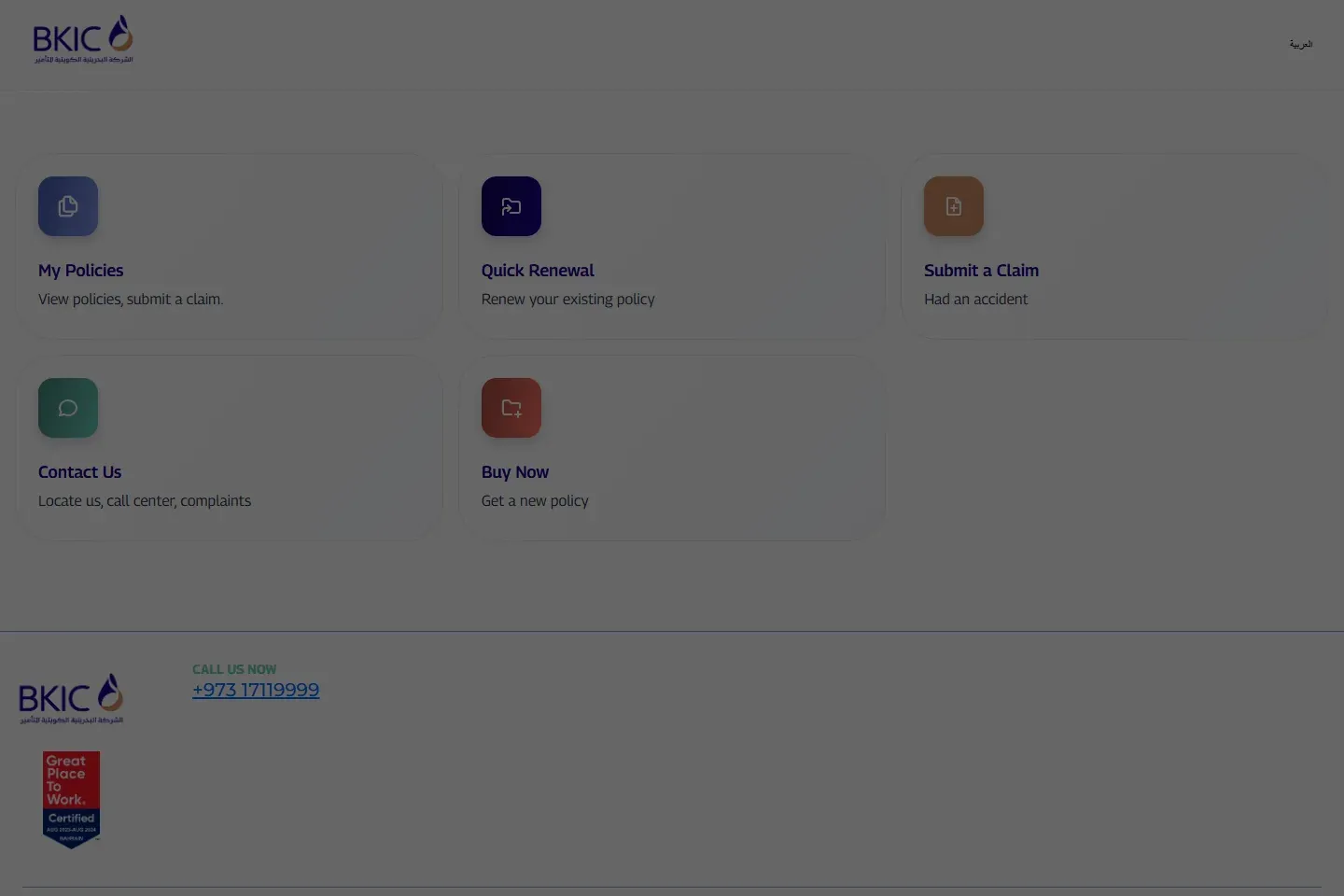
For a Bahrain Kuwait Insurance policy, use bkic.com or online.bkic.com, where the consumer service is presented as GIG Bahrain. Confirm the legal company and policy number on your existing certificate, use Quick Renewal for the same policy, verify the vehicle and dates, then handle vehicle registration separately.
01Identify the company before renewing
The official Bahrain site at bkic.com uses the BKIC address and presents the consumer business as GIG Bahrain. Gulf Insurance Group's published material identifies GIG Bahrain as Bahrain Kuwait Insurance Company B.S.C. The existing certificate is the best starting point for the exact legal name, policy number and contact route attached to your contract.
Do not confuse GIG Bahrain on bkic.com with GIG Gulf on giggulf.bh. Both use GIG branding, but the websites, policy references and service systems are different. Follow the domain printed on the current policy.
02Use the official Quick Renewal route
- Open the official BKIC Bahrain site.
- Choose Renew your policy or open the official online portal.
- Select Quick Renewal for the existing policy rather than starting a new quote.
- Enter only the fields requested on the secure provider page.
- Stop if a message, advertisement or payment link moves to an unrelated domain.
03Prepare the policy and vehicle details
Keep the existing certificate, policy reference, vehicle number and registration details, policyholder CPR or CR data, contact information and any requested no-claims proof available. The live portal determines the required fields.
If the owner, vehicle use, principal driver, address or vehicle value changed, disclose it before accepting the offer. A renewal based on stale information can create a mismatch during registration or a coverage dispute after a claim.
04Review the cover and renewal terms
Check whether the offer is third-party or comprehensive, the insured value, excesses, agency or approved-garage repair, named-driver conditions, territorial limits, optional benefits and the effective dates. A cashback or promotional feature does not replace this comparison.
Use the current schedule and wording for the policy. Marketing pages can summarise benefits, but the contract documents control exclusions, deductibles and claim conditions.
05Pay, save the certificate and renew registration
- Pay through the provider checkout reached from bkic.com or online.bkic.com.
- Save the payment reference.
- Download the issued certificate and schedule.
- Verify the legal insurer, policy number, vehicle, cover and dates.
- Continue to vehicle registration only when the active annual policy matches the vehicle.
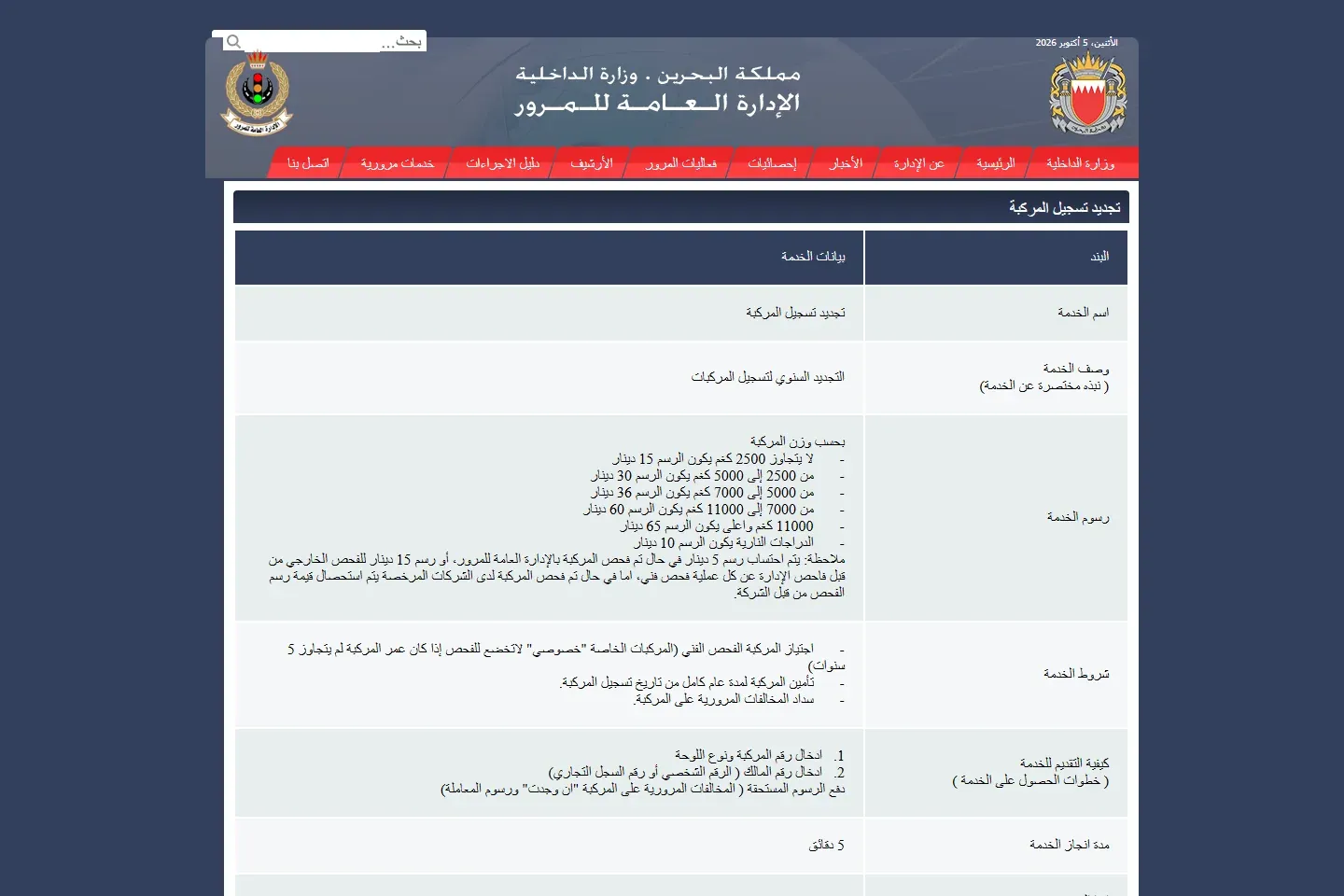
GDT states that registration requires at least third-party insurance for a full year from the registration month. It also checks inspection and contravention conditions.
06If the renewed policy does not appear
- Check whether the portal issued a policy or only recorded a pending payment.
- Compare the policy vehicle number, owner and dates with the registration.
- Use the official contact route and ask GIG Bahrain to confirm the policy status and transmitted vehicle data.
- Keep the receipt and written answer.
- Do not purchase a second policy until the first payment is reconciled.
The insurance-status guide separates insurer proof from the government-facing vehicle condition.
07Licence, help and complaint route
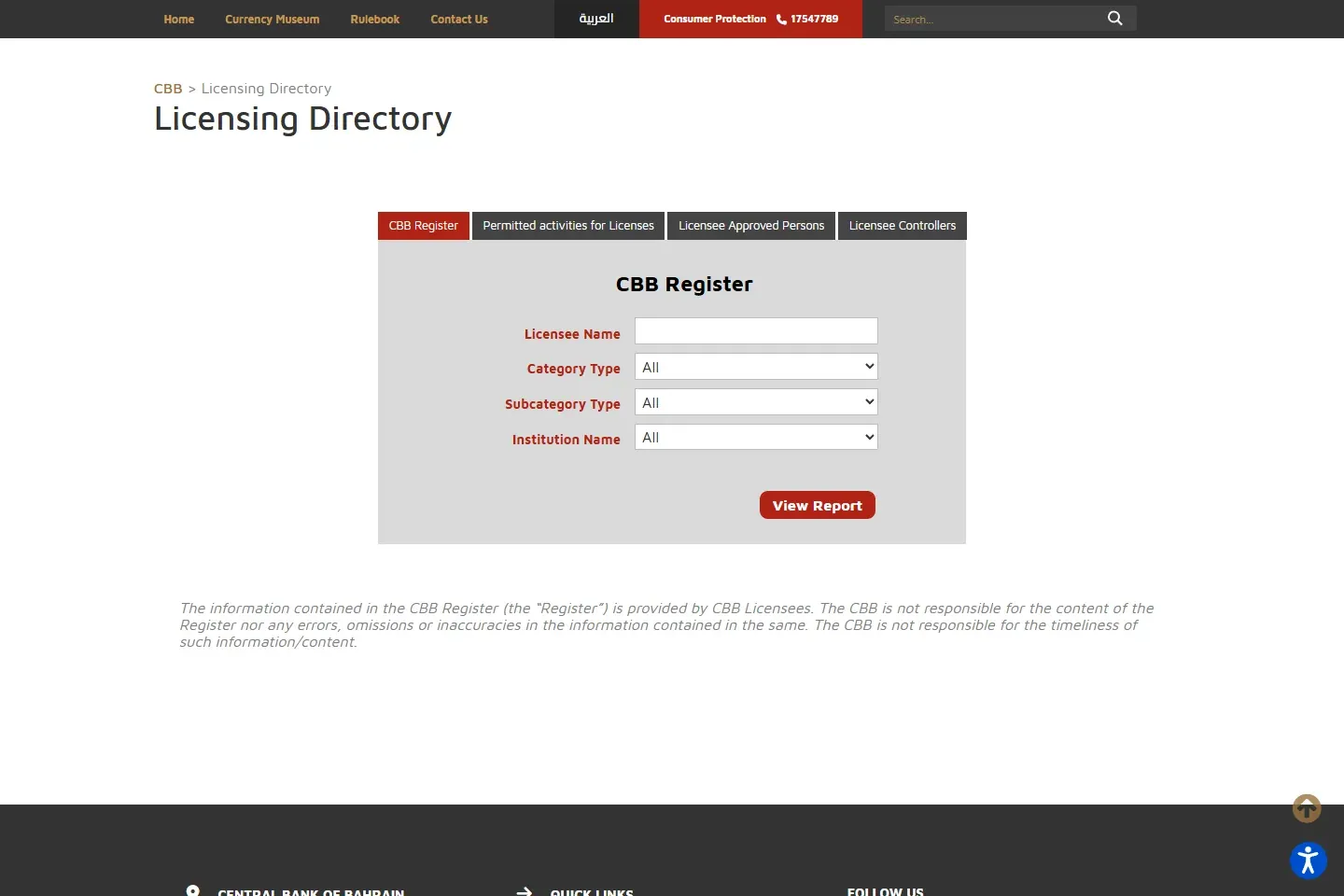
Match the legal entity on the certificate with the CBB Licensing Directory. For a renewal or claim problem, complain to the insurer in writing first and keep its response. If the response is unsatisfactory, use the CBB consumer complaint process.