Official SIO route
SIO Registration Bahrain: Employer and Employee Enrolment Steps
By Gaurav Agarwal · Checked 6 October 2026
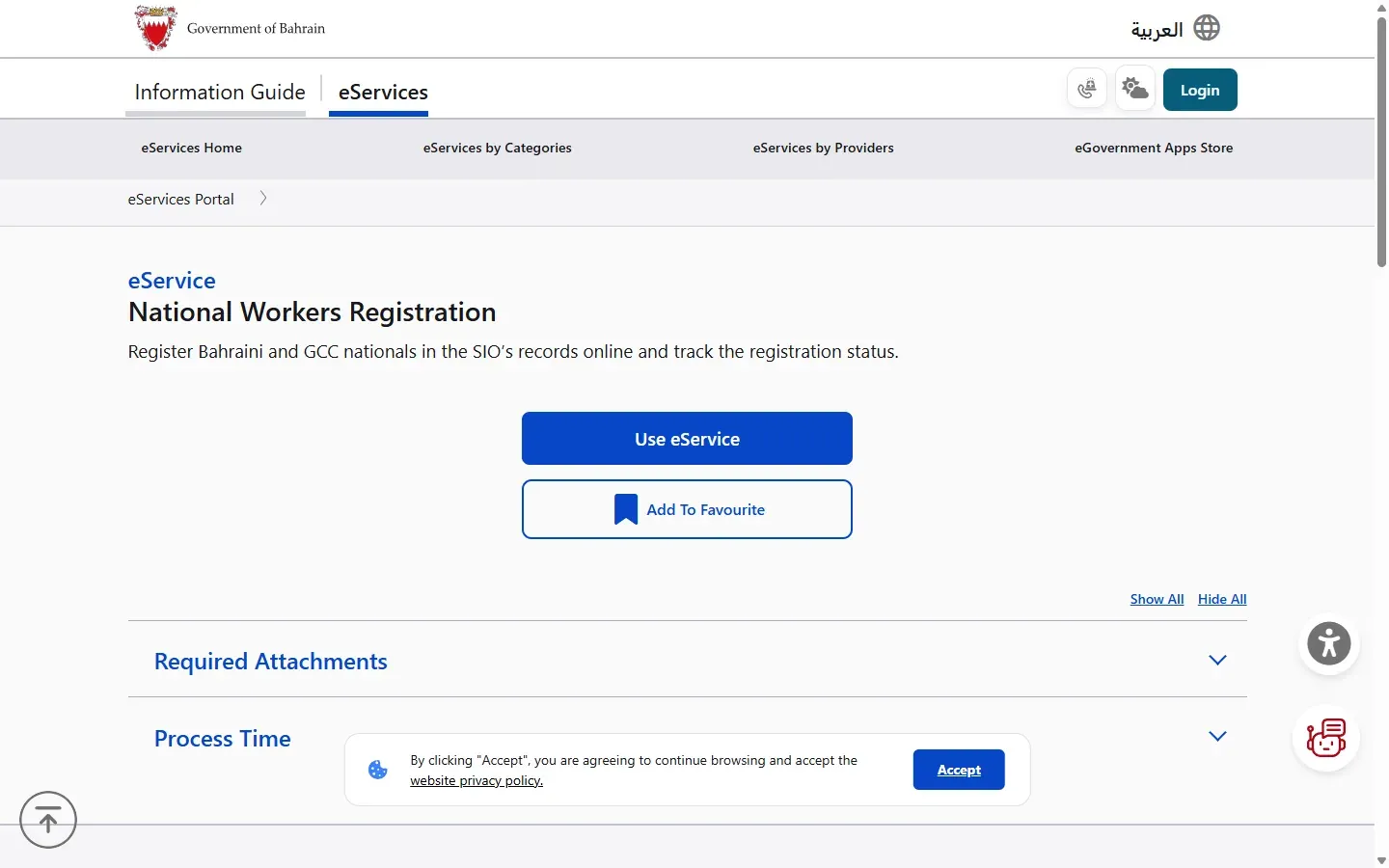
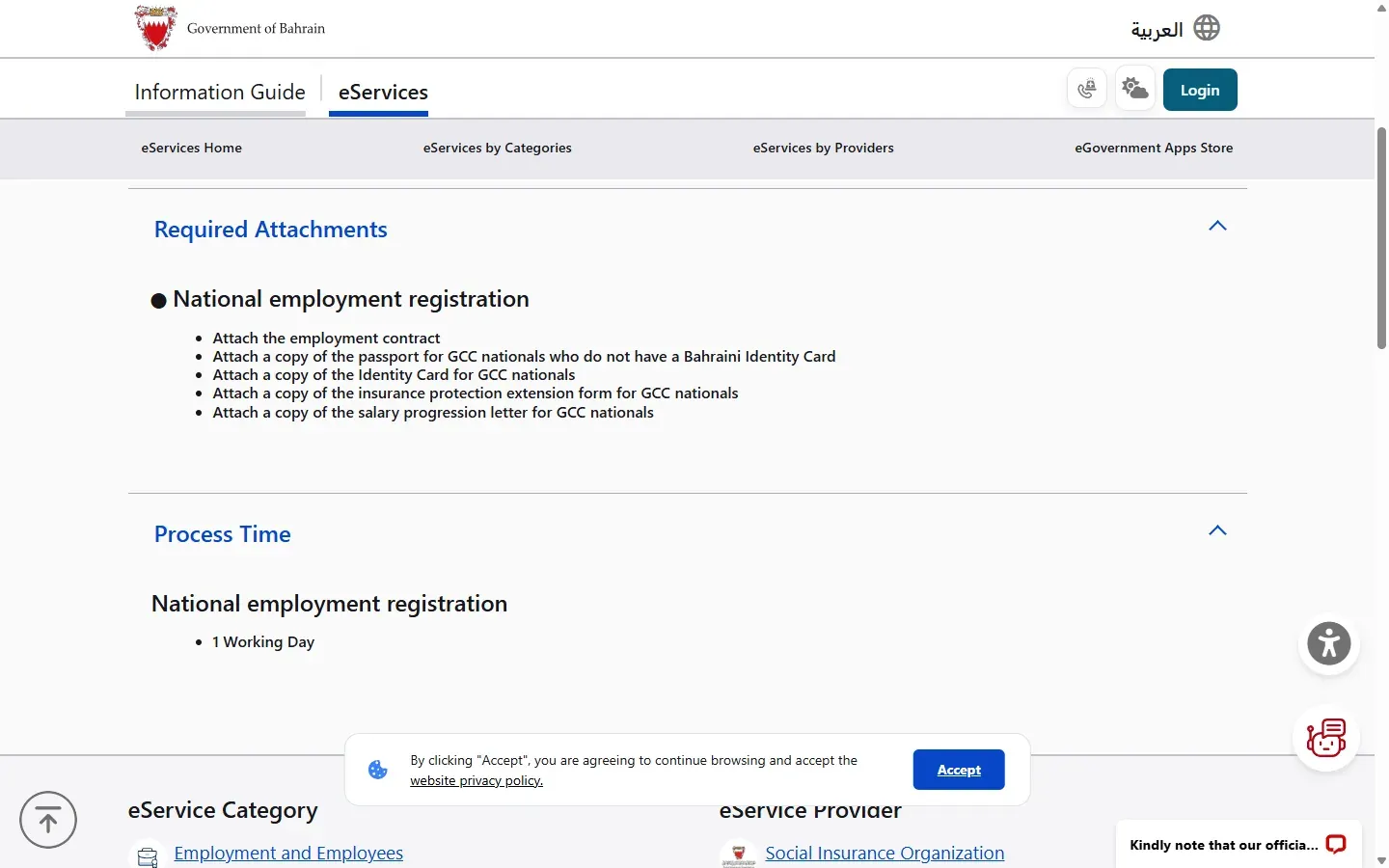
In Bahrain, the employer registers a Bahraini or GCC employee with SIO through National Workers Registration. The employer signs in, adds the national worker, uploads the employment contract and any GCC documents, then tracks the request. SIO lists one working day. The employee checks the result through the separate individual SIO service.

01Choose the correct SIO registration route
Use National Workers Registration when a Bahrain employer needs to register a Bahraini or GCC national in SIO records. The employer submits and follows the request. The worker does not use the individual contribution-statement login to enrol themself.
02Activate the employer account if needed
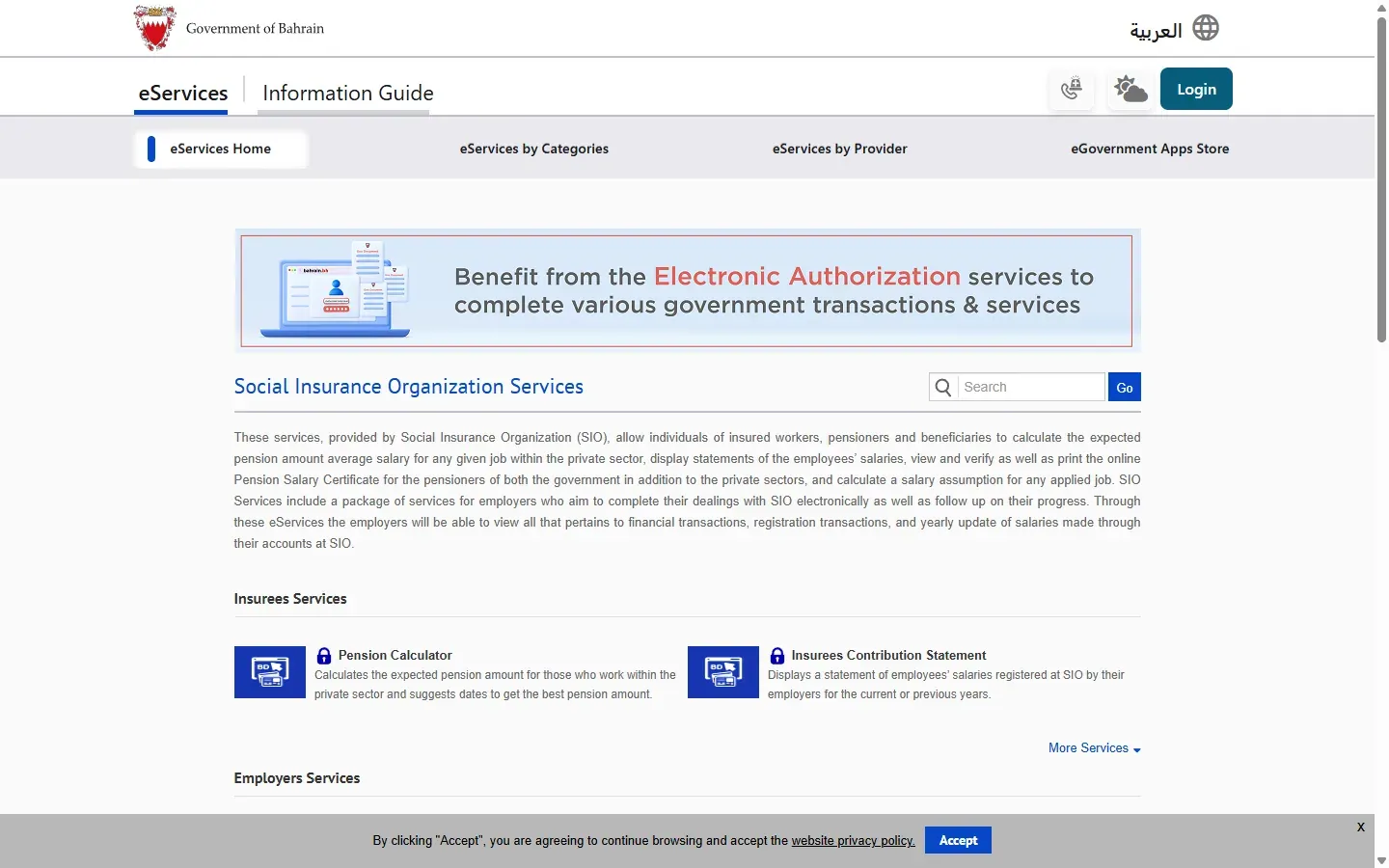
If the establishment does not yet have working SIO employer access, use eServices Account Activation. The official page says an employer can activate establishment and branch accounts with the employer number or CR number.
Before activation, check the employer's CR details and reconcile them with the entity being registered.
- Open the official SIO services hub.
- Choose E-services Account Online Activation.
- Enter the employer number or CR number.
- Complete the authority checks shown by SIO.
- Keep the employer login ready for National Workers Registration.
03Prepare the employment documents
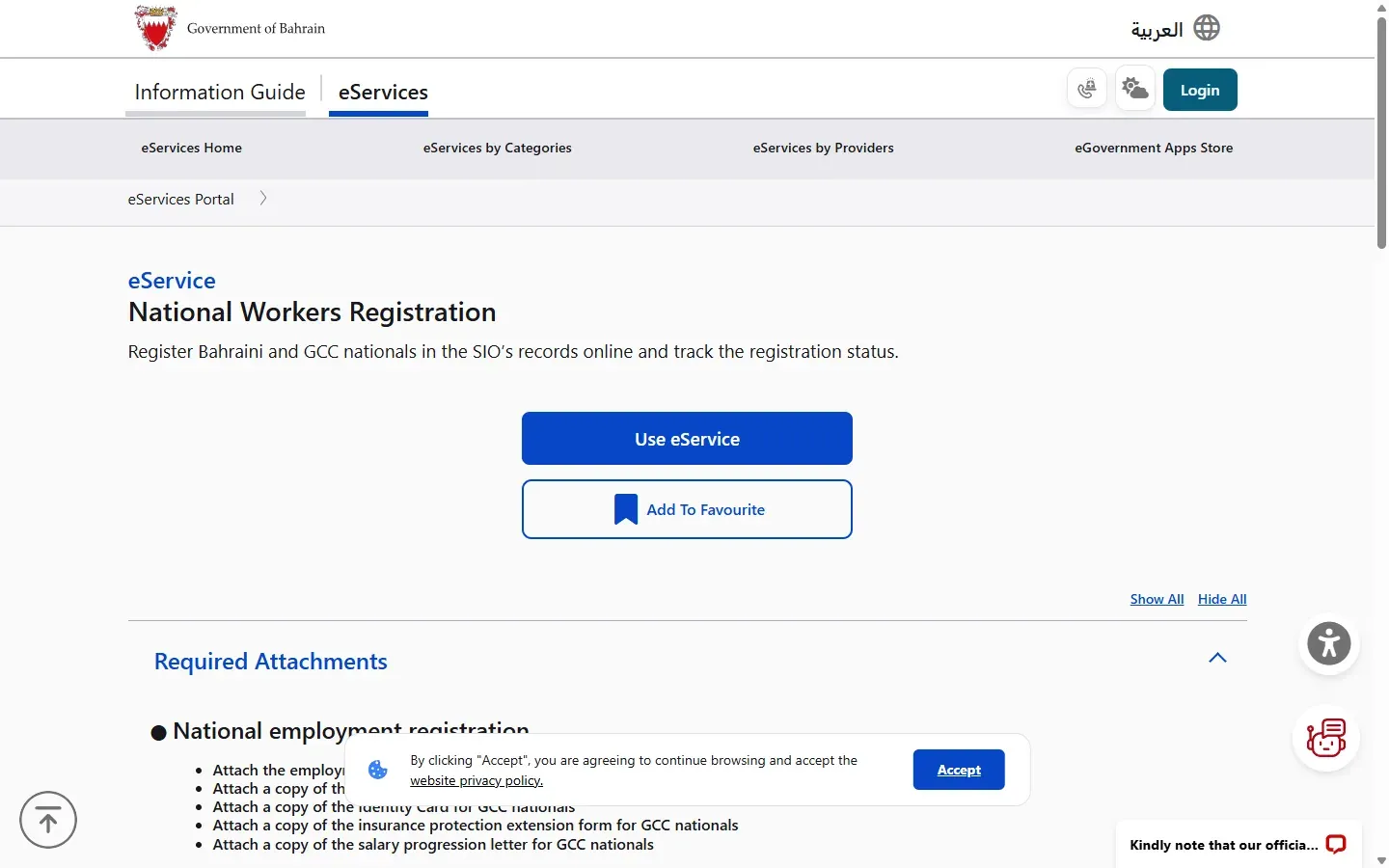
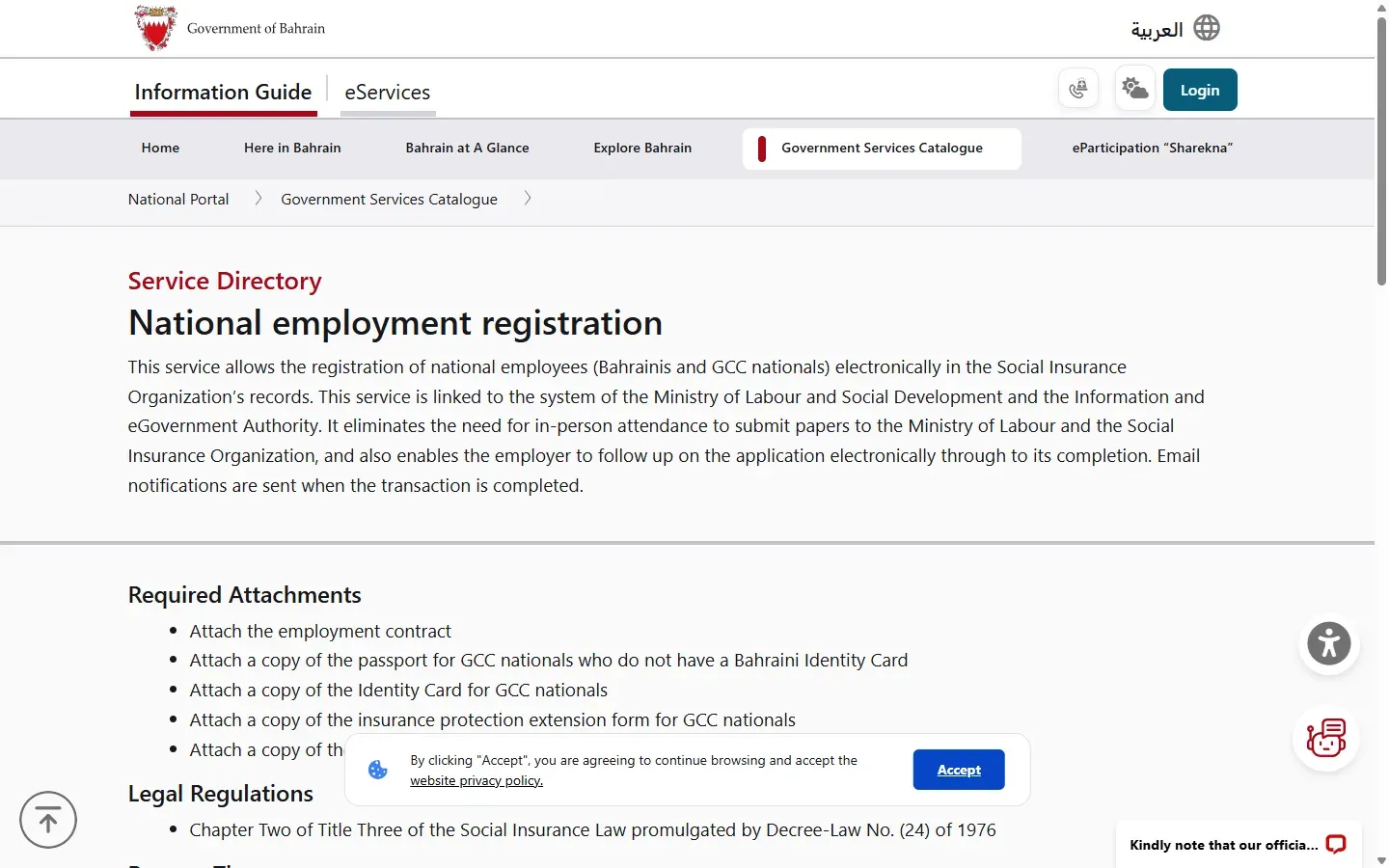
For every national employment registration, attach the employment contract. For a GCC national, the official service also lists:
- a passport copy if the worker does not have a Bahraini Identity Card
- a copy of the GCC national's Identity Card
- the insurance protection extension form
- the salary progression letter
Use clear, current files. The GCC protection and salary documents support coordination with the worker's home-country insurance system, so do not replace them with a general salary letter unless SIO confirms it.
04Register the employee online
- Open National Workers Registration and choose Use eService.
- Sign in with the employer user code and password.
- Select the service for adding national labour.
- Enter the Bahraini or GCC employee details exactly as recorded on the identity documents.
- Upload the employment contract and the GCC attachments when applicable.
- Review the salary, job and joining details before submission.
- Submit the request and save the reference.
The public service directory names the employer as the submitting party and says the request can be followed electronically through completion. The detailed employee form is behind employer login, so this guide does not reproduce or invent that private screen.
05Track the request and confirm enrolment
The government directory says employers can follow the request online and receive an email notification when the transaction is completed. SIO lists a process time of one working day.
- Open the submitted request in the employer account.
- Check for a completed status or the completion email.
- Verify that the worker appears in the employer's insured-worker record.
- If SIO returns the request, correct the exact missing or mismatched item and resubmit through the same record.
06How the employee checks the SIO record
After the employer completes registration, the employee can use SIO's individual service to review the salary and contribution periods registered by the employer. This is a verification step, not a self-registration route.
Follow the SIO Bahrain login and contribution statement guide to sign in with eKey, open the insuree statement and save it. If the employer name, salary or joining period is wrong, compare the statement with the contract and payslips, then ask the employer to correct the SIO record.
07Common registration problems
The employer account is not active
Use the official account-activation service with the employer number or CR number before trying National Workers Registration.
The worker is an expatriate outside the GCC
Do not use National Workers Registration. The work-permit process belongs to LMRA, and employer insurance records follow the applicable expatriate process.
A GCC document is missing
Check all four GCC attachments on the live service page. A Bahrain CPR does not automatically replace the protection-extension or salary-progression documents.
The employee cannot see the record
First confirm that the employer request is complete. Then check the individual contribution statement. If the completed registration still does not appear, contact SIO with the request reference and avoid sharing CPR or salary details publicly.
The employer entered the wrong salary or date
Use the employer's correction service or contact SIO. Keep the employment contract and the submitted request reference ready.