Official process guide
CPR Status Check Bahrain: Track Your ID Card Request
By Gaurav Agarwal · Checked 5 October 2026
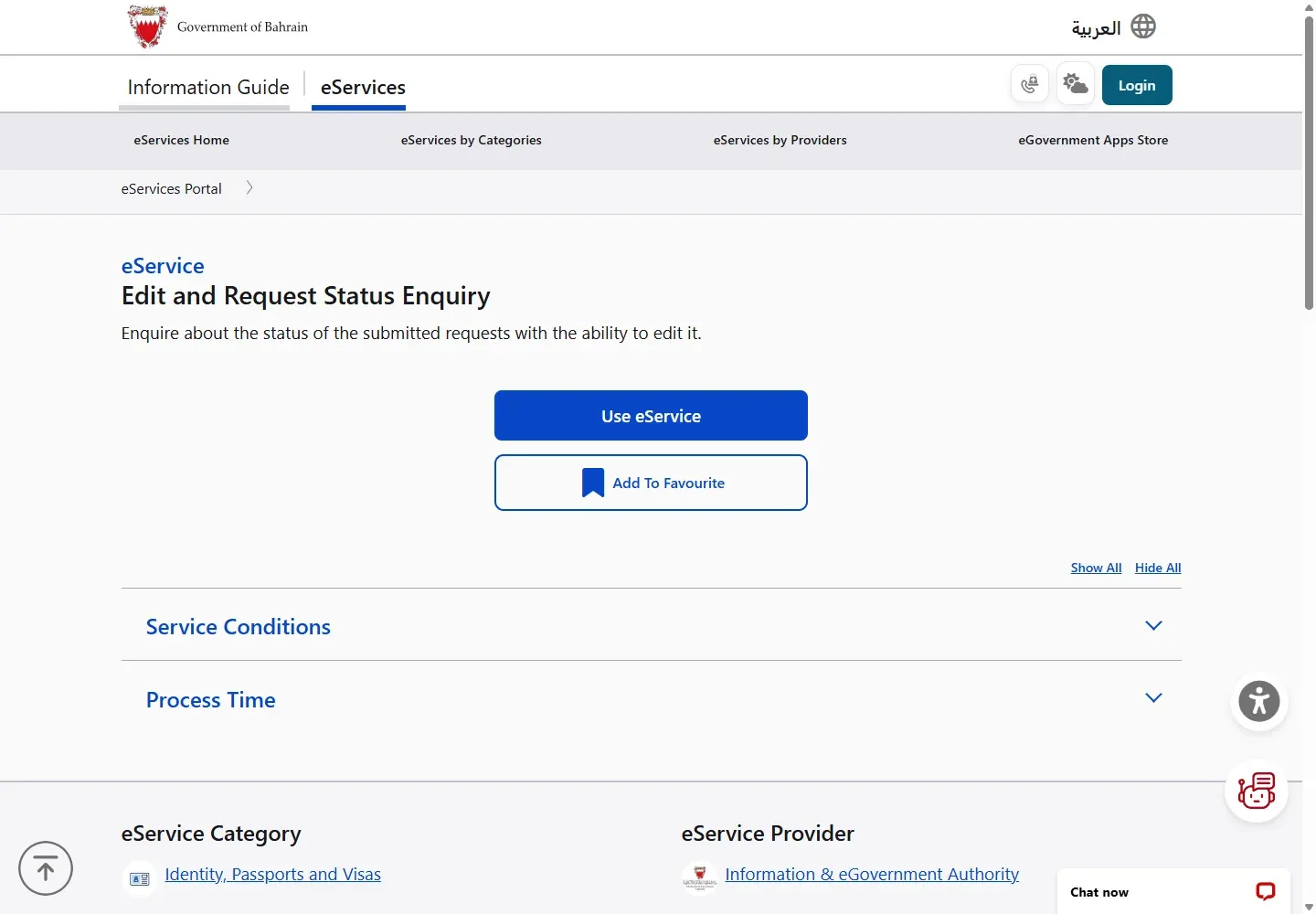
For a CPR status check in Bahrain, open iGA's Edit and Request Status Enquiry service, choose Use eService, sign in with eKey and open the ID Card request you already submitted. The official page lists one working day and no separate fee.

01CPR status check Bahrain: the shortest route
- Open the official Edit and Request Status Enquiry service.
- Choose Use eService.
- Sign in with the eKey account used for the ID Card application.
- Open the submitted request to see its status and any available edit action.
02Who can use the status enquiry
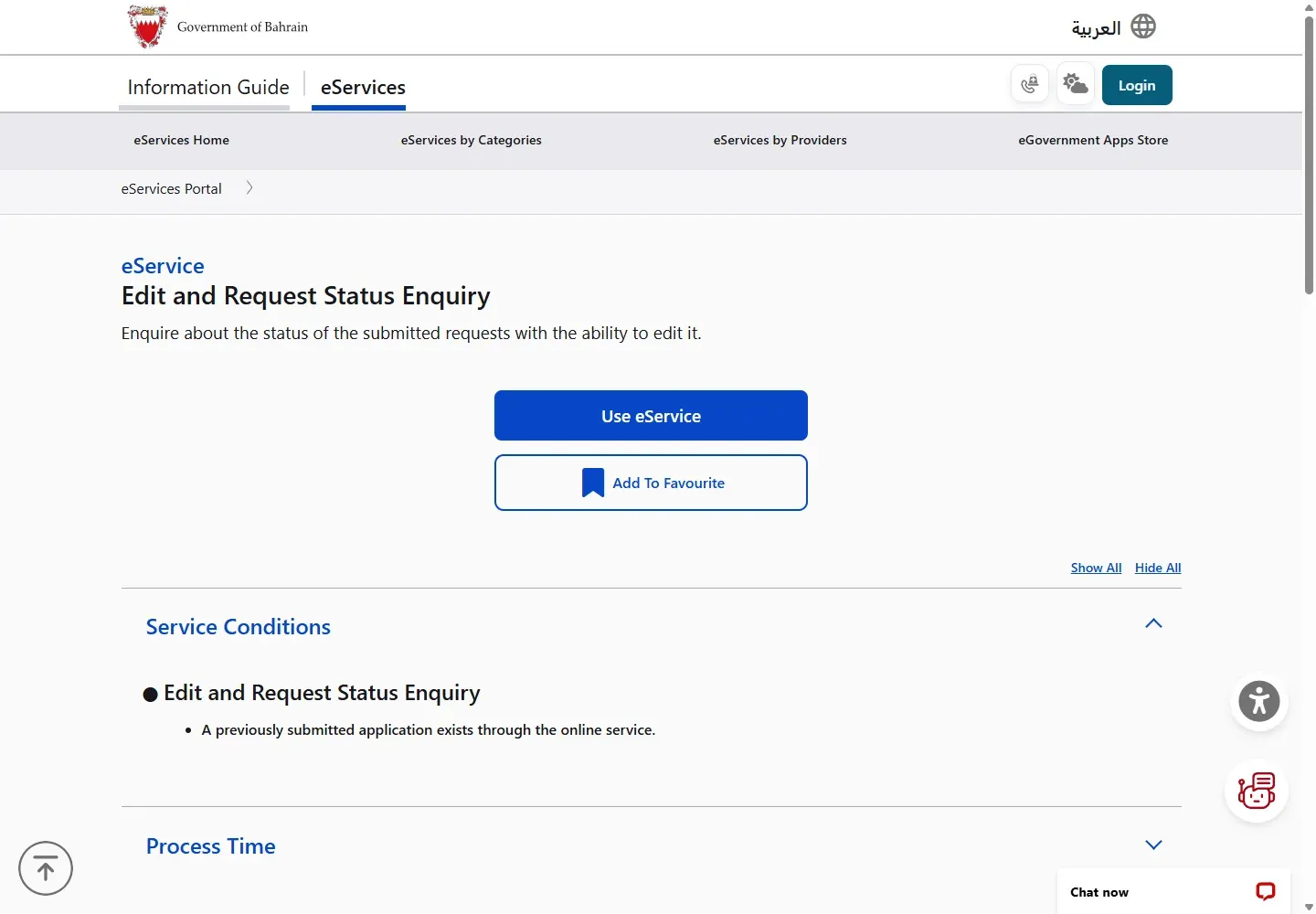
The official condition is simple: an online ID Card application must already exist. This service is for requests such as CPR issuance, renewal, replacement, or an update submitted through the ID Card online services. It does not check an LMRA work permit or an NPRA visa.
03Check or edit the request
After eKey sign-in, choose the relevant request. Read the status and open any message before changing or resubmitting anything. If the service offers an edit option, correct only the requested field or attachment. Keep the application or payment reference until the request is completed.
Do not create a second application just to check progress. First look for the existing request in this enquiry service.
04Process time and fee
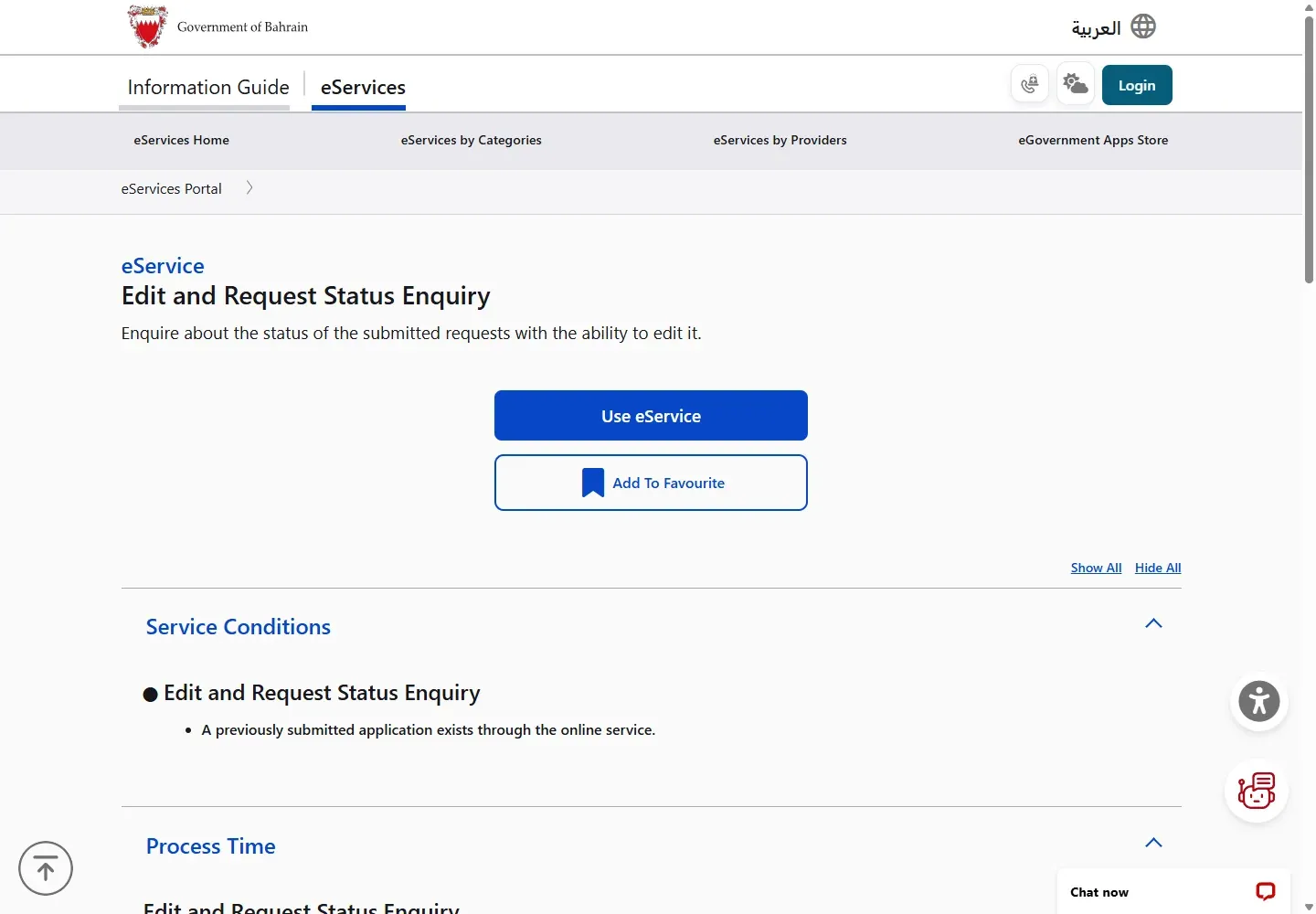
The public service page lists a process time of one working day. It does not list a separate fee for checking or editing a request. Any fee for the original CPR service is paid as part of that original application.
05Fix common CPR status problems
- No request appears: sign in with the eKey account used for the original application.
- You applied at a counter: this enquiry requires an application submitted through the online service. Call ID Card Services for the correct follow-up route.
- The page returns to login: allow cookies for bahrain.bh and eKey, then restart from the official service page.
- A correction is requested: upload the exact document named in the message and confirm it is current and readable.
- You need work-permit status: use the LMRA visa check guide.
If the next step requires attendance, check a CPR appointment through the booking service.
06CPR check questions
How do I do a Bahrain CPR check?
If you already applied for an ID card service online, use Edit and Request Status Enquiry to check the request. If you need your current CPR details or a downloadable copy instead, use Print ID Card Certificate with eKey 2.0.
Does this show whether my CPR card is valid?
This service shows the status of an online ID Card request. It is not a general card-validity checker. Use the identity card services portal for your card details, or contact ID Card Services if the information shown is wrong.
Can I check without eKey?
The online status route uses eKey. If you cannot sign in, call ID Card Services on 1787 8000 or the Government Services Contact Centre on 8000 8001.
Official help and related guides
ID Card Services: 1787 8000. Government Services Contact Centre: 8000 8001.