Official CPR update guide
CPR Update Bahrain: Change ID Card Chip Information
By Gaurav Agarwal · Checked 5 October 2026
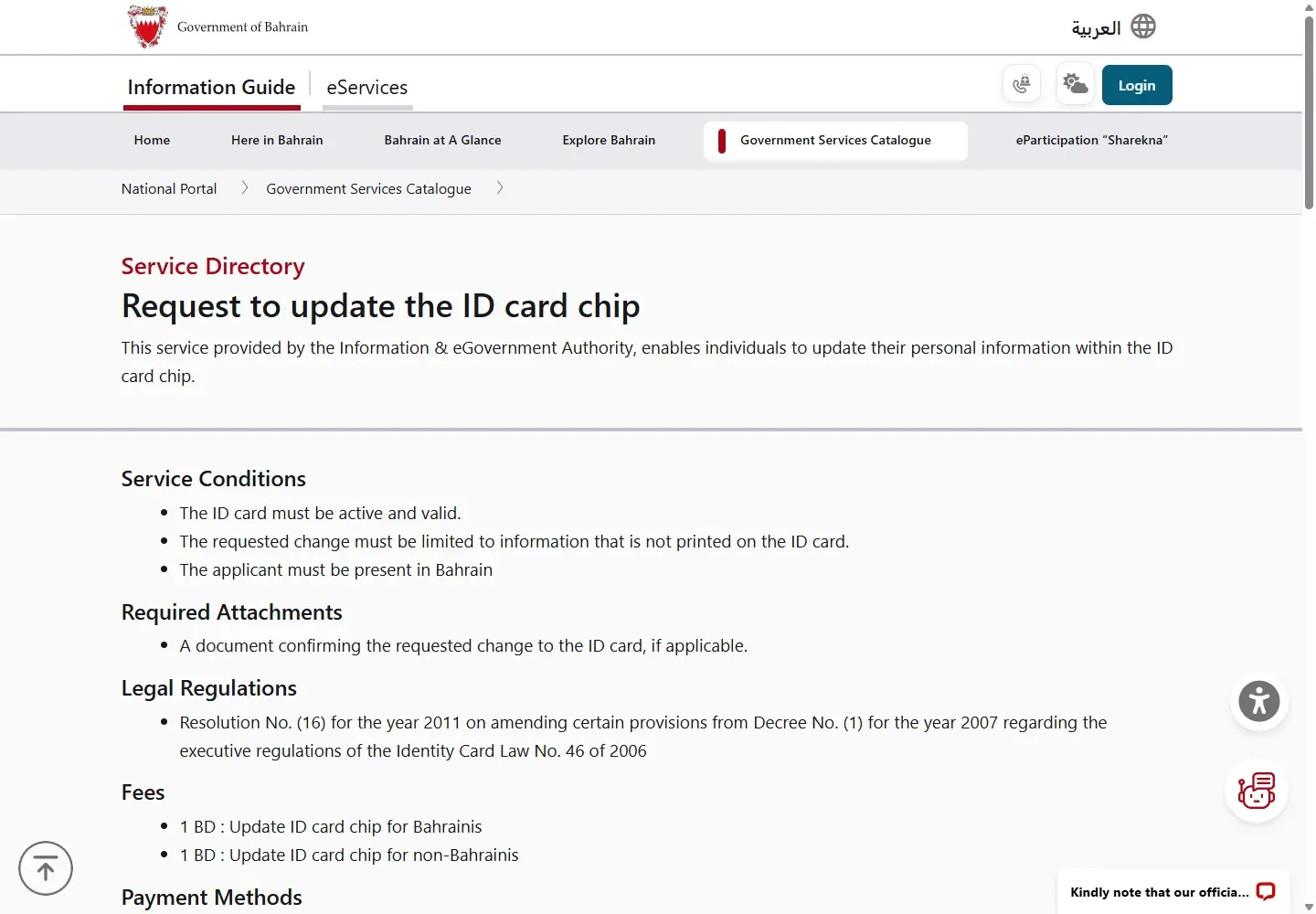
For a CPR update in Bahrain, use Request for ID Card information update when the change belongs in the card chip and is not printed on the card. The card must be active, you must be in Bahrain and the official fee is BHD 1. If the changed detail is printed on the card, apply for card issuance instead.
01What this CPR update service changes
The official service updates personal information in the ID card chip. iGA’s civil record service covers information such as work details, education, marital status, religion and family links. Use the separate CPR address change guide when the residential address is the main task.
Printed detail changed? If the information appears on the surface of the card, the official conditions say to apply for card issuance. A chip update does not print a new card.
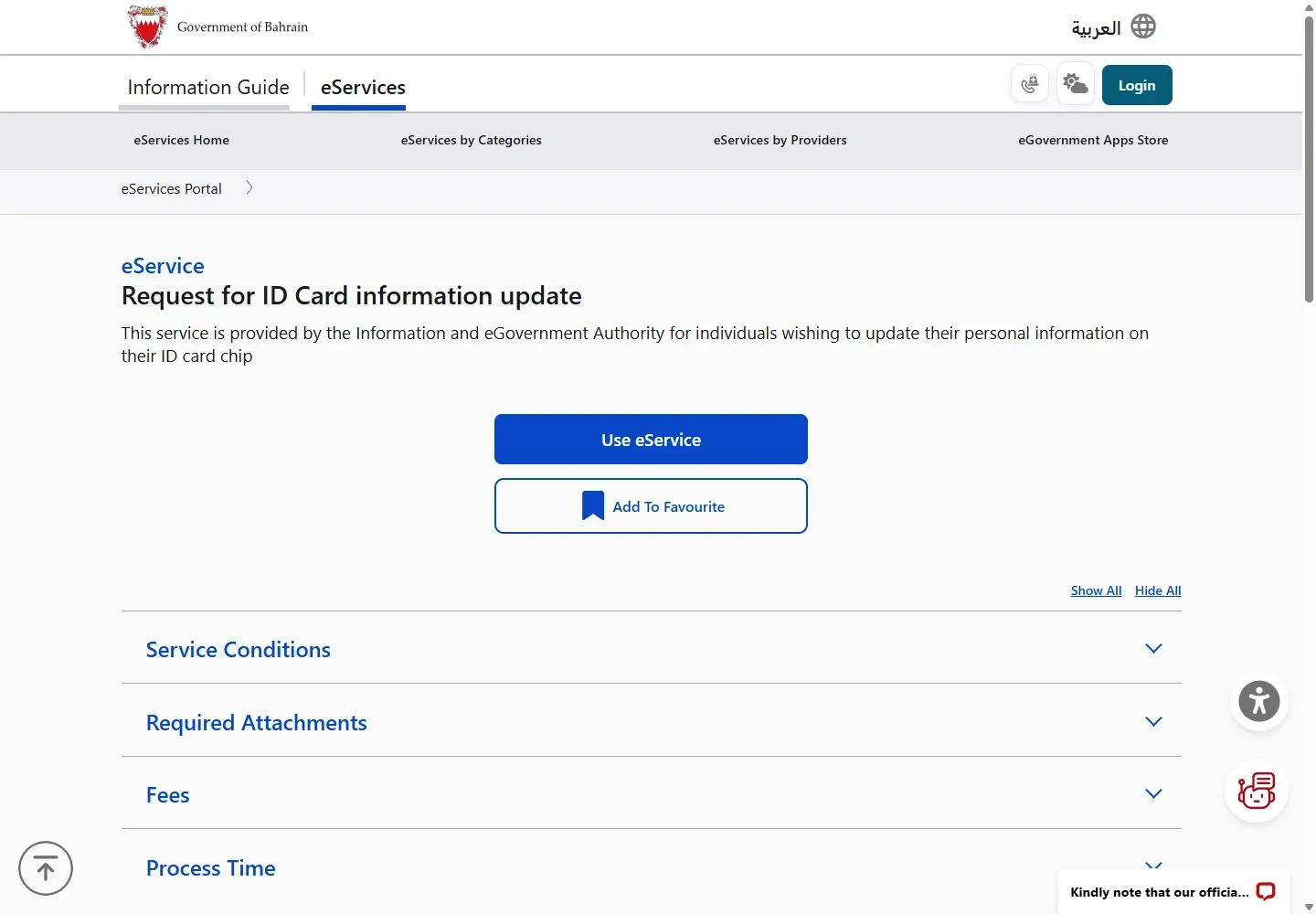
02Check the conditions before you start
- The ID card must be active and valid.
- The change must be limited to information that is not printed on the ID card.
- The applicant must be present in Bahrain.
- For the broader civil record service, a valid passport and correct residential address may also be required for a chip update.
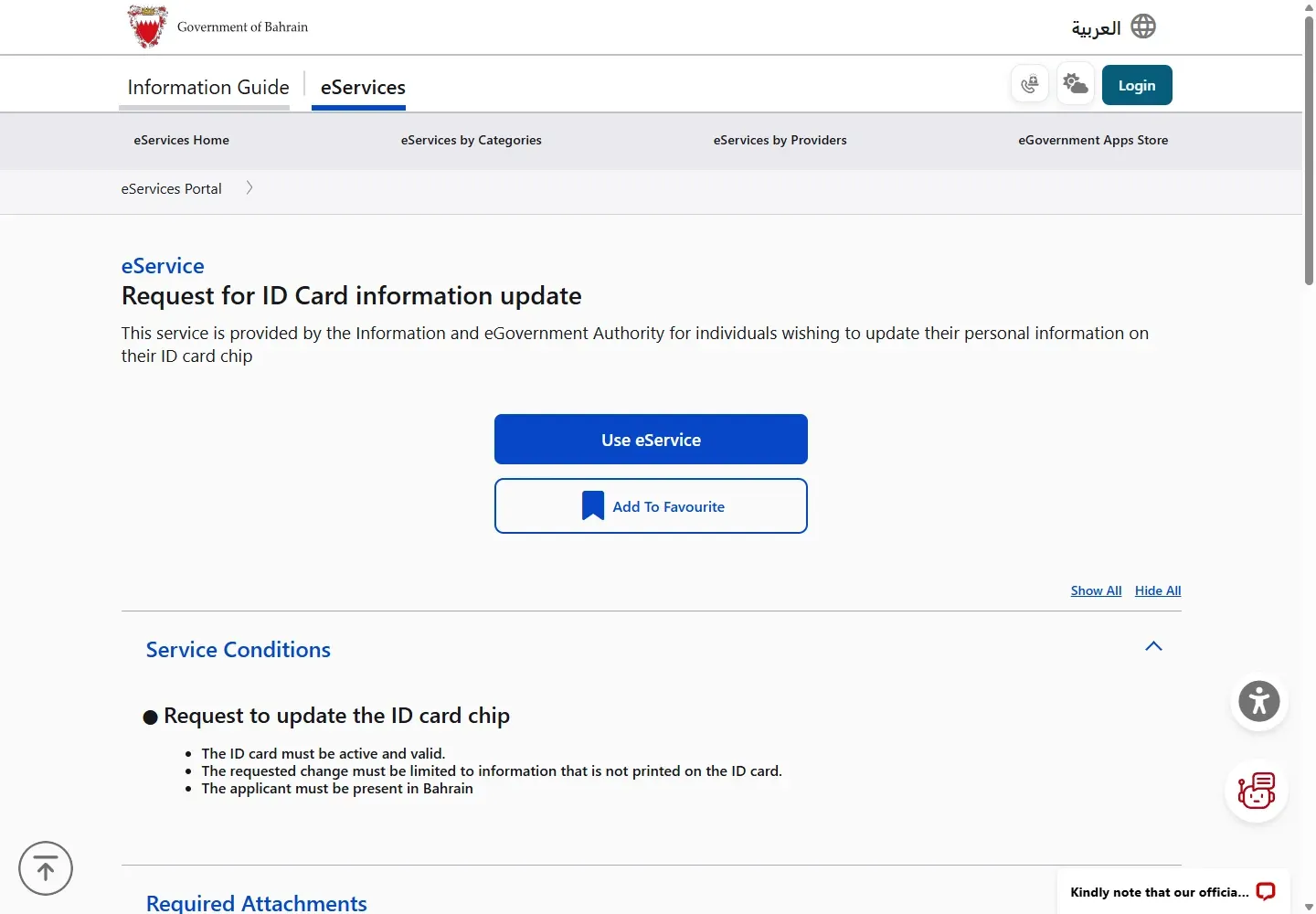
03Open the official CPR update service
- Open Request for ID Card information update.
- Read Service Conditions, Required Attachments, Fees and Process Time.
- Choose Use eService.
- Sign in with eKey when the portal asks.
The public page is available before login. The remaining personal record screens appear only after eKey authentication.
04Choose the information and submit the proof
After sign-in, choose the personal or civil record information you need to update. Upload the document that proves the requested change when the service asks for it, review the entered information and submit the request.
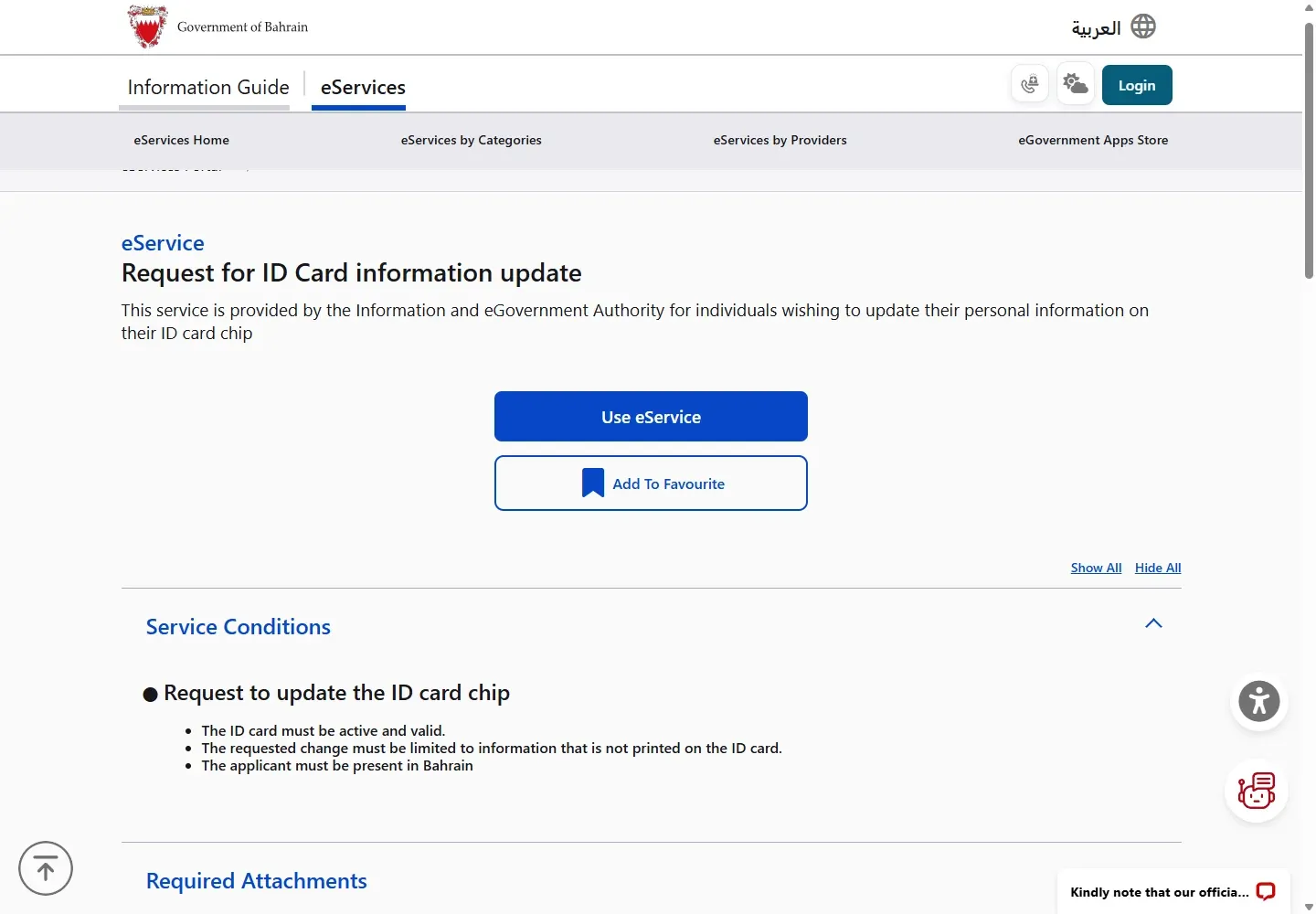
Do not upload an unrelated document. Work, education, marriage, family and religion changes use different evidence. The official civil record page lists proof of work or job details, a graduation statement, a marriage contract, a birth certificate or proof of religion for the matching request.
05Update the physical card chip after approval
If the approved information must be written to the physical card, use a self-service kiosk or book a service-centre appointment. At a kiosk, insert the active ID card, review the data, agree to the update, pay the service fee and collect the card after the chip is updated.
Check whether you need a CPR service appointment for the physical chip-update step.
iGA lists self-service kiosks at locations including its Isa Town headquarters, Seef Mall Muharraq, LMRA, Bahrain Mall Post Office, GDT Wadi Al Sail, SIO and the Capital Municipality Council in Tubli. Check the current official location details before travelling.
06CPR update fee and process time
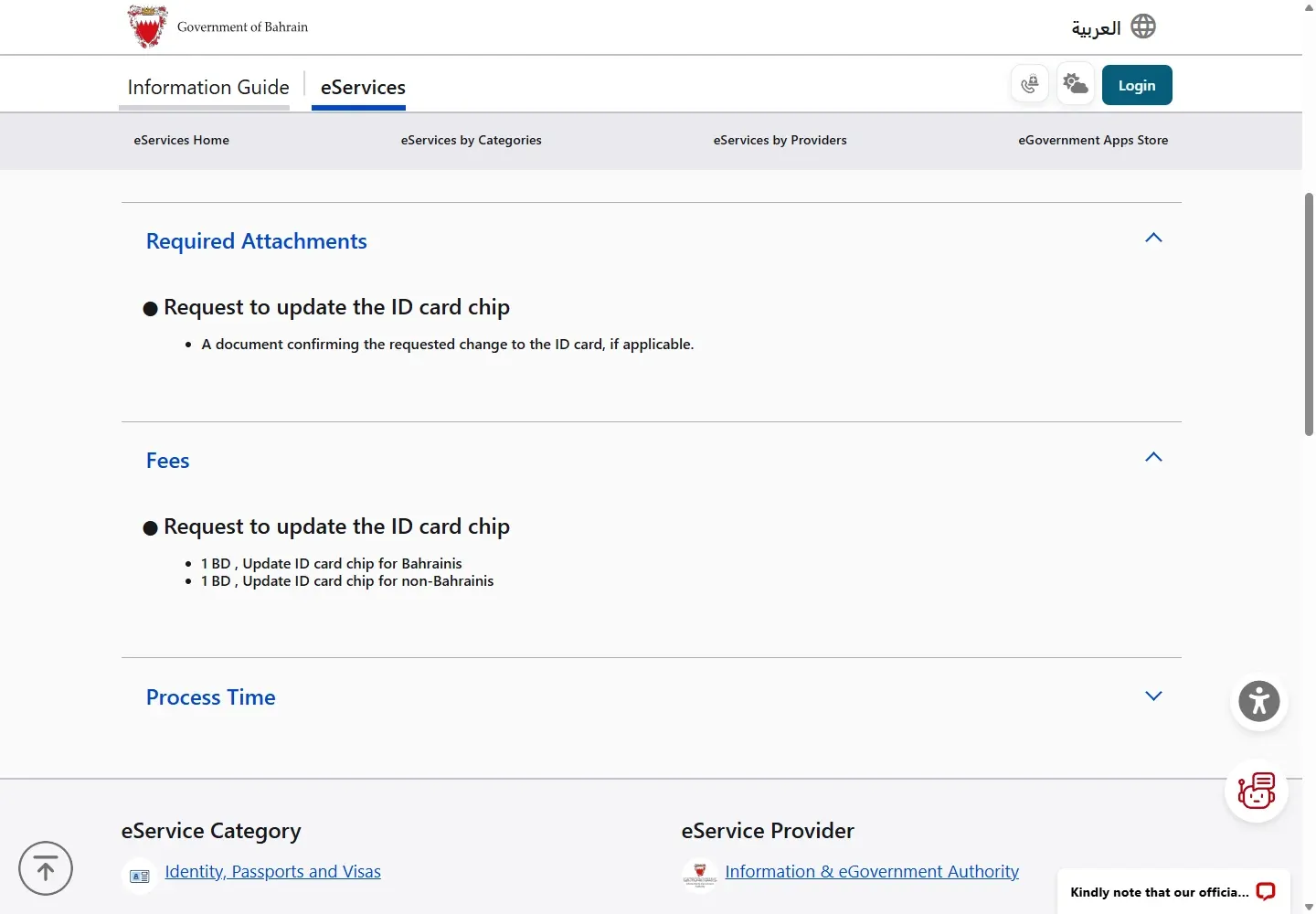
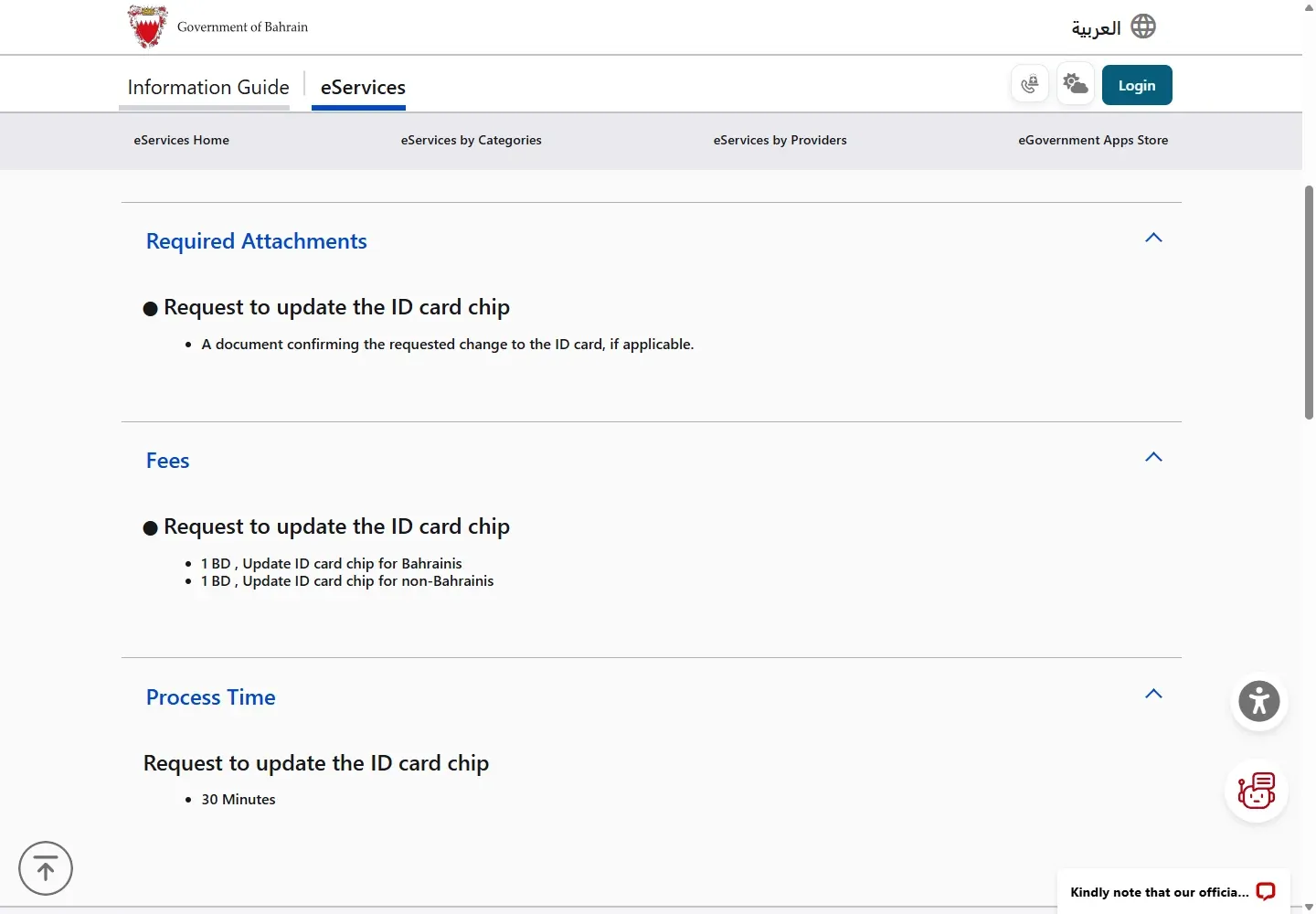
- Bahraini: BHD 1 to update the ID card chip.
- Non-Bahraini: BHD 1 to update the ID card chip.
- Online request: one working day on the broader civil record update service.
- Service centre: 30 minutes with a prior appointment.
- Self-service kiosk: immediate.
07Documents you may need
The dedicated chip service asks for a document confirming the requested change, if applicable. Examples on the civil record service include:
Indian residents updating passport details can review Indian passport renewal in Bahrain for document issuance before requesting a CPR data update.
- proof of work or job details for an employment update
- a graduation statement for an education update
- a marriage contract for marital status
- a birth certificate for a family relationship
- a document proving religion for a religion update
Documents issued outside Bahrain may need Ministry of Foreign Affairs authentication.
08Common CPR update problems
- The new detail is printed on the card
- Use ID Card issuance or replacement so a new physical card can be printed.
- The card is expired
- Renew the CPR first. See the CPR renewal guide.
- The online request is approved but the chip still shows old data
- Use an iGA self-service kiosk or a booked service-centre visit to write the approved data to the card chip.
- The service rejects the proof
- Check that the document matches the selected change and that any foreign-issued document has the required authentication.
- You cannot sign in
- Check your eKey account with the eKey registration guide, or call 8000 8001.