Official process guide
CR Renewal Bahrain: Sijilat Steps, Fees and Timing
By Gaurav Agarwal · Checked 5 October 2026
For related tasks, use Sijilat Bahrain: CR Search, Login and Online Services.
To complete a CR renewal in Bahrain, sign in to Sijilat, open E-Services, choose Commercial Registration Renewal, select the CR and branch, review the activities, accept the declaration, submit and pay. The official fee is BHD 50 for the CR plus BHD 100 to renew activity fees when applicable.

01CR renewal Bahrain: the shortest route
- Open the official Sijilat portal and sign in.
- Open E-Services, then the Renewals category.
- Select Commercial Registration Renewal.
- Read the Before you Start page and choose Launch Service.
- Search for or select the correct CR and branch.
- Select the activities to renew when the portal asks.
- Read the declaration, accept it, submit the application and pay the amount shown.
- Download the renewed CR certificate after payment.
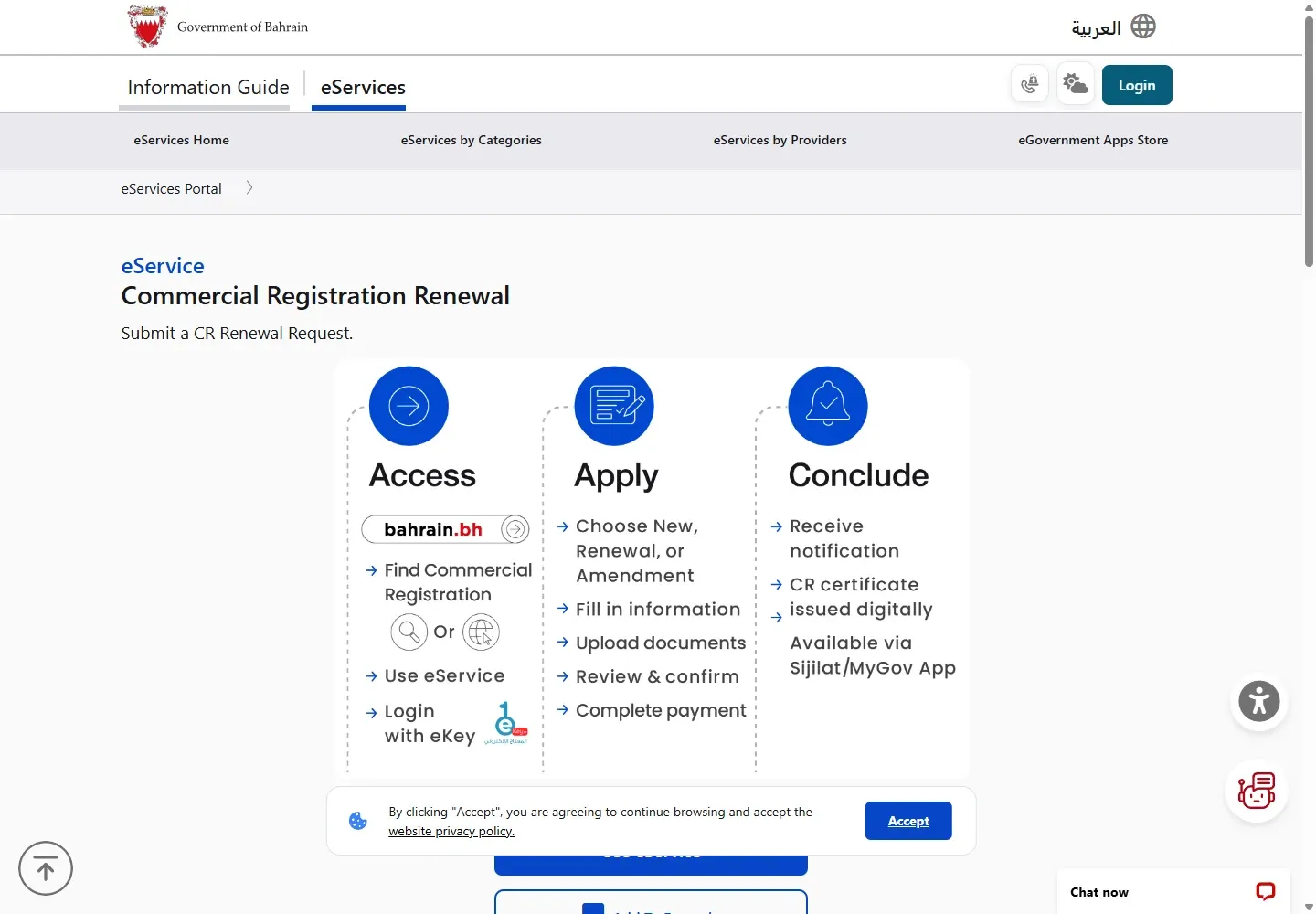
02Before you renew
Sijilat states that a CR can be renewed six months before expiration. The live service page lists no required information and no required documents. Check that the business has no unresolved problem that prevents renewal and that the linked eKey account can see the CR.
First check the CR status and expiry so you renew the intended registration and branch.
The service also lists a separate Commercial Registration Renewal without License route for an exceptional renewal in the final 15 days before expiry, with justifications. Use that route only when its conditions describe your situation.

03Open Commercial Registration Renewal
From Dashboard, open E-Services. In Renewals, choose Commercial Registration Renewal. The Before you Start page states that renewal is annual and lets the user apply and pay online. It lists BHD 50 for the CR and BHD 100 for activity renewal when applicable.
04Choose the correct CR and branch
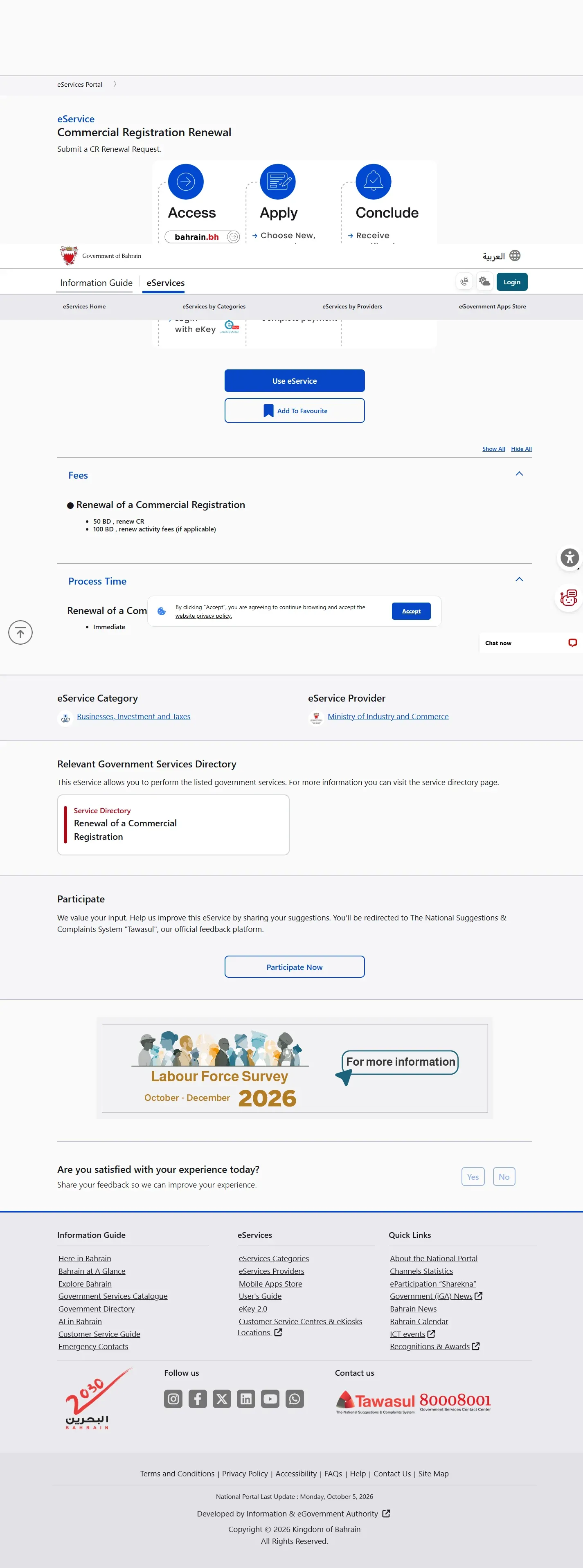
The first live screen is Select Your Business. Search by registration number or choose the CR from the table, verify the commercial name and branch suffix, select the row and continue. Do not rely on the commercial name alone when the account contains several branches.
05Review activities, declaration and payment
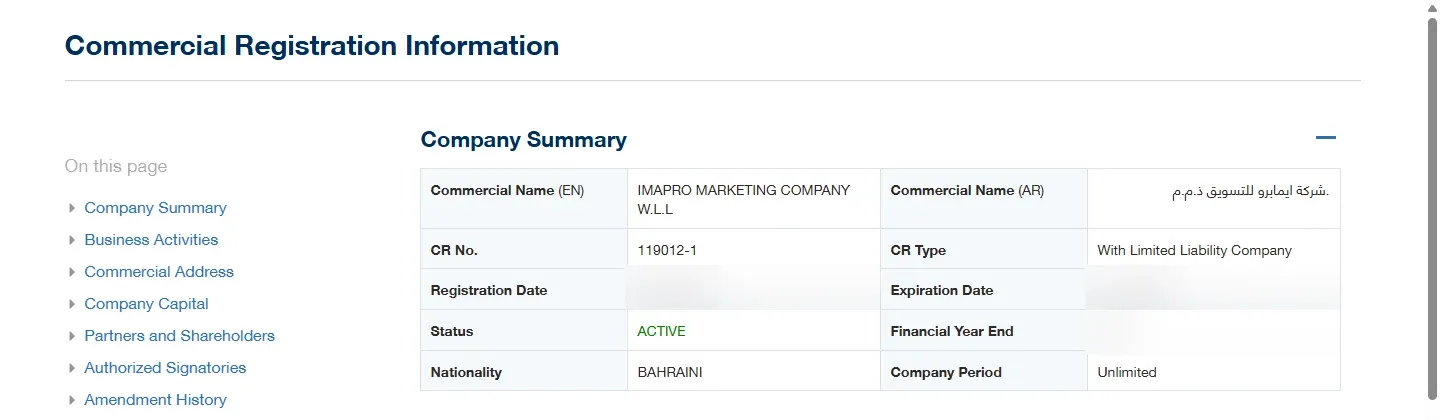
Sijilat's published steps say to select the activities associated with the CR when applicable, save and continue, read the declaration, accept it and submit. Review the amount shown before payment. The renewed Commercial Registration is issued after the renewal fees are paid, and the official service lists the process time as immediate.
Stop if the amount is unexpected: do not pay first and investigate later. Return to the activity selection, check outstanding balances, or contact Sijilat with the CR number.
06Fix common CR renewal problems
- The CR does not appear: sign in with the account authorized for that business, then check My Businesses.
- Renewal is unavailable: confirm the expiry date and the six-month renewal window.
- The fee is more than BHD 50: activity renewal fees or outstanding CR amounts may also apply. Review the portal breakdown.
- An activity cannot be renewed: check whether its license or approval requires a separate renewal.
- The page returns to login: restart from sijilat.bh in a normal browser window and allow cookies for Sijilat and eKey.
- Payment completed but the certificate is missing: check My Payments and My Applications before attempting another payment.
07CR renewal fee questions
What are the CR renewal fees in Bahrain?
The official service lists BHD 50 to renew the Commercial Registration and BHD 100 to renew activities when applicable. The amount shown in Sijilat can also include outstanding balances or fees tied to a licensed activity, so review the breakdown before paying.
When can I renew a Bahrain CR?
Sijilat states that renewal opens six months before expiry. A separate renewal-without-license route is available only in the final 15 days before expiry and requires justification.
How long does CR renewal take?
The official service lists immediate processing after the application is completed and the renewal fees are paid.
Official help and related Bahrain guides
For Sijilat help, call 8000 8001 or email [email protected]. Keep the full CR number and any application or receipt number ready.