Official process guide
How to Download Your CR Certificate in Bahrain in 1 Minute
By Gaurav Agarwal · Checked 5 October 2026
For related tasks, use Sijilat Bahrain: CR Search, Login and Online Services.
To download a Commercial Registration certificate in Bahrain, sign in to Sijilat, open Dashboard, choose My Businesses, select the correct CR, then click E-CERTIFICATE. If you are already signed in and the CR is linked to your account, the click path takes about one minute.
01The fastest Sijilat CR download route
- Open Sijilat and sign in with the account authorized for the business.
- Open Dashboard.
- Select My Businesses.
- Choose the correct business using its CR number or commercial name.
- On Commercial Registration Information, click E-CERTIFICATE.
- Save the certificate PDF from the browser or PDF viewer.
Choose the right button: E-CERTIFICATE is the registration certificate. CR EXTRACT is a different document, and the PDF export on the My Businesses table exports that table rather than the certificate.

02Sign in and open My Businesses
Sijilat provides several login choices. Use the one connected to the business owner, partner or authorized representative. After sign-in, the Dashboard shows account services. Open My Businesses rather than starting a new commercial-registration application.
Use Sijilat login troubleshooting if you cannot reach the authorised business account.
If eKey 2.0 approval appears, compare the browser and phone codes, then approve the request in the app. Never approve a request you did not start.
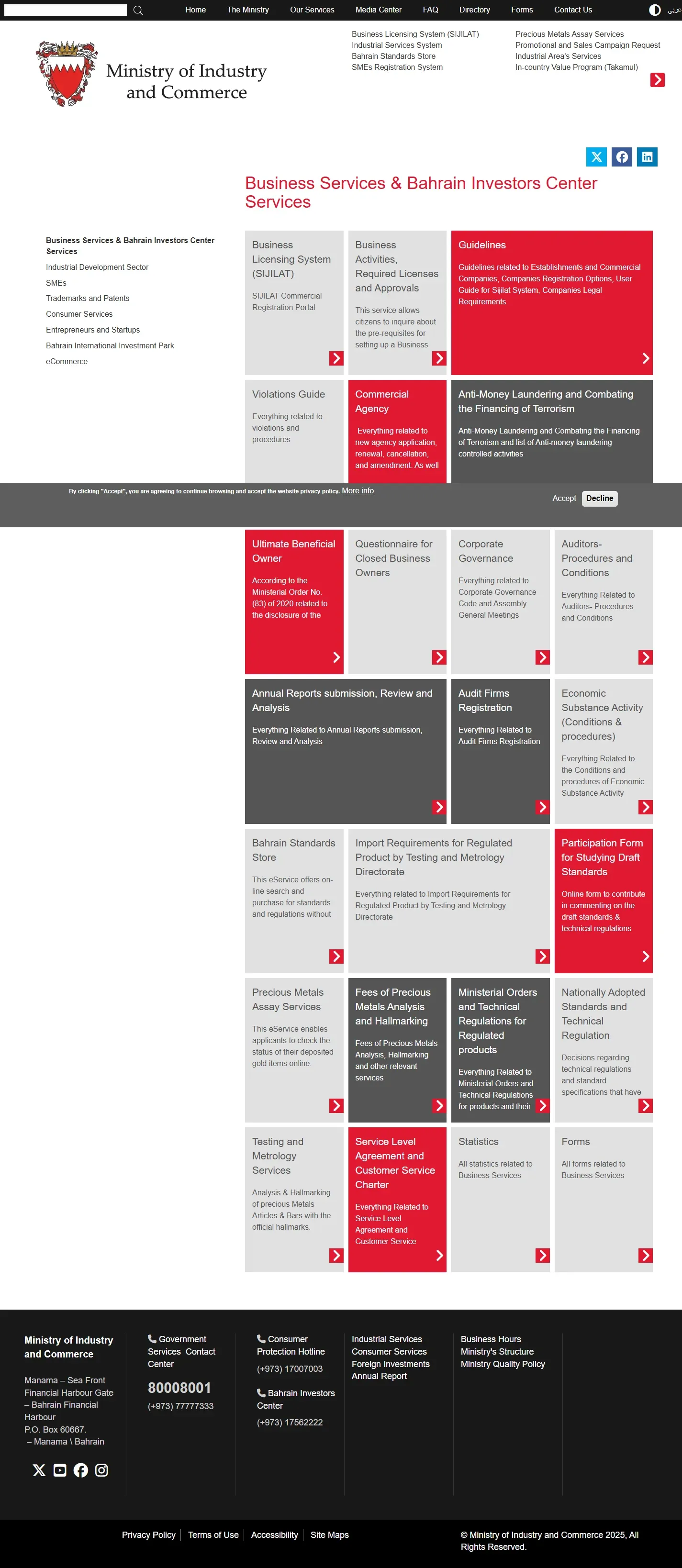
03Select the correct CR
The My Businesses table can contain more than one registration or branch. Match the CR number and commercial name before opening the row. Selecting the row opens Commercial Registration Information.
Before downloading, check the CR and branch details so the certificate matches the entity required.
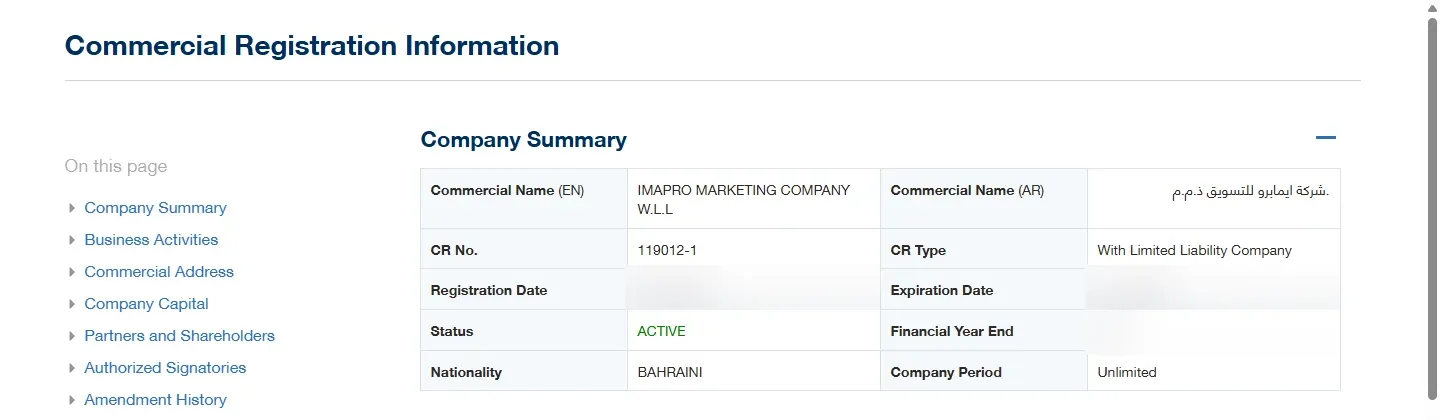
04Download E-CERTIFICATE
At the top of Commercial Registration Information, choose E-CERTIFICATE. Allow the Sijilat pop-up if the click appears to do nothing. When the certificate opens, use the PDF viewer's download button. If only a print control is available, choose Print and save as PDF.
The live digital route checked for this guide did not show a separate payment step before E-CERTIFICATE. Sijilat's public pages do not publish a separate download fee for this button, so this guide does not label it as free.
05Digital certificate fees and official hard copies
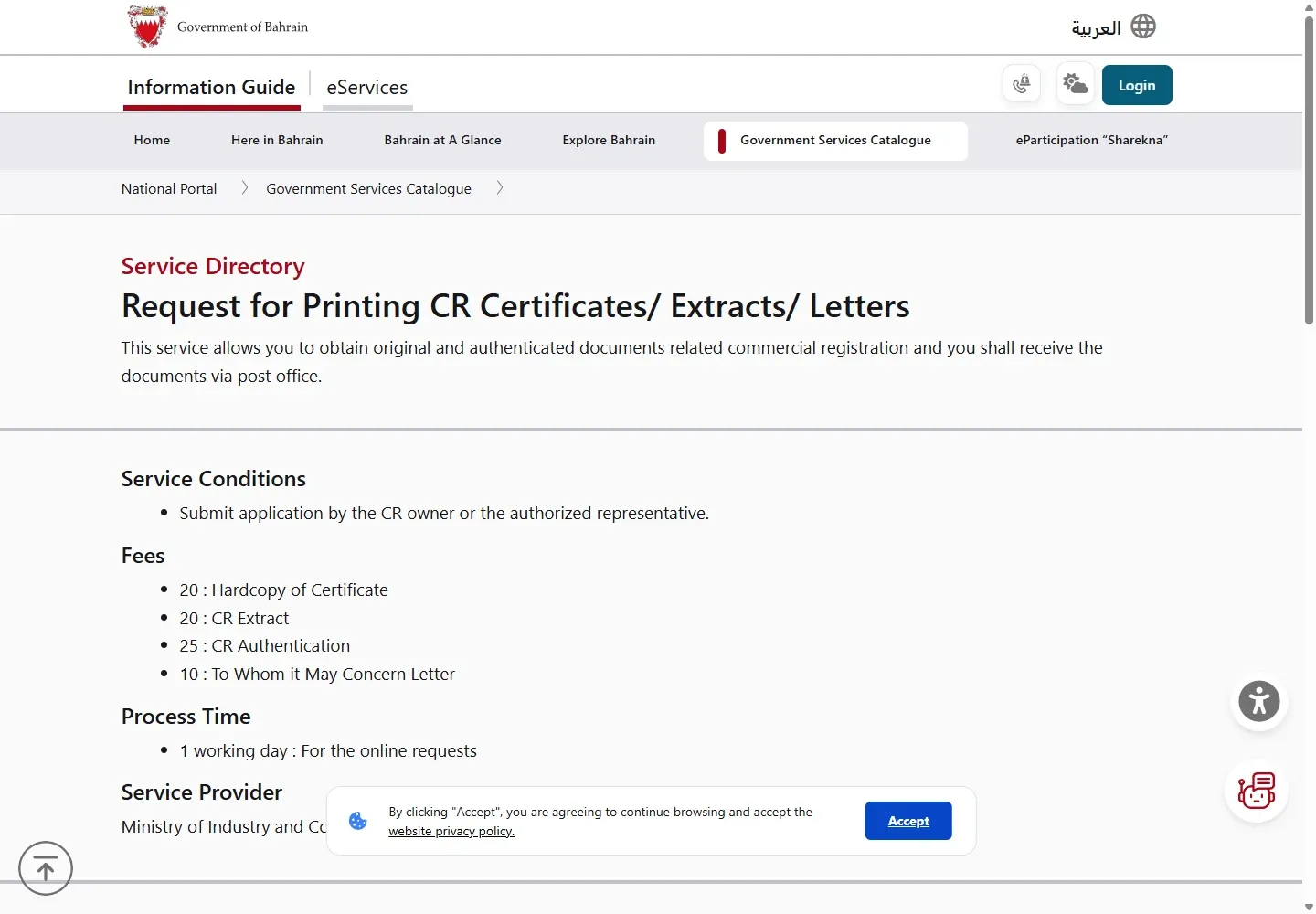
The digital E-CERTIFICATE route and the postal hard-copy service are different. Bahrain's official Request for Printing CR Certificates, Extracts and Letters page lists:
- BHD 20 for a hardcopy of the certificate.
- BHD 20 for a CR extract.
- BHD 25 for CR authentication.
- BHD 10 for a To Whom It May Concern letter.
The official page lists one working day and delivery by post. Use this paid route when the recipient specifically requires an official paper copy or authentication.
06Common errors and quick fixes
- The business is missing: sign in with an account authorized for that CR. Public business search does not replace access to My Businesses.
- You opened the wrong branch: return to the table and match the full CR number, including the branch suffix.
- E-CERTIFICATE does nothing: allow pop-ups and downloads for sijilat.bh, then click once more.
- You downloaded a table: the PDF icon beside My Businesses exports the list. Open the CR record and use E-CERTIFICATE.
- You opened CR EXTRACT: return and choose E-CERTIFICATE when a certificate is required.
- You need a stamped or authenticated paper: use the official paid printing service instead of the digital-download route.
If renewal is outstanding, complete the CR renewal process and confirm the updated record before relying on the certificate.
07Official help and related Bahrain guides
For Sijilat help, call 8000 8001 or email [email protected]. Keep your CR number ready so support can identify the record.