Provider renewal guide
Solidarity Car Insurance Renewal in Bahrain: Official Route and Checks
By Gaurav Agarwal · Checked 5 October 2026
Start from Solidarity Bahrain's official website or portal, choose Quick Renewal, review the renewed cover and dates, pay only on the official domain, and save the issued certificate. Motor-policy renewal and vehicle-registration renewal are separate. Continue to Traffic only after the insurer has activated the correct annual policy.

01Use the official Solidarity renewal route
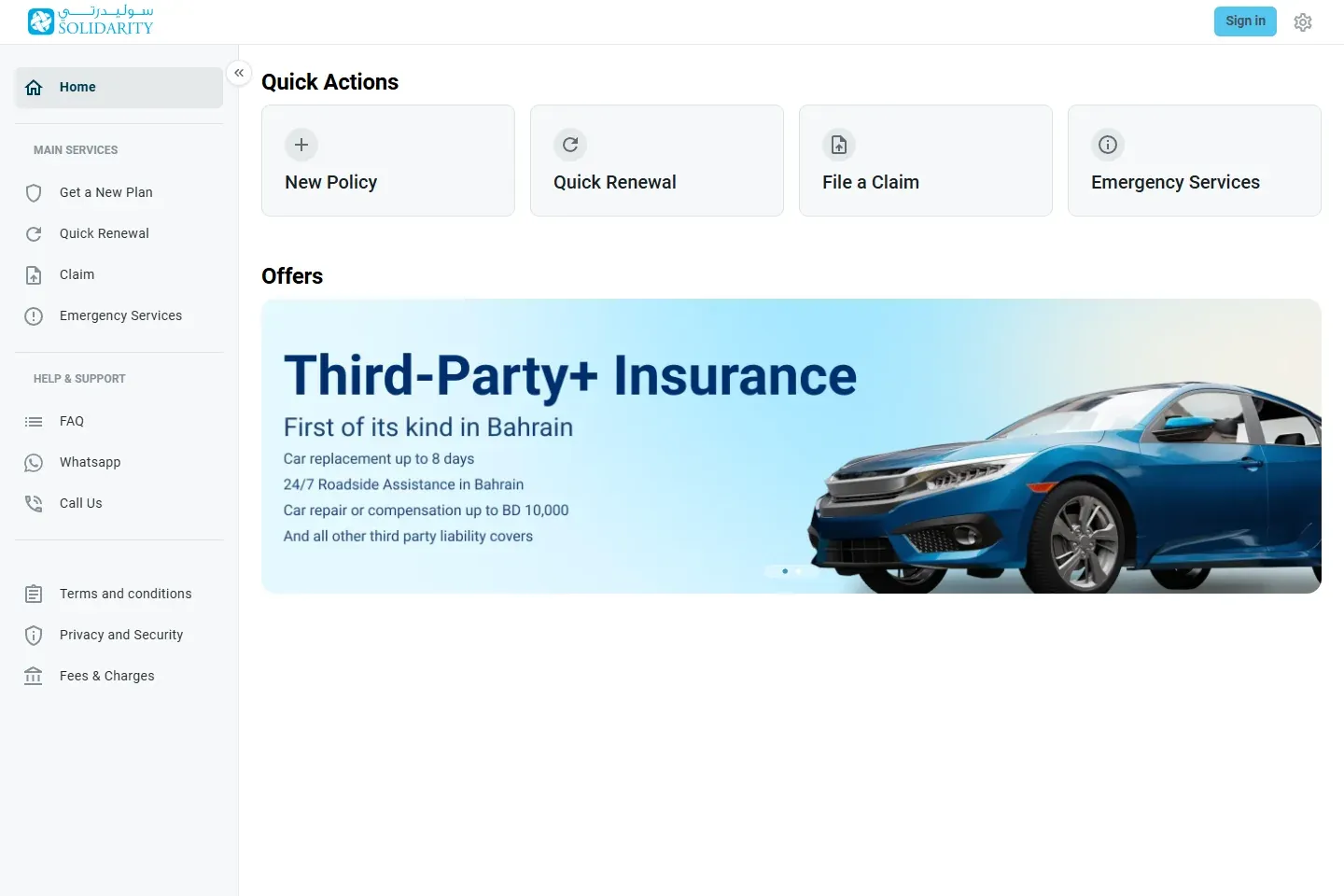
- Open Solidarity Bahrain and choose Quick Renewal, or go directly to the official online portal.
- Confirm that the browser remains on a Solidarity domain before entering policy or identity information.
- Choose the renewal option for the existing motor policy. A new-policy quote is a different transaction.
- Retrieve the policy using only the fields shown by the live portal.
- Review the renewal offer before paying.
02Have the matching details ready
Keep the existing certificate or schedule, vehicle registration, policyholder CPR or CR details, vehicle number, current contact information and any no-claims evidence requested by the portal. The live form controls what is required; do not upload extra identity material to an unofficial link.
Compare every retrieved detail with the vehicle registration. A wrong plate type, vehicle number, policyholder name or effective date can prevent the policy from matching the government registration record even when payment succeeded.
03Review the renewal offer, not only the price
Confirm whether the offer is third-party or comprehensive. Then check the insured vehicle value, compulsory and additional excesses, repair basis, named-driver or age conditions, territorial cover, roadside assistance, replacement-car benefit and any flood or natural-peril wording.
Solidarity's public motor page is the product overview. The binding terms remain the issued schedule, policy wording and endorsements. If the renewal changes a benefit you rely on, get the answer in writing before paying.

04Pay and verify the issued policy
- Use the payment page reached from the official portal.
- Save the payment receipt or transaction reference.
- Download the certificate and schedule after issuance.
- Check the legal insurer name, policy number, vehicle details, cover type, start date and end date.
- Save the wording and any endorsement that changes the standard cover.
A payment confirmation alone is not the policy. If the portal shows a pending transaction, do not pay again until Solidarity confirms the first payment status.
05Continue separately to vehicle registration
GDT requires at least third-party insurance valid for a full year from the vehicle-registration month, together with any required inspection and cleared contraventions. Use the vehicle-registration renewal guide only after the policy is active. Use the inspection guide if the vehicle is due for inspection.
The insurer transaction does not itself renew the registration. The general motor renewal guide explains the full handoff.
06If the renewal is paid but not usable
- Confirm that a policy was issued and that the start date has arrived.
- Compare the certificate with the registered vehicle and owner details.
- Ask Solidarity to confirm the policy status and the data sent to the government record.
- Keep the payment evidence and written reply.
- Do not buy a duplicate policy until the first transaction is reconciled.
No official source publishes one guaranteed synchronisation time for every insurer transaction. A fixed waiting period would be speculation.
07Get help or make a complaint
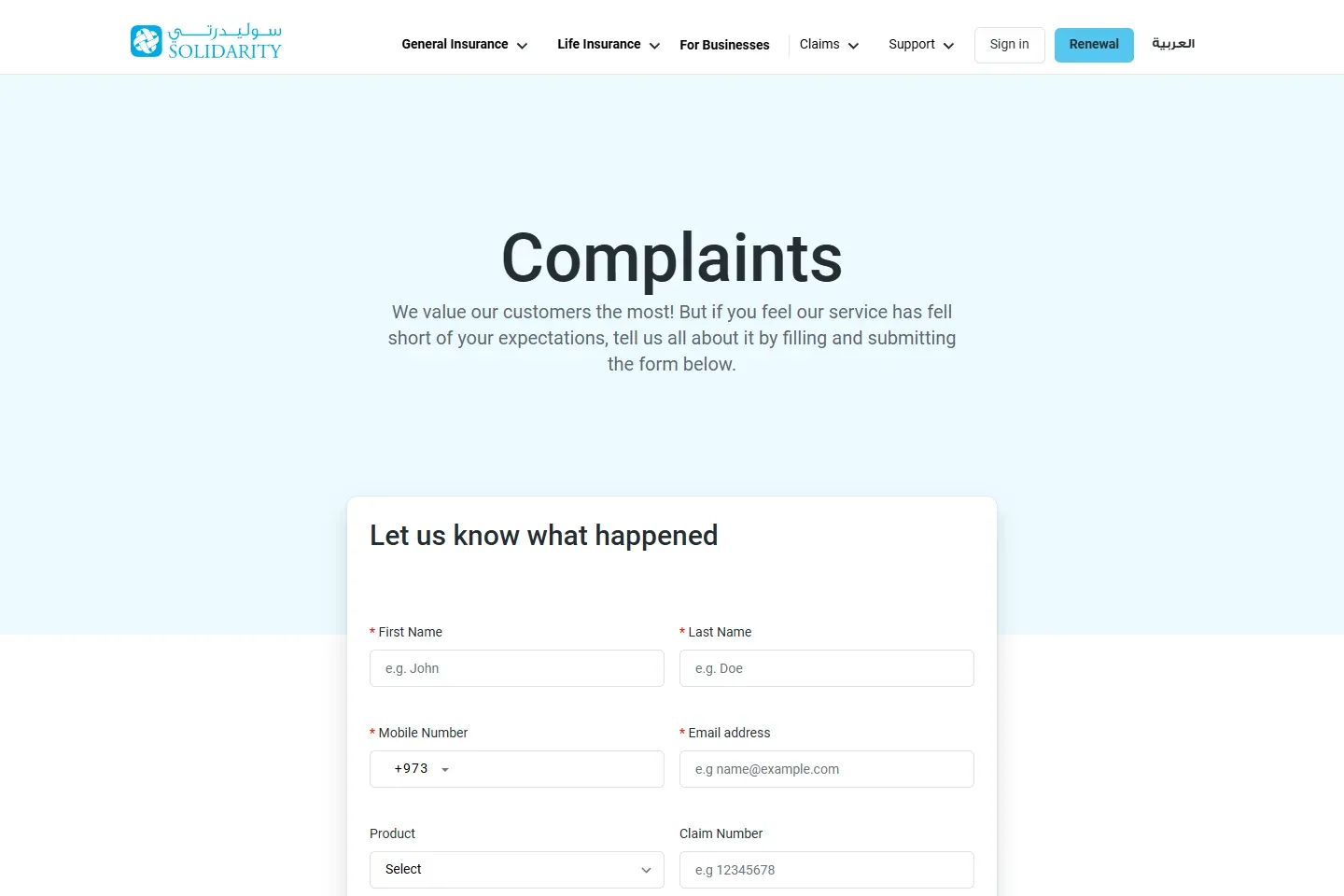
Use Solidarity's official portal, contact page or branch information for renewal support. If a service or claim issue remains unresolved, submit a written complaint to the insurer first and retain the response. The provider publishes a complaint form and process documents.
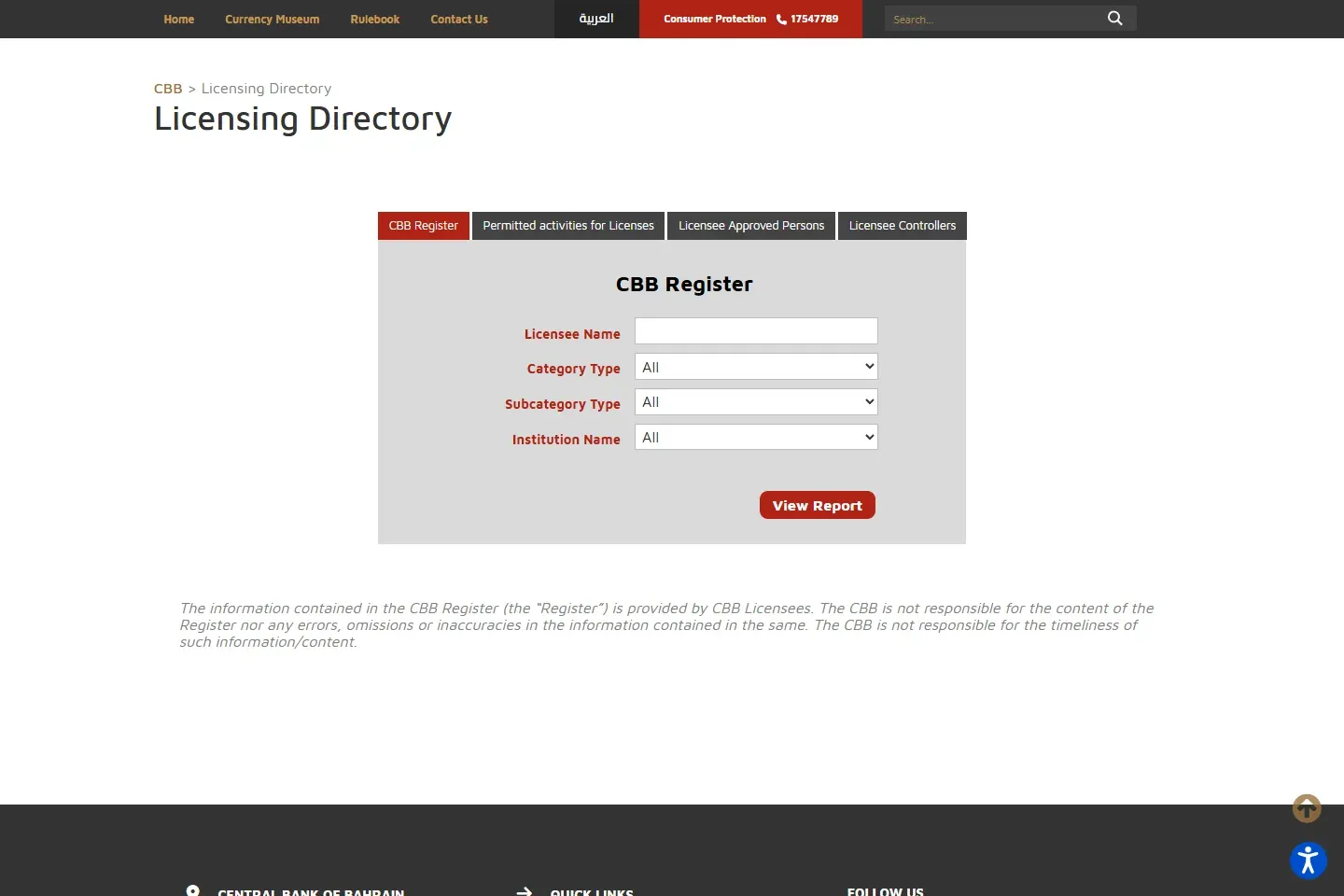
If the insurer's written response is unsatisfactory, follow the CBB consumer complaint route. Verify the legal entity in the CBB Licensing Directory.